A WiFi home security camera is a video camera that transmits video and audio signals wirelessly over your home’s WiFi network, allowing remote viewing and alerts via a smartphone app. These cameras offer a cable-free setup, needing only a power source and a network connection, making them easy to install for homeowners. For example, a typical 1080p camera might use 1-2 GB of data daily if recording continuously, providing clear footage for home protection.
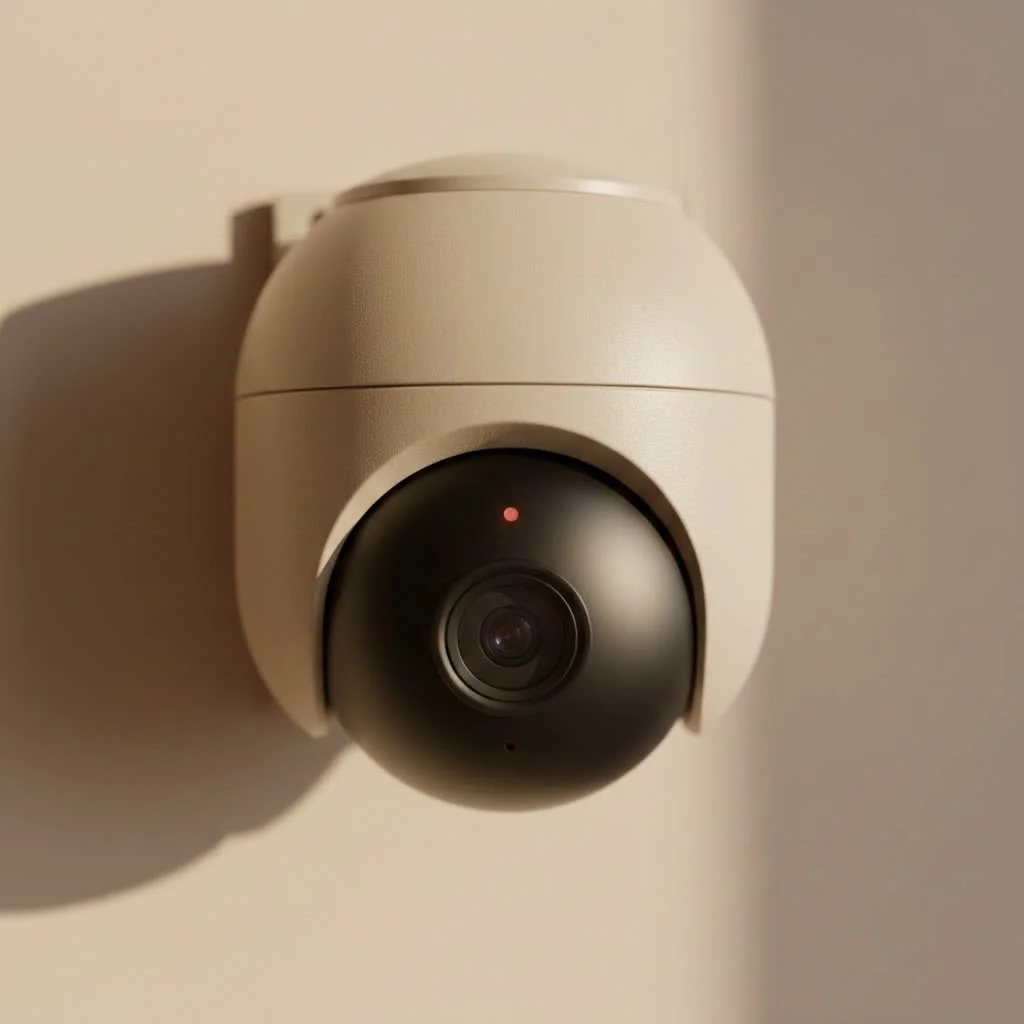 security camera monitoring a living room” style=”margin: 20px auto;width: 800px;max-width: 100%;height: auto” />
What Exactly is a WiFi Security Camera?
At its core, a wifi home security camera is a video camera that transmits video and audio signals to a wireless receiver over your home’s WiFi network. This simple, cable-free approach is its greatest strength. Unlike traditional analog systems that require separate power and video cables run back to a central recorder, a WiFi camera only needs a power source and a connection to your network. This allows you to place it almost anywhere, view live footage from your smartphone or computer, and receive instant alerts about activity at your home, no matter where you are. For complete home library on this site.
The setup is typically straightforward:
- Power On: Plug the camera into a wall outlet or ensure its battery is charged.
- Connect: Use a smartphone app to connect the camera to your home WiFi network.
- Mount: Place the camera in your desired location.
That’s it. Within minutes, you have a live feed of your property, accessible from the palm of your hand.
Key Features to Demand in Your Camera
Choosing the right camera can feel overwhelming with all the technical jargon out there. Let’s break down the most critical features you should look for to ensure you get a device that truly meets your security needs.
Video Resolution and Field of View
Video resolution determines the clarity of your footage. While older cameras offered 720p, the industry standard today is 1080p (Full HD). For greater detail, which is crucial for identifying faces or license plates, consider cameras with 2K or 4K resolution.
“Higher resolution is always better, but it’s a trade-off,” notes security system integrator John Miller. “4K video looks incredible, but it requires more bandwidth and storage space. For most homes, 1080p or 2K provides an excellent balance of clarity and efficiency.”
The field of view is the angle the camera can see, measured in degrees. A wider field of view (e.g., 130-160 degrees) allows you to cover more area with a single camera, which is ideal for monitoring large spaces like a backyard or an open-plan living room.
Superior Night Vision
|
Our Picks for the Best Security Camera in 2026
As an Amazon Associate I earn from qualifying purchases.
|
||
| Num | Product | Action |
|---|---|---|
| 1 | WYZE Cam v4 (Latest Model), 2.5K AI Security Camera, Indoor/Outdoor Cameras for Home Security, Baby Monitor & Pet Camera, Vibrant Color Night Vision, No Subscription Required, Free Expert Help |

|
| 2 | Security Cameras Wireless Outdoor-Solar&Battery Powered 2K 2.4G Cameras for Home Security, Instant Alert, AI Human Detection, Color Night Vision, 2-Way Talk, SD Storage, Work with Alexa, Z1 4P |
|
| 3 | REOLINK 4K PoE Security Camera System Wired, 8pcs 8MP PoE Cameras, Smart Person/Vehicle Detection, 16CH NVR with 4TB HDD, H.265, 24/7 Recording, High Bitrate & Clear Stream, RLK16-800D8 |
|
| 4 | Security Cameras Wireless Outdoor,2K Indoor WiFi Wireless Cameras,Outside Battery Powered Camera for Home Security,AI Motion Detection,Color Night Vision,Spotlight,Siren Alarm,SD/Cloud Storage,2 Pack |
|
| 5 | Kasa Smart Indoor Pan-Tilt Home Security Camera, 1080p HD Dog Camera w/Night Vision, Motion Detection for Baby & Pet Monitor, Cloud & SD Card Storage, Works w/ Alexa & Google Home, 2.4G WiFi (EC71) |
|
| 6 | TP-Link Tapo 1080P Indoor Security Camera for Baby Monitor, Dog Camera w/Motion Detection, 2-Way Audio Siren, Night Vision, Cloud & SD Card Storage, Works w/Alexa & Google Home (Tapo C100) |
|
| 7 | WYZE Cam Pan v3 Indoor/Outdoor IP65-Rated 1080p Pan/Tilt/Zoom Wi-Fi Smart Home Security Camera with Color Night Vision, 2-Way Audio, Compatible with Alexa & Google Assistant, White, 2-Pack |
|
| 8 | Tapo TP-Link 2K Pan/Tilt Indoor Security Camera for Baby Monitor, Pet Camera, Motion Detection & Tracking, 2-Way Audio, Cloud & SD Card Storage, Works w/Alexa & Google Home, Black, C211(2-Pack) |
|
| 9 | Tapo 2K Pan/Tilt Security Camera for Baby Monitor, Dog Camera w/Motion Detection, 2-Way Audio Siren, Night Vision, Cloud&SD Card Storage, Works w/Alexa & Google Assistant, 2-Pack (Tapo C210P2) |
|
| 10 | WYZE Bulb Cam Security Camera, 2K HD Outdoor Light Bulb Camera, Color Night Vision, Dimmable LED Bulb, Motion Detection, Siren Alarm, Works w/Alexa/Google Assistant. Free Expert Support |
|
A security camera is only as good as its ability to see in the dark. Most WiFi cameras use infrared (IR) LEDs to provide black-and-white night vision. When evaluating this feature, look for the range specified by the manufacturer (e.g., up to 30 feet). For superior nighttime detail, look for models with “Color Night Vision,” which use advanced sensors and built-in spotlights to capture video in full color, even in low-light conditions.
Smart Motion Detection and Alerts
Modern cameras do more than just record; they actively watch for you. Look for cameras with customizable motion zones. This feature allows you to select specific areas within the camera’s view to monitor for activity, such as a doorway or a driveway, ignoring irrelevant movement like trees swaying in the wind. This drastically reduces false alarms.
Advanced cameras use AI to differentiate between people, animals, vehicles, and packages, sending you more specific and relevant alerts.
Storage: Cloud Subscription vs. Local SD Card
You need a place to store your video recordings. WiFi cameras offer two primary options:
- Cloud Storage: Your video clips are uploaded to the manufacturer’s secure servers. This is convenient, accessible from anywhere, and safe from physical theft. However, it almost always requires a monthly subscription fee.
- Local Storage: The camera records footage directly onto a microSD card inserted into the device. This is a one-time cost with no recurring fees, and it keeps your data entirely in your control. The downside is that if a thief steals the camera, they also take the footage.
Many of the best cameras offer both options, giving you the flexibility to choose what works for you.
Two-Way Audio Communication
A built-in microphone and speaker allow you to hear what’s happening and speak through the camera using your smartphone app. This is incredibly useful for scaring off intruders, speaking to a delivery driver, or checking in on your pets while you’re away.
How to Install Your WiFi Home Security Camera
One of the biggest draws of a wifi home security camera is its simple, DIY-friendly installation process. Here’s a general step-by-step guide:
- Choose Your Location: Identify the key areas you want to monitor. Common spots include the front door, back door, driveway, and main living areas. Ensure the location has a strong WiFi signal.
- Unbox and Power Up: Follow the manufacturer’s instructions to power on the camera. For battery-powered models, make sure the battery is fully charged first.
- Download the App: Every WiFi camera has a corresponding app for your smartphone (iOS or Android). Download it from the app store and create an account.
- Connect to WiFi: The app will guide you through the process of connecting the camera to your home network. This usually involves scanning a QR code on the camera or temporarily connecting to the camera’s own WiFi hotspot.
- Mount the Camera: Once the camera is connected and you can see a live feed, mount it securely. For outdoor cameras, place them high enough to be out of easy reach but low enough to capture useful detail, typically 8-10 feet off the ground.
- Configure Settings: Use the app to customize motion zones, alert sensitivity, recording schedules, and other preferences to tailor the camera’s performance to your home.
Frequently Asked Questions (FAQ)
Do WiFi cameras work without an internet connection?
No, for remote viewing and alerts, a WiFi camera must be connected to the internet. However, models with local microSD card storage can often continue to record footage even if the internet connection goes down. You just won’t be able to view it remotely until the connection is restored.
Can WiFi security cameras be hacked?
Any device connected to the internet has a potential risk of being hacked. To protect your camera, always use a strong, unique password for your account, enable two-factor authentication (2FA) if available, and keep the camera’s firmware updated to the latest version.
How much data does a WiFi camera use?
The amount of data used depends on the video resolution, the compression used, and how much motion it records. A camera recording in 1080p might use 1-2 GB of data per day if recording continuously, but much less if it only records when motion is detected.
Do I need a monthly subscription for my camera?
It depends on the model and how you want to store video. If you want to use cloud storage for your recordings, you will almost certainly need a paid subscription. If you rely solely on local microSD card storage, you can typically use the camera’s core features without any recurring fees.
Can I view my camera feed from anywhere?
Yes, this is a primary benefit of a wifi home security camera. As long as your camera is online and your smartphone has an internet connection (WiFi or cellular), you can open the app and view your live or recorded footage from anywhere in the world.
Your First Step to a More Secure Home
A wifi home security camera is a powerful, flexible, and affordable tool for protecting your property and loved ones. By focusing on the key features that matter—video quality, reliable night vision, smart alerts, and secure storage—you can build a system that offers true peace of mind. Whether you’re starting with a single camera at your front door or planning a comprehensive network around your property, the power to monitor and protect your home is now firmly in your hands. Take the time to assess your needs, choose a reputable brand, and you’ll be well on your way to a safer, smarter home.
Frequently Asked Questions
Do WiFi cameras work without an internet connection?
No, a WiFi camera requires an internet connection for remote viewing and alerts. However, models with local microSD card storage can often continue to record footage even if the internet connection is temporarily lost, though remote access will be unavailable.
Can WiFi security cameras be hacked?
Any internet-connected device carries a potential hacking risk. To protect your camera, always use a strong, unique password, enable two-factor authentication (2FA) if available, and keep the camera's firmware updated to the latest version for security patches.
How much data does a WiFi camera use daily?
The amount of data used by a WiFi camera varies based on video resolution, compression, and recording frequency. A 1080p camera recording continuously might use 1-2 GB of data per day, but this consumption significantly decreases if it only records upon motion detection.
Is a monthly subscription necessary for a WiFi security camera?
A monthly subscription is typically required if you opt for cloud storage for your video recordings. However, if you rely solely on local microSD card storage, you can usually access the camera's core features without any recurring fees.
Can I view my security camera feed from anywhere in the world?
Yes, a primary benefit of WiFi home security cameras is remote accessibility. As long as your camera is online and your smartphone has an internet connection (WiFi or cellular), you can open the corresponding app to view live or recorded footage from any location.
How to Install Your WiFi Home Security Camera
Installing a WiFi home security camera is a straightforward, DIY-friendly process that can be completed in a few steps to enhance your home's security.
Identify optimal monitoring areas such as front doors, back doors, driveways, or main living spaces. Ensure the chosen spot has a strong and stable WiFi signal for reliable performance.
Follow the manufacturer's instructions to power on your camera. If it's a battery-powered model, ensure the battery is fully charged before proceeding with the setup.
Download the camera's dedicated smartphone app (available for iOS or Android) and create an account. The app will then guide you through connecting the camera to your home WiFi network, often by scanning a QR code.
Once connected and showing a live feed, mount the camera in your desired location. For outdoor cameras, position them 8-10 feet off the ground to be out of easy reach but still capture useful detail.
Use the app to customize various settings, including motion detection zones, alert sensitivity, and recording schedules. Tailoring these preferences will optimize the camera's performance for your specific home security needs.
Get our weekly buyer guide
Practical specs, not advice. Unsubscribe anytime.
I appreciate the breakdown of how these cameras work. I was worried about data usage, but knowing that a 1080p camera uses around 1-2 GB daily for continuous recording helped me choose the right data plan for my home. The alerts to my smartphone app are a lifesaver when I’m not home.
I was really struggling with finding a security camera that didn’t require a ton of wiring. The cable-free setup mentioned here was exactly what I needed. I got a 1080p model and it’s been fantastic for keeping an eye on my front porch, especially when packages arrive. The remote viewing on my phone is super convenient.
This type of camera is a game-changer for homeowners. I love that it transmits video and audio signals wirelessly. It makes monitoring my property so much simpler without having to run a bunch of cables through the walls. The clear footage provides great peace of mind.
The ease of installation is definitely a plus, only needing a power source and network connection. However, I found that my camera sometimes struggles with maintaining a consistent WiFi connection, especially when it’s further from the router. It’s not a dealbreaker, but it can be a bit frustrating when I want to check the live feed quickly.