Stepping into the world of home security, you’re likely looking for reliable protection for your loved ones and property. When you hear “Samsung security camera,” a brand known for innovation and quality across various electronics, it’s natural to wonder what they offer in surveillance. For years, Samsung indeed delivered robust home security solutions under its SmartCam lineup. However, the landscape has evolved. While the original Samsung SmartCam devices might bring back fond memories for some, the brand’s security camera division transitioned, leading to the rise of Wisenet, now a leader in professional surveillance. This article will guide you through the journey of Samsung’s security camera offerings, from their classic SmartCams to the advanced Wisenet systems, helping you make informed decisions for your security needs.
The Samsung SmartCam Era: A Legacy of Innovation
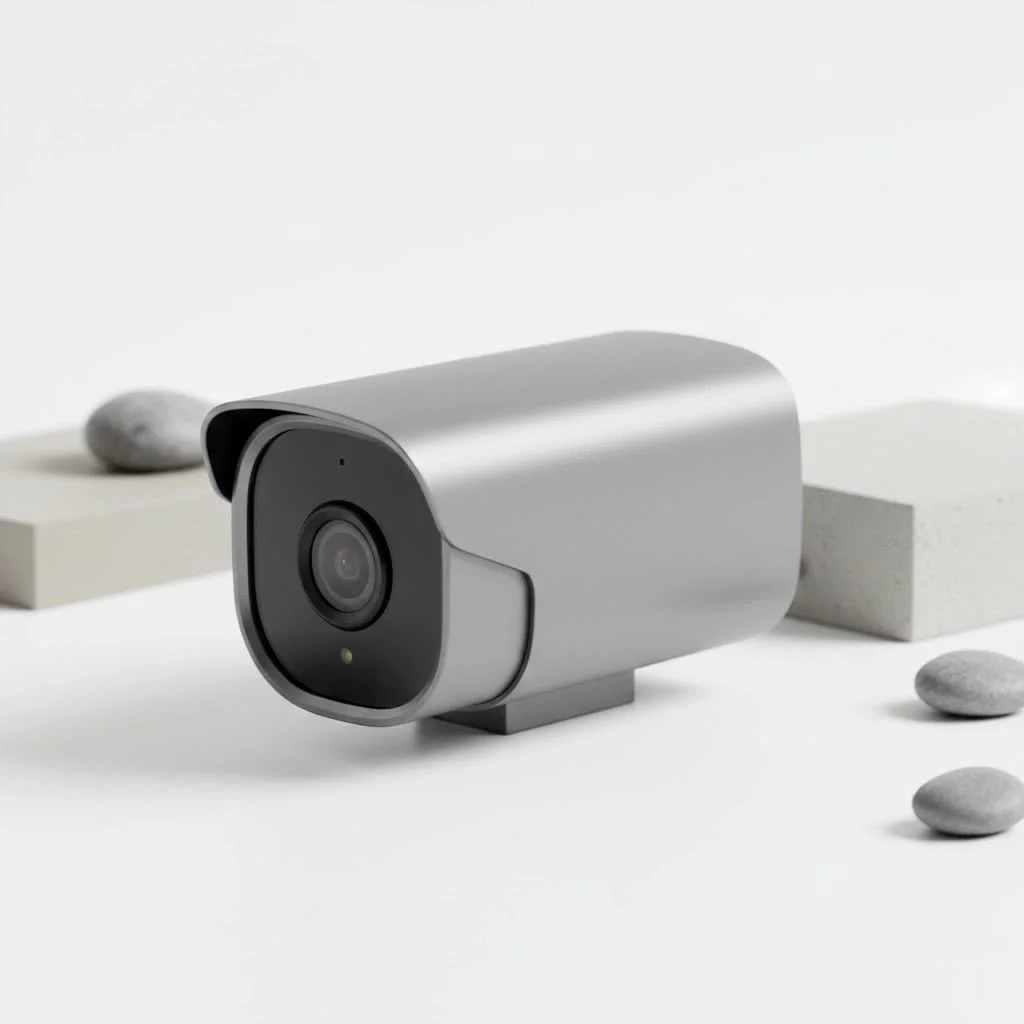
Before the transition, Samsung’s SmartCam series was a popular choice for homeowners seeking accessible and effective surveillance. These cameras were celebrated for integrating user-friendly features with reliable performance, making home monitoring straightforward for many. They offered a blend of technology that appealed to both tech-savvy individuals and those new to home security, focusing on simplicity without compromising essential protective capabilities. The SmartCam lineup built a solid reputation for offering peace of mind through accessible technology, establishing a strong foundation for the brand’s future in the security sector.
Key Features of Classic Samsung SmartCams
The Samsung SmartCam models came packed with features designed to provide comprehensive home monitoring:
- High-Definition Video Quality: Most SmartCams delivered crisp 1080p Full HD video, ensuring clear footage during the day. For instance, models like the SmartCam HD Pro offered excellent picture quality, making it easy to discern details.
- Wide-Angle View: Cameras often boasted ultra-wide-angle lenses, such as a 128-degree field of view. This broad perspective minimized blind spots and often reduced the need for multiple cameras to cover a single area.
- Robust Night Vision: Equipped with IR-LEDs and advanced IR Cut Filters, these cameras provided clear night vision, extending up to 16 feet for indoor models and up to 50 feet for outdoor variants, allowing for effective surveillance even in complete darkness.
- Advanced Motion and Audio Detection: SmartCams could detect both motion and unusual sounds, sending instant alerts to your smartphone or email. Many models allowed users to customize “motion zones” within the camera’s field of view, preventing false alarms from common occurrences like passing cars.
- Two-Way Audio Communication: A built-in microphone and speaker enabled two-way communication, letting you listen to what was happening and speak through the camera, a useful feature for checking in with family or deterring intruders.
- Local Storage Options: Many Samsung security camera models included a microSD card slot, supporting up to 64GB of local storage. This was a convenient option for recording footage directly to the device without relying solely on cloud services.
- Intuitive Mobile App Integration: The dedicated SmartCam app for iOS and Android devices facilitated easy setup, live viewing, playback, and alert management, putting control directly into the user’s hands.
What Users Loved (and What They Didn’t)
|
Our Picks for the Best Security Camera in 2026
As an Amazon Associate I earn from qualifying purchases.
|
||
| Num | Product | Action |
|---|---|---|
| 1 | Tapo 2K Pan/Tilt Security Camera for Baby Monitor, Dog Camera w/Motion Detection, 2-Way Audio Siren, Night Vision, Cloud&SD Card Storage, Works w/Alexa & Google Assistant, 2-Pack (Tapo C210P2) |

|
| 2 | TP-Link Tapo 1080P Indoor Security Camera for Baby Monitor, Dog Camera w/Motion Detection, 2-Way Audio Siren, Night Vision, Cloud & SD Card Storage, Works w/Alexa & Google Home (Tapo C100) |
|
| 3 | REOLINK 4K PoE Security Camera System Wired, 8pcs 8MP PoE Cameras, Smart Person/Vehicle Detection, 16CH NVR with 4TB HDD, H.265, 24/7 Recording, High Bitrate & Clear Stream, RLK16-800D8 |
|
| 4 | WYZE Cam Pan v3 Indoor/Outdoor IP65-Rated 1080p Pan/Tilt/Zoom Wi-Fi Smart Home Security Camera with Color Night Vision, 2-Way Audio, Compatible with Alexa & Google Assistant, White, 2-Pack |
|
| 5 | Tapo TP-Link 2K Pan/Tilt Indoor Security Camera for Baby Monitor, Pet Camera, Motion Detection & Tracking, 2-Way Audio, Cloud & SD Card Storage, Works w/Alexa & Google Home, Black, C211(2-Pack) |
|
| 6 | Security Cameras Wireless Outdoor-Solar&Battery Powered 2K 2.4G Cameras for Home Security, Instant Alert, AI Human Detection, Color Night Vision, 2-Way Talk, SD Storage, Work with Alexa, Z1 4P |
|
| 7 | WYZE Cam v4 (Latest Model), 2.5K AI Security Camera, Indoor/Outdoor Cameras for Home Security, Baby Monitor & Pet Camera, Vibrant Color Night Vision, No Subscription Required, Free Expert Help |
|
| 8 | Kasa Smart Indoor Pan-Tilt Home Security Camera, 1080p HD Dog Camera w/Night Vision, Motion Detection for Baby & Pet Monitor, Cloud & SD Card Storage, Works w/ Alexa & Google Home, 2.4G WiFi (EC71) |
|
| 9 | WYZE Bulb Cam Security Camera, 2K HD Outdoor Light Bulb Camera, Color Night Vision, Dimmable LED Bulb, Motion Detection, Siren Alarm, Works w/Alexa/Google Assistant. Free Expert Support |
|
| 10 | Security Cameras Wireless Outdoor,2K Indoor WiFi Wireless Cameras,Outside Battery Powered Camera for Home Security,AI Motion Detection,Color Night Vision,Spotlight,Siren Alarm,SD/Cloud Storage,2 Pack |
|
Customers often praised the Samsung security camera for its excellent picture quality, straightforward setup, and effective night vision. Many appreciated the local storage option, which offered a no-monthly-fee recording solution. The ability to customize motion detection zones and receive instant alerts also contributed to a positive user experience.
However, some users encountered challenges. Connectivity issues were occasionally reported, and the mobile app’s interface could sometimes be confusing. For some outdoor models, a bulky cable and external Wi-Fi module were necessary, which wasn’t ideal for a truly wireless setup. The original Samsung SmartCloud video storage service was discontinued around summer 2020, which disappointed users who relied on cloud recording. Additionally, certain models lacked battery backup and advanced compatibility with broader smart home ecosystems beyond SmartThings. While some microphones allowed for two-way talk, their quality was sometimes described as “low,” making it hard for distant individuals to hear.
From Samsung to Wisenet: A Strategic Evolution
The story of the Samsung security camera took a significant turn when the security division was acquired by Hanwha Group. This strategic move led to the rebranding and evolution of Samsung’s surveillance technology under the name “Wisenet,” managed by Hanwha Vision. While the direct “Samsung SmartCam” brand became less prevalent, the technological expertise and innovative spirit continued within Wisenet.
Wisenet cameras are now recognized as the professional-grade successors, inheriting the legacy of quality and expanding on it with more sophisticated features for both home and business security. This transition reassured many that the underlying quality and commitment to advanced surveillance technology remained strong, simply under a new banner.
What Wisenet Brings to the Table
Wisenet, building on the foundations laid by Samsung’s security camera legacy, offers a more comprehensive and advanced suite of security solutions:
- Enhanced Resolution and Imaging: Wisenet cameras push boundaries with higher resolutions, including 4K Ultra HD options, providing incredibly detailed images that capture even the smallest nuances.
- Advanced Video Analytics: Modern Wisenet systems integrate cutting-edge AI features such as facial recognition, abnormal sound detection, and intelligent motion analysis. These capabilities allow for more precise alerts and smarter monitoring, differentiating between a pet and a person, for example.
- Diverse Camera Types: The Wisenet lineup spans a wide array of camera types, including sophisticated IP cameras, robust analog cameras, and advanced network video recorders (NVRs) and digital video recorders (DVRs) to support comprehensive surveillance systems. This includes dome cameras, bullet cameras, and PTZ (Pan-Tilt-Zoom) cameras for varied applications.
- Scalable Solutions: From single-camera setups for small homes to extensive multi-camera systems for large enterprises, Wisenet offers scalable solutions that can grow with your needs.
- Robust Connectivity: Wisenet cameras offer flexible connectivity options, including Power over Ethernet (PoE) for simplified installation with both power and data over a single cable, and advanced wireless solutions for greater placement flexibility.
- Comprehensive Software and Management: Wisenet provides powerful software platforms for managing multiple cameras, viewing live feeds, reviewing recordings, and configuring advanced settings, often with enhanced cloud and local storage integration.
“The evolution from Samsung SmartCam to Wisenet represents a significant leap in surveillance technology,” says Alex Chen, a seasoned security systems architect with 20 years of experience. “It’s not just a name change; it’s a commitment to integrating smarter analytics and professional-grade reliability into accessible security solutions.”
Choosing Your Samsung-Legacy Security Camera
When selecting a security camera, whether an older Samsung SmartCam or a modern Wisenet system, it’s crucial to consider several factors to ensure it meets your specific security requirements:
- Indoor vs. Outdoor Use: Determine where the camera will be placed. Outdoor cameras need to be weatherproof (e.g., IP66 rated) and offer longer night vision ranges. Indoor cameras can be more compact and discreet.
- Resolution and Image Quality: While 1080p HD is a good baseline, higher resolutions like 4K offer superior detail, which can be critical for identification.
- Night Vision Capabilities: Look for cameras with strong IR illumination for clear black-and-white night vision, or consider models with color night vision for enhanced detail in low light.
- Storage Solutions: Decide between local storage (microSD card) for privacy and no recurring fees, or cloud storage for remote access and backup. Wisenet systems often integrate well with NVRs for extensive local storage.
- Connectivity: Will you need a wireless (Wi-Fi) camera for flexible placement, or a wired (Ethernet/PoE) connection for maximum stability and reliability?
- Smart Home Integration: If you have an existing smart home ecosystem, check for compatibility with platforms like SmartThings (for some older Samsung devices) or broader integration for Wisenet cameras.
- Budget: Determine your budget, keeping in mind that while older Samsung SmartCams might be found at lower prices on secondary markets, newer Wisenet models offer advanced features at competitive price points.
Installation and Setup: Getting Started
Setting up your Samsung security camera or Wisenet system is designed to be user-friendly, allowing you to quickly secure your property.
- Placement Planning: Identify strategic locations that provide optimal coverage and minimize blind spots. Consider height, angles, and proximity to power sources or network connections.
- Power and Network Connection: For wired cameras, ensure proper cabling for power and data (often via Ethernet or coaxial for analog). Wireless cameras require a stable Wi-Fi connection and proximity to an outlet. PoE (Power over Ethernet) cameras simplify this by using a single cable for both.
- App Download and Account Creation: Download the relevant mobile app (e.g., SmartCam app for older models or Wisenet Life/Viewer for newer ones). Follow the in-app instructions to create an account and register your device.
- Camera Pairing: The app usually guides you through connecting the camera to your Wi-Fi network or NVR/DVR system. This often involves scanning a QR code or entering a temporary password.
- Configuration: Customize settings such as motion detection zones, alert preferences, recording schedules, and privacy masks to suit your needs. Test the live view and recording functions to ensure everything is working correctly.
Maintaining Your Security System
Regular maintenance ensures your Samsung security camera, or any security system, continues to perform optimally:
- Firmware Updates: Regularly check for and install firmware updates. These updates often include security patches, bug fixes, and performance enhancements.
- Lens Cleaning: Gently clean the camera lens with a soft, dry cloth to remove dust, smudges, or cobwebs that can obscure the view.
- Connectivity Check: Periodically verify the network connection for all your cameras. Address any Wi-Fi dropouts or cable issues promptly.
- Storage Management: If using local storage, regularly check the microSD card or NVR/DVR hard drive for sufficient space and ensure old footage is being overwritten or archived as desired.
- App Review: Familiarize yourself with new features or settings in the mobile app, and ensure your notification preferences are up-to-date.
- Physical Inspection: For outdoor cameras, inspect mounts and cabling for any signs of wear, weather damage, or tampering.
Troubleshooting Common Issues
Even with the best Samsung security camera systems, you might encounter occasional issues. Here are some common problems and their solutions:
- No Video/Offline Camera:
- Check power supply: Ensure the camera is plugged in and receiving power.
- Network connection: Verify Wi-Fi signal strength or Ethernet cable connection. Restart your router if necessary.
- App status: Check if the camera appears offline in the app and try re-pairing it.
- Poor Video Quality:
- Lens obstruction: Clean the camera lens.
- Lighting: Adjust camera position or add external lighting if the area is too dark during the day.
- Network bandwidth: Ensure sufficient bandwidth for high-resolution streaming.
- False Motion Alerts:
- Motion zone sensitivity: Adjust the sensitivity settings in the app.
- Customize motion zones: Redraw detection zones to exclude moving trees, shadows, or busy public areas.
- Recording Issues:
- Storage capacity: Check if the microSD card or NVR/DVR hard drive is full.
- Recording schedule: Verify your recording schedule settings in the app or system interface.
- Card health: If using a microSD card, ensure it’s functional and properly formatted.
Frequently Asked Questions (FAQ)
Are Samsung security cameras still manufactured under the Samsung brand?
No, Samsung officially discontinued the manufacturing of cameras under its direct brand. The security camera division transitioned to Hanwha Group, and products are now primarily branded as Wisenet.
What replaced Samsung SmartCams?
Wisenet (by Hanwha Vision) cameras are the successors to the Samsung SmartCam line. They offer a wider range of professional-grade surveillance solutions with advanced features and technology.
Do Wisenet cameras work with old Samsung SmartCam apps?
Generally, no. Wisenet cameras typically use their own dedicated apps and software platforms (e.g., Wisenet Life, Wisenet Viewer) that are optimized for their current product lines.
What are the best features of Wisenet cameras?
Wisenet cameras are known for high-resolution video (including 4K), advanced AI-driven video analytics like facial recognition and abnormal sound detection, robust build quality, diverse camera types, and comprehensive management software.
How much do Wisenet cameras cost?
Wisenet cameras vary in price depending on the model, features, and system complexity. While some entry-level models are competitively priced for home use, more advanced professional-grade systems can represent a higher investment, reflecting their enhanced capabilities and reliability.
Secure Your World with Confidence
The journey of the Samsung security camera, from its beloved SmartCam series to the sophisticated Wisenet systems, highlights a continuous commitment to advancing surveillance technology. Whether you’re looking to protect your home or business, understanding this evolution empowers you to choose solutions that offer reliability, cutting-edge features, and peace of mind. By considering your specific needs for resolution, night vision, storage, and smart integration, you can confidently select a security camera system that stands guard, keeping your world safe and sound. Take the first step today to explore the innovative options available and bring robust security to your environment.
Get our weekly buyer guide
Practical specs, not advice. Unsubscribe anytime.
