Imagine having a single security camera that can sweep across your entire property, zero in on a suspicious figure, and even follow an intruder’s movements automatically. That’s the power of a PTZ security camera, an incredible piece of technology that offers far more than just passive monitoring. As a seasoned expert in surveillance systems, I’ve seen how a well-chosen ptz security camera can transform your security posture, providing unparalleled coverage and control. In this comprehensive guide, we’ll dive deep into everything you need to know about these dynamic devices, helping you understand their features, benefits, and how to integrate them into your home or business security plan.
What Exactly is a PTZ Security Camera?
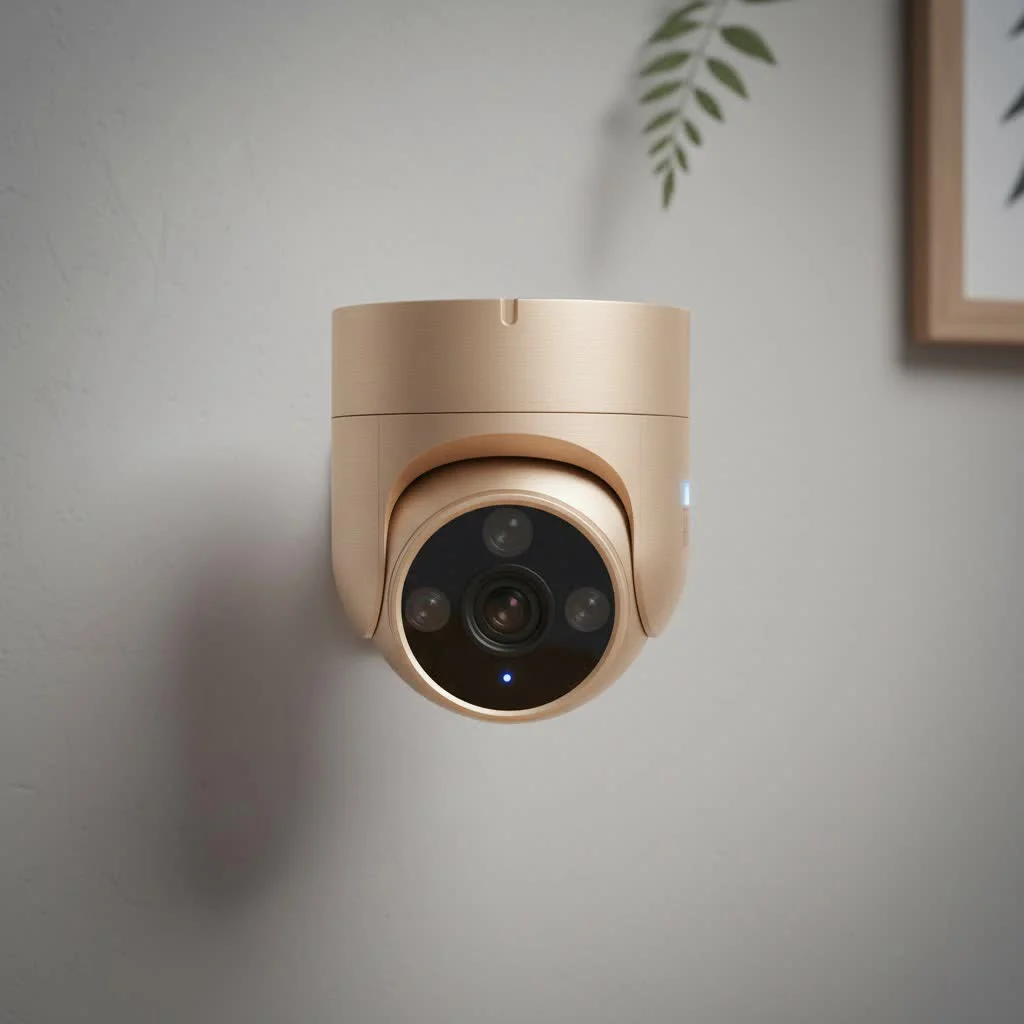
At its core, a ptz security camera stands for Pan, Tilt, and Zoom. This means you, or the camera’s intelligent software, can remotely control its lens to move horizontally (pan), vertically (tilt), and magnify the view (zoom). Unlike traditional fixed cameras that offer a static field of view, a PTZ camera is a dynamic eye, capable of actively monitoring large areas, tracking subjects, and capturing critical details that a stationary camera might miss. Think of it as having a security guard with an eagle eye, but one who never sleeps and can be everywhere at once – virtually.
Unpacking the Power: Key Features of PTZ Security Cameras
Understanding the features of a ptz security camera is crucial for harnessing its full potential. These aren’t just minor additions; they are game-changers for effective surveillance.
Pan, Tilt, and Optical Zoom: The Core Mechanics
The defining characteristics of any ptz security camera are its ability to pan, tilt, and zoom.
- Pan: This refers to the camera’s horizontal rotation. Many PTZ cameras offer continuous 360-degree pan capabilities, allowing them to cover vast areas without blind spots.
- Tilt: The tilt function controls the camera’s vertical movement, letting you look up or down. Typical tilt ranges might be from -5 degrees (slightly looking up) to 90 degrees (looking straight down).
- Optical Zoom: This is where PTZ cameras truly shine. Optical zoom uses the camera’s physical lens to magnify the image without any loss of quality. Unlike digital zoom, which merely crops and enlarges pixels, optical zoom provides crystal-clear detail even at extreme distances. A 20x or 30x optical zoom on a ptz security camera means you can clearly identify faces or license plates from hundreds of feet away.
Intelligent Automation: Auto-Tracking and Presets
|
Our Picks for the Best Security Camera in 2026
As an Amazon Associate I earn from qualifying purchases.
|
||
| Num | Product | Action |
|---|---|---|
| 1 | Security Cameras Wireless Outdoor,2K Indoor WiFi Wireless Cameras,Outside Battery Powered Camera for Home Security,AI Motion Detection,Color Night Vision,Spotlight,Siren Alarm,SD/Cloud Storage,2 Pack |

|
| 2 | WYZE Cam Pan v3 Indoor/Outdoor IP65-Rated 1080p Pan/Tilt/Zoom Wi-Fi Smart Home Security Camera with Color Night Vision, 2-Way Audio, Compatible with Alexa & Google Assistant, White, 2-Pack |
|
| 3 | Kasa Smart Indoor Pan-Tilt Home Security Camera, 1080p HD Dog Camera w/Night Vision, Motion Detection for Baby & Pet Monitor, Cloud & SD Card Storage, Works w/ Alexa & Google Home, 2.4G WiFi (EC71) |
|
| 4 | Tapo 2K Pan/Tilt Security Camera for Baby Monitor, Dog Camera w/Motion Detection, 2-Way Audio Siren, Night Vision, Cloud&SD Card Storage, Works w/Alexa & Google Assistant, 2-Pack (Tapo C210P2) |
|
| 5 | REOLINK 4K PoE Security Camera System Wired, 8pcs 8MP PoE Cameras, Smart Person/Vehicle Detection, 16CH NVR with 4TB HDD, H.265, 24/7 Recording, High Bitrate & Clear Stream, RLK16-800D8 |
|
| 6 | TP-Link Tapo 1080P Indoor Security Camera for Baby Monitor, Dog Camera w/Motion Detection, 2-Way Audio Siren, Night Vision, Cloud & SD Card Storage, Works w/Alexa & Google Home (Tapo C100) |
|
| 7 | WYZE Bulb Cam Security Camera, 2K HD Outdoor Light Bulb Camera, Color Night Vision, Dimmable LED Bulb, Motion Detection, Siren Alarm, Works w/Alexa/Google Assistant. Free Expert Support |
|
| 8 | Security Cameras Wireless Outdoor-Solar&Battery Powered 2K 2.4G Cameras for Home Security, Instant Alert, AI Human Detection, Color Night Vision, 2-Way Talk, SD Storage, Work with Alexa, Z1 4P |
|
| 9 | Tapo TP-Link 2K Pan/Tilt Indoor Security Camera for Baby Monitor, Pet Camera, Motion Detection & Tracking, 2-Way Audio, Cloud & SD Card Storage, Works w/Alexa & Google Home, Black, C211(2-Pack) |
|
| 10 | WYZE Cam v4 (Latest Model), 2.5K AI Security Camera, Indoor/Outdoor Cameras for Home Security, Baby Monitor & Pet Camera, Vibrant Color Night Vision, No Subscription Required, Free Expert Help |
|
Modern PTZ cameras are far more than just remotely controllable lenses; they are intelligent surveillance tools.
- Auto-Tracking: Many advanced ptz security camera models feature auto-tracking, where the camera can automatically detect and follow a moving object or person within its field of view. This is incredibly valuable for active monitoring, ensuring that any suspicious activity is continuously recorded.
- Preset Points & Guard Tours: You can program a ptz security camera to move through a series of “preset points” – specific angles and zoom levels – and conduct “guard tours” or “patrol routes.” The camera will automatically sweep between these programmed positions, ensuring systematic coverage of critical areas during specific times.
Crystal Clear Vision Day and Night
High-quality imaging is non-negotiable for effective security.
- Resolution: A good ptz security camera offers high resolution, commonly 1080p (Full HD), 2K, or even 4K (Ultra HD). Higher resolution means more detail, which is vital for identification and evidence gathering.
- Night Vision: Most PTZ cameras come equipped with powerful infrared (IR) LEDs for clear night vision, often covering significant distances. Some advanced models feature “Starlight” or “Darkfighter” technology, which can produce color images in extremely low-light conditions, even without visible IR illumination.
Smart Detection and Alerts
Beyond just recording, a ptz security camera can be proactive.
- Motion Detection: This classic feature triggers recording and alerts when movement is detected.
- Advanced Analytics: Many PTZ cameras include intelligent video analytics such as line crossing detection (alert if an object crosses a defined line), intrusion detection (alert if an object enters a specific area), and even facial recognition. These smart features reduce false alarms and focus your attention on genuine threats.
- Push Notifications and Integration: When an event is detected, you can receive instant push notifications on your smartphone or email, allowing for immediate action. Some PTZ cameras can even integrate with external alarms or sirens.
Built Tough: Weatherproofing and Durability
For outdoor installations, durability is key. A robust ptz security camera will have high IP ratings (e.g., IP66 or IP67), indicating its resistance to dust and water, making it suitable for all weather conditions. Some are also designed with vandal-resistant casings.
Why Choose a PTZ Security Camera? Benefits You Can’t Ignore
The advantages of deploying a ptz security camera are numerous, offering a significant upgrade over conventional fixed cameras.
- Wide Area Coverage with Fewer Cameras: A single PTZ camera can often cover the same ground as several fixed cameras. Its ability to pan, tilt, and zoom means it can monitor different zones at different times, drastically reducing the number of cameras needed for comprehensive coverage.
- Active Monitoring and Deterrence: The visible movement of a ptz security camera itself can act as a powerful deterrent. Potential intruders are less likely to risk detection when they know a camera is actively sweeping the area and can zoom in on them at any moment. “With a PTZ camera, you’re not just recording; you’re actively engaging with your environment,” says Marcus Thorne, Head of Security Systems at TechSolutions Global. “That proactive capability makes all the difference in preventing incidents before they escalate.”
- Detailed Investigation Capabilities: When an incident occurs, the ability to zoom in on specific details – a face, a license plate, a distinctive piece of clothing – is invaluable for investigations. Fixed cameras can only offer the general scene, but a PTZ provides the crucial specifics.
- Flexibility and Remote Control: You have the power to control your camera from anywhere in the world using your smartphone or computer. This flexibility allows you to respond to alerts by remotely moving the camera to get a better view of the situation in real-time.
Finding Your Perfect Match: Types of PTZ Security Cameras
While the core functionality remains, PTZ cameras come in different flavors to suit various network and power requirements.
IP PTZ Cameras: The Smart Choice
Internet Protocol (IP) PTZ cameras are the most common and versatile type. They connect directly to your network, often using Power over Ethernet (PoE) which delivers both power and data over a single Ethernet cable. This simplifies installation and allows for advanced features like video analytics, remote access, and integration with Network Video Recorders (NVRs) and Video Management Software (VMS). If you’re looking for the latest in smart features and ease of integration, an IP ptz security camera is usually the way to go.
Analog HD PTZ Cameras: Cost-Effective Solutions
For those with existing analog CCTV systems, Analog HD PTZ cameras (e.g., HD-CVI, HD-TVI, AHD) can be a cost-effective solution. They transmit video over coaxial cables, often allowing you to upgrade to HD resolution and PTZ functionality without replacing all your existing wiring. They connect to Digital Video Recorders (DVRs).
Wireless PTZ Cameras: For Flexible Placement
Some PTZ cameras offer Wi-Fi connectivity, providing more flexibility in placement as long as they are within range of a strong Wi-Fi signal. While convenient, high-performance PTZ cameras with extensive pan/tilt/zoom often demand significant bandwidth, and a wired Ethernet connection is generally recommended for optimal stability and reliability, especially for high-resolution models and continuous recording.
Setting Up Your PTZ Security Camera: A Step-by-Step Guide
Installing a ptz security camera might seem daunting, but breaking it down into steps makes it manageable.
Planning is Key: Location and Coverage
Before you even open the box, plan your installation. Identify the areas you want to cover and determine the optimal mounting location. Consider:
- Height: High enough to prevent tampering but low enough for clear views.
- Line of Sight: Ensure there are no major obstructions blocking the camera’s view.
- Power and Network Access: Think about how you’ll get power to the camera (PoE, power outlet) and how it will connect to your network (Ethernet cable, Wi-Fi signal).
Mounting the Camera Physically
Most PTZ cameras come with various mounting options – wall, pole, or ceiling mounts.
- Secure the Mount: Attach the mounting bracket firmly to your chosen surface. Ensure it’s level and stable.
- Run Cables: If using wired connections, route your Ethernet and/or power cables through the mount and into the camera housing.
- Attach the Camera: Secure the ptz security camera to the mounted bracket according to the manufacturer’s instructions.
- Seal Connections: For outdoor cameras, use waterproof connectors and seal any cable entries to protect against the elements.
Powering Up and Network Connection
- Power On: Connect the power supply. If using PoE, simply connect the Ethernet cable to a PoE-enabled switch or injector.
- Network Connection: For IP cameras, connect the Ethernet cable to your router or switch. For Wi-Fi models, follow the app-based setup instructions to connect to your wireless network.
Initial Configuration and Calibration
- Access the Camera: Use the manufacturer’s mobile app or PC software to find and connect to your newly installed ptz security camera.
- Set Initial Parameters: Change default passwords, assign an IP address (if necessary), and verify the live feed.
- Calibrate Movements: Test the pan, tilt, and zoom functions. Adjust any mechanical stops or limits if the camera’s physical range is restricted by its mounting.
- Define Home Position: Set a “home” or default position where the camera will return after a period of inactivity or after completing a tour.
Unleashing Smart Features: Presets and Auto-Tracking Setup
- Program Presets: Manually pan, tilt, and zoom the camera to specific points of interest. Save these as “preset points” within the camera’s software.
- Create Guard Tours/Patrol Routes: Combine multiple preset points into a scheduled tour. Define the dwell time at each point and the speed of movement between them.
- Configure Auto-Tracking: If your ptz security camera supports it, enable auto-tracking and define the areas where it should monitor for movement. Adjust sensitivity to minimize false triggers.
Keeping Your PTZ Camera Running Smoothly: Maintenance and Troubleshooting
Like any sophisticated electronic device, a ptz security camera benefits from regular care to ensure optimal performance.
- Regular Cleaning: Dust, dirt, and water spots on the lens can significantly degrade image quality. Gently clean the camera lens periodically with a soft, damp cloth.
- Firmware Updates: Manufacturers frequently release firmware updates to improve performance, add new features, and patch security vulnerabilities. Check for and apply these updates regularly.
- Checking Connections: Periodically inspect all cable connections for wear, corrosion, or looseness, especially for outdoor cameras.
- Common Issues and Basic Fixes: If you experience loss of control (cannot pan/tilt/zoom), check power and network connections first. If image quality degrades, clean the lens. For persistent issues, a factory reset or consulting the manufacturer’s support may be necessary.
Frequently Asked Questions (FAQ)
What is the main advantage of a PTZ security camera over a fixed camera?
The main advantage is its dynamic capability. A ptz security camera can remotely pan, tilt, and zoom, allowing it to actively cover a much larger area and focus on specific details, whereas a fixed camera only monitors a static field of view.
Can I control a PTZ camera from my phone?
Yes, absolutely. Most modern ptz security camera systems offer dedicated mobile apps for iOS and Android, allowing you to view live footage, control pan/tilt/zoom, and manage settings from anywhere with an internet connection.
Do PTZ cameras need a constant internet connection?
For remote access, cloud features, and receiving alerts, an internet connection is necessary. However, most PTZ cameras can still record locally to an SD card or NVR/DVR even without an internet connection, though you won’t be able to access them remotely.
What is optical zoom, and why is it important for a PTZ camera?
Optical zoom uses the camera’s physical lens to magnify an image without losing clarity, unlike digital zoom which simply enlarges pixels and can lead to blurriness. It’s crucial for a ptz security camera as it allows you to get clear, detailed views of distant objects for identification purposes.
Are PTZ cameras suitable for outdoor use?
Yes, many ptz security camera models are specifically designed for outdoor use. Look for cameras with high IP ratings (like IP66 or IP67) which indicate robust protection against dust and water, ensuring they can withstand harsh weather conditions.
How much do PTZ security cameras typically cost?
The price of a ptz security camera can vary widely based on features, resolution, zoom capabilities, and brand, ranging from a few hundred dollars for basic models to several thousand for high-end, professional-grade units with advanced analytics.
Can a single PTZ camera replace multiple fixed cameras?
In many scenarios, yes. A single ptz security camera with its wide range of motion and zoom capabilities can effectively cover areas that would otherwise require multiple fixed cameras, especially when combined with automated guard tours and intelligent tracking.
Conclusion
A ptz security camera is more than just a surveillance device; it’s an intelligent, proactive security solution that puts you in control. With their ability to pan across vast landscapes, tilt to capture every angle, and zoom in with incredible clarity, these cameras offer unparalleled flexibility and detail for monitoring your property. Whether you’re safeguarding a sprawling business, a large home, or simply want to elevate your security system, a well-chosen ptz security camera empowers you with comprehensive coverage and peace of mind. Take the leap and transform your security strategy – your smart eye in the sky is ready to protect what matters most.
Get our weekly buyer guide
Practical specs, not advice. Unsubscribe anytime.
