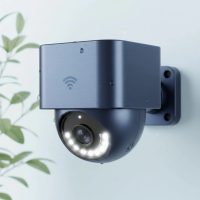
Welcome to the official Ydmrw blog, where we leverage over 15 years of hands-on security experience to bring you advice you can trust. When it comes to protecting your home, choosing the right Nest security camera can feel like a major decision, and frankly, it is. Google’s ecosystem of smart home devices is known for its sleek design and powerful software, but how do its cameras stack up in the real world? In this guide, we’ll break down everything you need to know, from picking the right model to installation and everyday use.
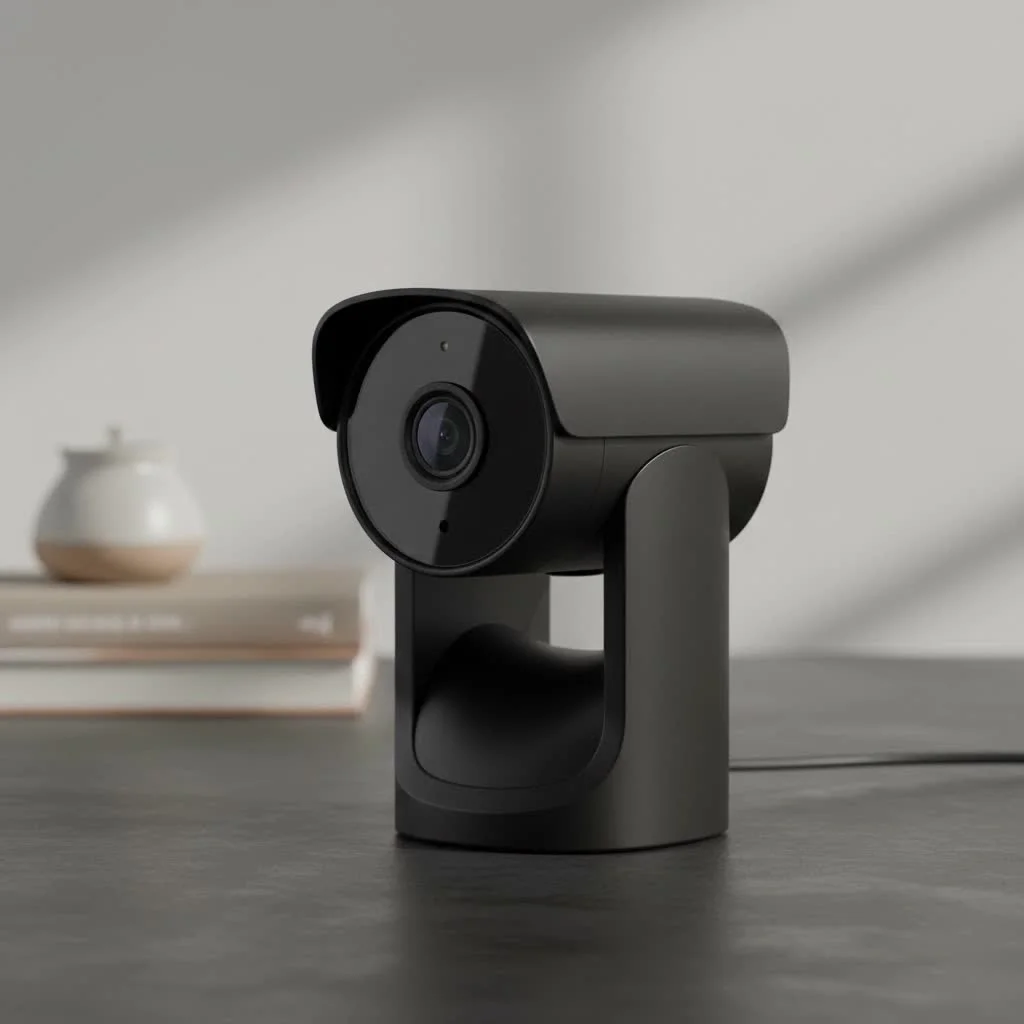
As a security professional, I’ve installed and tested countless systems. The shift towards smart, AI-driven cameras has been a game-changer. The Nest security camera line is a prime example of this evolution, integrating seamlessly into the Google Home app to offer intelligent alerts and a user-friendly experience. Whether you’re a tech novice or a smart home enthusiast, this guide will help you determine if a Nest Cam is the right fit for your security needs. For expert home reviews on this site.
Understanding the Different Nest Security Camera Models
Google has streamlined its lineup, focusing on a few core models that serve different purposes. Choosing the correct one is the most critical first step. Let’s explore the main contenders.
The Versatile Google Nest Cam (Battery)
This is perhaps the most flexible camera in the lineup. It can be used both indoors and outdoors, thanks to its weather-resistant design and magnetic mount.
- Power: As the name suggests, it runs on a built-in rechargeable battery, making installation a breeze without the need to drill holes for wiring. For outdoor use, you can also purchase a weatherproof power cable for continuous recording.
- Best For: Renters, homeowners who want a simple DIY installation, and anyone needing to monitor an area without a nearby power outlet.
- Key Features: 1080p HDR video, 130-degree field of view, and intelligent alerts for people, animals, and vehicles without a subscription.
The Powerful Google Nest Cam with Floodlight
Taking the core features of the Nest Cam (Battery), this model adds two powerful, motion-activated LED floodlights. It’s a hardwired solution, meaning it replaces an existing outdoor light fixture.
- Power: This camera requires a hardwired connection, which provides constant power and fuels the bright 2400-lumen floodlights.
- Best For: Securing driveways, backyards, and entryways where you want both surveillance and a powerful deterrent for intruders.
- Key Features: All the benefits of the standard Nest Cam, plus customizable brightness and motion-activated lighting to illuminate your property and capture clear color video at night.
The Discreet Google Nest Cam (Indoor, Wired)
|
Our Picks for the Best Security Camera in 2026
As an Amazon Associate I earn from qualifying purchases.
|
||
| Num | Product | Action |
|---|---|---|
| 1 | Security Cameras Wireless Outdoor-Solar&Battery Powered 2K 2.4G Cameras for Home Security, Instant Alert, AI Human Detection, Color Night Vision, 2-Way Talk, SD Storage, Work with Alexa, Z1 4P |

|
| 2 | Tapo TP-Link 2K Pan/Tilt Indoor Security Camera for Baby Monitor, Pet Camera, Motion Detection & Tracking, 2-Way Audio, Cloud & SD Card Storage, Works w/Alexa & Google Home, Black, C211(2-Pack) |
|
| 3 | WYZE Cam Pan v3 Indoor/Outdoor IP65-Rated 1080p Pan/Tilt/Zoom Wi-Fi Smart Home Security Camera with Color Night Vision, 2-Way Audio, Compatible with Alexa & Google Assistant, White, 2-Pack |
|
| 4 | WYZE Bulb Cam Security Camera, 2K HD Outdoor Light Bulb Camera, Color Night Vision, Dimmable LED Bulb, Motion Detection, Siren Alarm, Works w/Alexa/Google Assistant. Free Expert Support |
|
| 5 | Security Cameras Wireless Outdoor,2K Indoor WiFi Wireless Cameras,Outside Battery Powered Camera for Home Security,AI Motion Detection,Color Night Vision,Spotlight,Siren Alarm,SD/Cloud Storage,2 Pack |
|
| 6 | WYZE Cam v4 (Latest Model), 2.5K AI Security Camera, Indoor/Outdoor Cameras for Home Security, Baby Monitor & Pet Camera, Vibrant Color Night Vision, No Subscription Required, Free Expert Help |
|
| 7 | TP-Link Tapo 1080P Indoor Security Camera for Baby Monitor, Dog Camera w/Motion Detection, 2-Way Audio Siren, Night Vision, Cloud & SD Card Storage, Works w/Alexa & Google Home (Tapo C100) |
|
| 8 | REOLINK 4K PoE Security Camera System Wired, 8pcs 8MP PoE Cameras, Smart Person/Vehicle Detection, 16CH NVR with 4TB HDD, H.265, 24/7 Recording, High Bitrate & Clear Stream, RLK16-800D8 |
|
| 9 | Tapo 2K Pan/Tilt Security Camera for Baby Monitor, Dog Camera w/Motion Detection, 2-Way Audio Siren, Night Vision, Cloud&SD Card Storage, Works w/Alexa & Google Assistant, 2-Pack (Tapo C210P2) |
|
| 10 | Kasa Smart Indoor Pan-Tilt Home Security Camera, 1080p HD Dog Camera w/Night Vision, Motion Detection for Baby & Pet Monitor, Cloud & SD Card Storage, Works w/ Alexa & Google Home, 2.4G WiFi (EC71) |
|
For monitoring the inside of your home, the second-generation wired Nest Cam is an excellent, more affordable choice. Its compact design and simple setup make it ideal for keeping an eye on kids, pets, or main living areas.
- Power: This is a plug-in camera, ensuring you never have to worry about a dead battery.
- Best For: Nurseries, living rooms, and any indoor space where continuous monitoring is desired. It’s designed to blend in with your home decor.
- Key Features: 1080p HDR video with great low-light performance and the same intelligent on-device alerts as its battery-powered sibling.
“The real strength of the Nest ecosystem isn’t just the hardware; it’s the on-device AI,” says security analyst Johnathan Carter. “The ability to distinguish between a person and a passing car without needing to send every clip to the cloud is a huge win for both privacy and the reduction of nuisance alerts.”
Key Features to Consider Before You Buy
Beyond the model type, certain features define the Nest security camera experience. Understanding these will help you maximize your investment.
Video Quality and Field of View
All modern Nest Cams offer 1080p HDR video. The High Dynamic Range (HDR) is crucial as it helps balance out tricky lighting situations, like a bright sky and a dark porch, so you can see details in both the shadows and highlights. The field of view, typically around 130 degrees, is wide enough to cover a significant area without excessive distortion.
Night Vision Capabilities
Nest cameras utilize infrared LEDs for clear black-and-white night vision. The Nest Cam with Floodlight, of course, provides the added benefit of full-color night vision whenever the lights are triggered, which can be invaluable for identifying details like clothing color.
Two-Way Audio
A standard feature on all models, two-way audio allows you to hear what’s happening and speak through the camera’s built-in speaker using the Google Home app. This is perfect for instructing a delivery driver, greeting visitors, or scaring off an unwanted animal in your yard.
Nest Aware Subscription: Is It Necessary?
While Nest cameras offer some great features out of the box—including 3 hours of event video history and intelligent alerts for people, animals, and vehicles—a Nest Aware subscription unlocks their full potential.
- Nest Aware (Standard): This tier gives you a 30-day event video history. This means the camera only records when it detects motion or sound.
- Nest Aware Plus: This is the premium option. It offers a 60-day event video history and, for wired cameras, the option for 24/7 continuous video recording. The 24/7 history is a major security benefit, as it ensures you never miss a moment, even if an event wasn’t triggered.
How to Install Your Nest Security Camera
One of the biggest selling points for Nest is its user-friendly installation. For the battery-powered models, the process is incredibly straightforward.
- Charge the Camera: Fully charge the camera’s battery using the included USB cable.
- Set Up in the App: Open the Google Home app, tap the ‘+’ icon to add a new device, and scan the QR code on the camera. The app will guide you through connecting it to your Wi-Fi.
- Choose Your Location: Select a spot that gives you the best view of the area you want to monitor. Aim for a height of 6-7 feet for optimal coverage and to keep it out of easy reach.
- Mount the Base: For the Nest Cam (Battery), this involves screwing the magnetic plate to the wall. The camera then snaps securely into place. It’s a simple, one-person job.
For hardwired models like the Floodlight, the installation is more involved and may require a professional electrician if you’re not comfortable working with household wiring.
Maintenance and Troubleshooting Tips
To keep your Nest security camera running smoothly, follow these simple maintenance tips:
- Keep the Lens Clean: Periodically wipe the lens with a soft, microfiber cloth to ensure a clear picture.
- Check Wi-Fi Strength: Poor video quality or frequent disconnects are often caused by a weak Wi-Fi signal. Ensure your camera has a strong connection to your router.
- Monitor Battery Life: For battery models, the Google Home app will notify you when the battery is low. A full charge typically lasts for a few months, but this varies heavily depending on activity levels.
- Update Firmware: Ensure your app and camera firmware are always up to date to get the latest features and security patches.
Frequently Asked Questions (FAQ)
Can Nest cameras be used without a subscription?
Yes, you can use a Nest security camera without a subscription. You will receive intelligent alerts and be able to view a live feed, but your recorded video history will be limited to the last three hours of events.
Do Nest cameras record 24/7?
Only wired Nest cameras, such as the Nest Cam (Indoor, Wired) or a hardwired Nest Cam (Battery), can record 24/7. This feature also requires a subscription to Nest Aware Plus.
How long does the Nest Cam battery last?
Google estimates the battery can last between 1.5 and 7 months, depending on usage. A busy location with frequent motion events will drain the battery much faster than a quiet area.
Are Nest security cameras waterproof?
The Nest Cam (Battery) and Nest Cam with Floodlight are weather-resistant, designed to withstand typical rain, dust, and temperature fluctuations. The Nest Cam (Indoor, Wired) is not designed for outdoor use.
Do Nest cameras work with Amazon Alexa?
While integration is not as deep as it is with the Google Assistant, you can stream your Nest Cam feeds to an Amazon Echo Show or Fire TV device. However, you will need to use the Google Home app for full control and settings.
Final Thoughts from a Security Pro
The Nest security camera ecosystem offers a compelling blend of simplicity, intelligence, and reliable performance. For users already invested in the Google Home ecosystem, they are an obvious and excellent choice. The on-device AI for alerts is a standout feature that reduces annoying notifications and enhances your privacy.
While the reliance on a subscription to unlock the full potential, particularly 24/7 recording, is a consideration, the hardware itself is solid, and the user experience is among the best in the business. By choosing the right model for your specific needs—whether it’s the versatile battery cam or the powerful floodlight—you are investing in a robust and intelligent security solution to protect your home.
Get our weekly buyer guide
Practical specs, not advice. Unsubscribe anytime.