In the world of property surveillance, blind spots are the enemy. Traditional security cameras, with their fixed fields of view, can leave significant areas unwatched, creating opportunities for security breaches. For years, the only solution was to install multiple cameras, a costly and complex endeavor. But what if a single device could see everything, all at once? That’s the promise of a 360 security camera, a revolutionary piece of technology that offers a complete, uninterrupted view of your surroundings. It’s not just an incremental upgrade; it’s a fundamental shift in how we approach security monitoring.
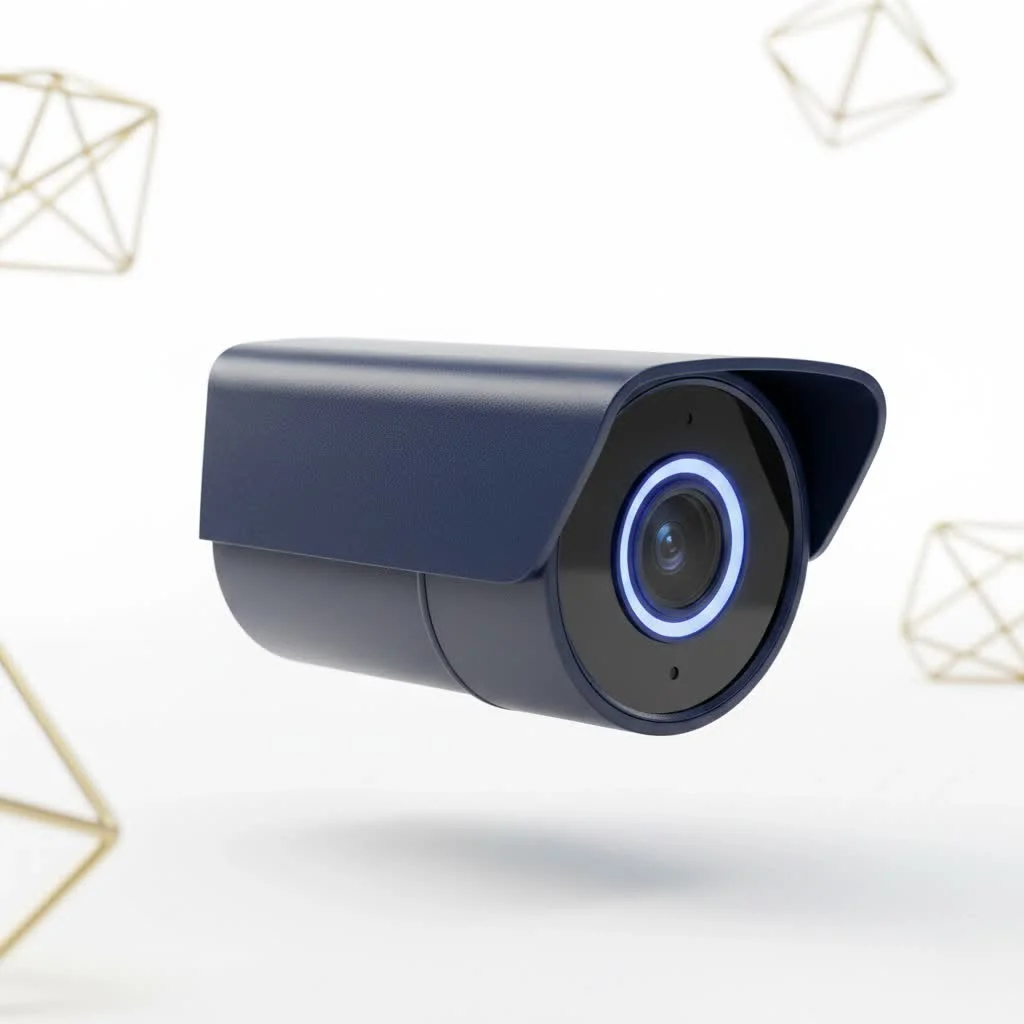
As a security professional with over 15 years in the field, I’ve seen technology evolve dramatically. The move towards 360-degree surveillance is one of the most significant advancements for both homeowners and businesses. This guide will walk you through everything you need to know about this game-changing technology, from how it works to which features matter most.
What Exactly is a 360 Security Camera?
A 360 security camera, also known as a panoramic or omnidirectional camera, is a device designed to capture a complete, 360-degree field of view. Unlike a standard camera that sees in a cone-like shape, a 360 camera captures a spherical image of the entire environment around it simultaneously.
Think of it this way: a traditional camera is like looking through a window, while a 360 camera is like standing in the middle of a glass sphere, able to see in every direction at the same time. This is typically achieved using an ultra-wide-angle lens, often called a “fisheye” lens. This lens captures a distorted, circular image, which is then processed by powerful software. This software “de-warps” the image, flattening it into a navigable, panoramic view that you can pan through and explore, both live and during playback. The magic is that while you’re looking at one section of the footage, the camera is still recording every other angle.
The Two Faces of 360° Coverage: Fisheye vs. PTZ Cameras
When people talk about 360-degree coverage, they’re often referring to two very different types of cameras: the true 360-degree fisheye camera and the Pan-Tilt-Zoom (PTZ) camera. Understanding the difference is critical to choosing the right tool for the job.
The All-Seeing Eye: Fisheye and Multi-Lens Cameras
This is the true 360 security camera. It uses a single fisheye lens or multiple lenses stitched together to capture the entire scene at all times. It has no moving parts.
- Pros:
- No Blind Spots: Its greatest advantage is providing total situational awareness. When placed correctly, it eliminates blind spots entirely.
- Always Recording Everything: Since it doesn’t need to physically move, you never have to worry that it was pointed in the wrong direction when an incident occurred. The full 360-degree view is always being recorded.
- Durability: With no moving mechanical parts, fisheye cameras are generally more durable and have a longer lifespan than PTZ cameras.
- Cons:
- Resolution Distribution: The camera’s total resolution (e.g., 5MP or 4K) is stretched across a very wide area. This means the image detail in any one specific spot might be lower than a standard camera focused solely on that area.
- Potential for Distortion: While de-warping software is very effective, some slight distortion can still be visible at the outer edges of the panoramic view.
The Active Hunter: Pan-Tilt-Zoom (PTZ) Cameras
|
Our Picks for the Best Security Camera in 2026
As an Amazon Associate I earn from qualifying purchases.
|
||
| Num | Product | Action |
|---|---|---|
| 1 | TP-Link Tapo 1080P Indoor Security Camera for Baby Monitor, Dog Camera w/Motion Detection, 2-Way Audio Siren, Night Vision, Cloud & SD Card Storage, Works w/Alexa & Google Home (Tapo C100) |

|
| 2 | Security Cameras Wireless Outdoor-Solar&Battery Powered 2K 2.4G Cameras for Home Security, Instant Alert, AI Human Detection, Color Night Vision, 2-Way Talk, SD Storage, Work with Alexa, Z1 4P |
|
| 3 | Tapo 2K Pan/Tilt Security Camera for Baby Monitor, Dog Camera w/Motion Detection, 2-Way Audio Siren, Night Vision, Cloud&SD Card Storage, Works w/Alexa & Google Assistant, 2-Pack (Tapo C210P2) |
|
| 4 | Security Cameras Wireless Outdoor,2K Indoor WiFi Wireless Cameras,Outside Battery Powered Camera for Home Security,AI Motion Detection,Color Night Vision,Spotlight,Siren Alarm,SD/Cloud Storage,2 Pack |
|
| 5 | WYZE Bulb Cam Security Camera, 2K HD Outdoor Light Bulb Camera, Color Night Vision, Dimmable LED Bulb, Motion Detection, Siren Alarm, Works w/Alexa/Google Assistant. Free Expert Support |
|
| 6 | WYZE Cam v4 (Latest Model), 2.5K AI Security Camera, Indoor/Outdoor Cameras for Home Security, Baby Monitor & Pet Camera, Vibrant Color Night Vision, No Subscription Required, Free Expert Help |
|
| 7 | Kasa Smart Indoor Pan-Tilt Home Security Camera, 1080p HD Dog Camera w/Night Vision, Motion Detection for Baby & Pet Monitor, Cloud & SD Card Storage, Works w/ Alexa & Google Home, 2.4G WiFi (EC71) |
|
| 8 | Tapo TP-Link 2K Pan/Tilt Indoor Security Camera for Baby Monitor, Pet Camera, Motion Detection & Tracking, 2-Way Audio, Cloud & SD Card Storage, Works w/Alexa & Google Home, Black, C211(2-Pack) |
|
| 9 | REOLINK 4K PoE Security Camera System Wired, 8pcs 8MP PoE Cameras, Smart Person/Vehicle Detection, 16CH NVR with 4TB HDD, H.265, 24/7 Recording, High Bitrate & Clear Stream, RLK16-800D8 |
|
| 10 | WYZE Cam Pan v3 Indoor/Outdoor IP65-Rated 1080p Pan/Tilt/Zoom Wi-Fi Smart Home Security Camera with Color Night Vision, 2-Way Audio, Compatible with Alexa & Google Assistant, White, 2-Pack |
|
A PTZ camera can also cover a 360-degree area, but it does so by physically moving its lens—panning left and right, tilting up and down, and zooming in and out. It can be controlled by an operator or set to automatically tour an area.
- Pros:
- Incredible Detail: The ability to optically zoom allows PTZ cameras to capture fine details from a great distance, such as faces or license plates. This is something a fisheye camera struggles with.
- Object Tracking: Many modern PTZ cameras have auto-tracking features that can lock onto and follow a moving person or vehicle.
- Cons:
- It Can’t See Everything at Once: This is the crucial drawback. A PTZ camera can only record what it is pointed at. If it’s looking north, it’s completely blind to what’s happening south. This creates temporary, but significant, blind spots.
- Mechanical Wear: The moving parts can wear out over time, potentially requiring more maintenance.
“The choice between fisheye and PTZ isn’t about which is better, but which is right for the task,” states security systems integrator Alex Miller. “For general, always-on awareness in a large open space like a retail floor or a warehouse, a fisheye camera is unbeatable. For monitoring a large perimeter or actively tracking subjects, a PTZ is the superior tool. Often, the best systems use both.”
Must-Have Features for Your Next 360 Security Camera
When you start shopping, you’ll be met with a long list of technical specifications. Here are the ones that truly matter for a 360 security camera:
- High Resolution: Because the pixels are spread over such a large area, resolution is paramount. Look for a minimum of 5 megapixels (5MP). For superior clarity, especially if you plan to use digital zoom, a 4K (8MP) model is highly recommended.
- Excellent Night Vision: Security doesn’t stop when the sun goes down. Check the camera’s infrared (IR) range, which tells you how far it can “see” in total darkness. A range of 30-50 feet is good for most indoor and medium-sized outdoor spaces.
- Two-Way Audio: A built-in microphone and speaker allow you to listen to what’s happening and speak through the camera from your phone. This is a powerful deterrent for intruders and useful for communicating with family or delivery personnel.
- Smart Motion Detection: Basic motion detection can lead to constant false alerts from waving trees or passing cars. Look for cameras with “smart” or “AI” detection that can differentiate between people, vehicles, and other motion, ensuring you only get alerts that matter.
- Flexible Storage Options:
- Local Storage: An onboard microSD card slot allows the camera to record footage directly to the card, even if your internet connection goes down.
- Cloud Storage: A subscription service that securely stores your video footage on remote servers. This protects your recordings from being stolen or damaged if the camera itself is compromised.
- Weatherproofing (for outdoor models): If you’re installing a camera outside, it must be able to withstand the elements. Look for an IP rating of at least IP66, which signifies it is dust-tight and can handle heavy rain.
How Do You Install a 360 Security Camera for Maximum Effect?
Proper placement is key to unlocking the full potential of a 360 security camera. Here’s a simple guide to get it right.
Step 1: Choosing the Perfect Spot
The ideal location depends on the layout of your space and what you want to achieve.
- Ceiling Mount (for a 360° View): This is the most common and effective placement. Mounting the camera in the center of a room’s ceiling provides a complete, top-down, bird’s-eye view of the entire space. It’s perfect for living rooms, kitchens, open-plan offices, and retail stores.
- Wall Mount (for a 180° View): Placing the camera on a wall provides a 180-degree panoramic view. This is ideal for monitoring the entire front of a house, a backyard, a long hallway, or a reception area.
Step 2: The Installation Process
While specifics vary by model, the general process is straightforward:
- Position the Mounting Bracket: Hold the bracket in your chosen location and mark the screw holes.
- Drill Pilot Holes: Drill small holes for the screws. If mounting on drywall, insert wall anchors for a secure fit.
- Secure the Bracket: Screw the mounting bracket firmly to the ceiling or wall.
- Connect Cables: Run the power and/or Ethernet cable to the camera’s location. For a cleaner look, you may want to run cables through the wall or ceiling.
- Attach the Camera: Secure the camera to the bracket.
Step 3: Software Setup and Configuration
This is where your camera comes to life:
- Connect to Your Network: Follow the manufacturer’s instructions to connect the camera to your Wi-Fi network or plug in the Ethernet cable.
- Use the Mobile App/Desktop Software: Download the corresponding app for your camera. It will guide you through the final setup steps.
- Configure Your View: This is the fun part. The software will allow you to choose how you want to view the 360-degree footage. You can select a full panoramic view, a split-screen with multiple angles, or a “virtual PTZ” mode that lets you digitally pan and zoom around the recorded image.
- Set Up Motion Zones and Alerts: Define specific areas where you want to detect motion and customize how and when you receive notifications on your phone.
Frequently Asked Questions (FAQ)
Q: Do 360 cameras have any blind spots?
A: When mounted correctly in the center of a space, a 360 fisheye camera has virtually no blind spots. The only potential dead zone is the small area directly beneath the camera mount itself.
Q: Can a 360 security camera zoom in?
A: Yes, but it’s typically a digital zoom. This means the software is essentially enlarging the pixels of the recorded image. This is why having a high-resolution camera is so important—the more pixels you start with, the clearer the image will be when you digitally zoom. This differs from the optical zoom on a PTZ camera, which uses physical lens adjustments to magnify an image without losing quality.
Q: Are 360 cameras better than multiple regular cameras?
A: It depends on the goal. For a cost-effective, simple way to get a complete overview of a large area, a single 360 camera is often better. However, if you need to capture high-detail images of specific, critical points (like a cash register or a doorway), multiple dedicated cameras might be a better choice. Often, the best solution is a hybrid system.
Q: Do they require a special video recorder (NVR)?
A: Most modern IP-based 360 cameras are compatible with standard Network Video Recorders (NVRs), as long as the NVR supports the camera’s high resolution and has the software to handle the de-warping. Many cameras also function perfectly well as standalone devices, recording to an SD card or the cloud.
Q: Are 360 security cameras good for outdoors?
A: Absolutely! Many manufacturers offer rugged, outdoor-rated 360 cameras with strong weatherproof ratings (IP66 or higher) and durable casings to protect them from both the elements and potential vandalism.
A New Perspective on Security
The 360 security camera represents a powerful shift towards smarter, more efficient surveillance. By providing complete coverage without blind spots, a single camera can do the work of three or four traditional cameras, saving you money on hardware and simplifying installation. It gives you total situational awareness, ensuring that you never miss a critical event because the camera was pointing the wrong way.
Whether you are a homeowner looking to secure your property or a business owner aiming to monitor your entire premises, embracing 360-degree technology is one of the most effective steps you can take. Take a look at your space, identify the blind spots, and consider how an all-seeing eye could revolutionize your peace of mind.
Get our weekly buyer guide
Practical specs, not advice. Unsubscribe anytime.
I’ve been looking into upgrading my business’s surveillance system, and the idea of reducing the number of cameras needed was a huge draw. The section on how 360 cameras eliminate the need for multiple fixed-view cameras was spot on. I’m still weighing my options between a few brands, but the clarity and coverage seem worth the investment. It’s a significant advancement for sure.
As someone who’s always been frustrated with the limitations of traditional security cameras, this technology is a breath of fresh air. The ability to get a complete, uninterrupted view of my surroundings without having to install a dozen different devices is exactly what I needed. It’s truly a fundamental shift in how I approach monitoring my property. Highly recommend exploring these options.
I was so tired of having blind spots around my garage, even with two cameras. This guide really helped me understand how a 360 camera could solve that. I ended up getting the Arlo Pro 4 and the panoramic view is incredible. It’s amazing to see my entire driveway and front yard from one feed. Definitely a game-changer for home security.
I appreciate the detailed breakdown of 360 cameras. I got one for my living room to keep an eye on my pets, and while the coverage is great, I’ve had some issues with the night vision quality. It’s not as clear as I’d hoped, especially in darker corners. It does a good job during the day, but I was expecting more consistent performance across all conditions.