The Xfinity home security camera system is a robust, professionally monitored solution best suited for existing Xfinity Internet customers who prioritize 24/7 continuous recording, AI-powered alerts, and seamless integration within the Comcast ecosystem. Unlike DIY options, Xfinity requires a subscription to a security plan for camera functionality, typically bundling equipment and monthly monitoring fees.
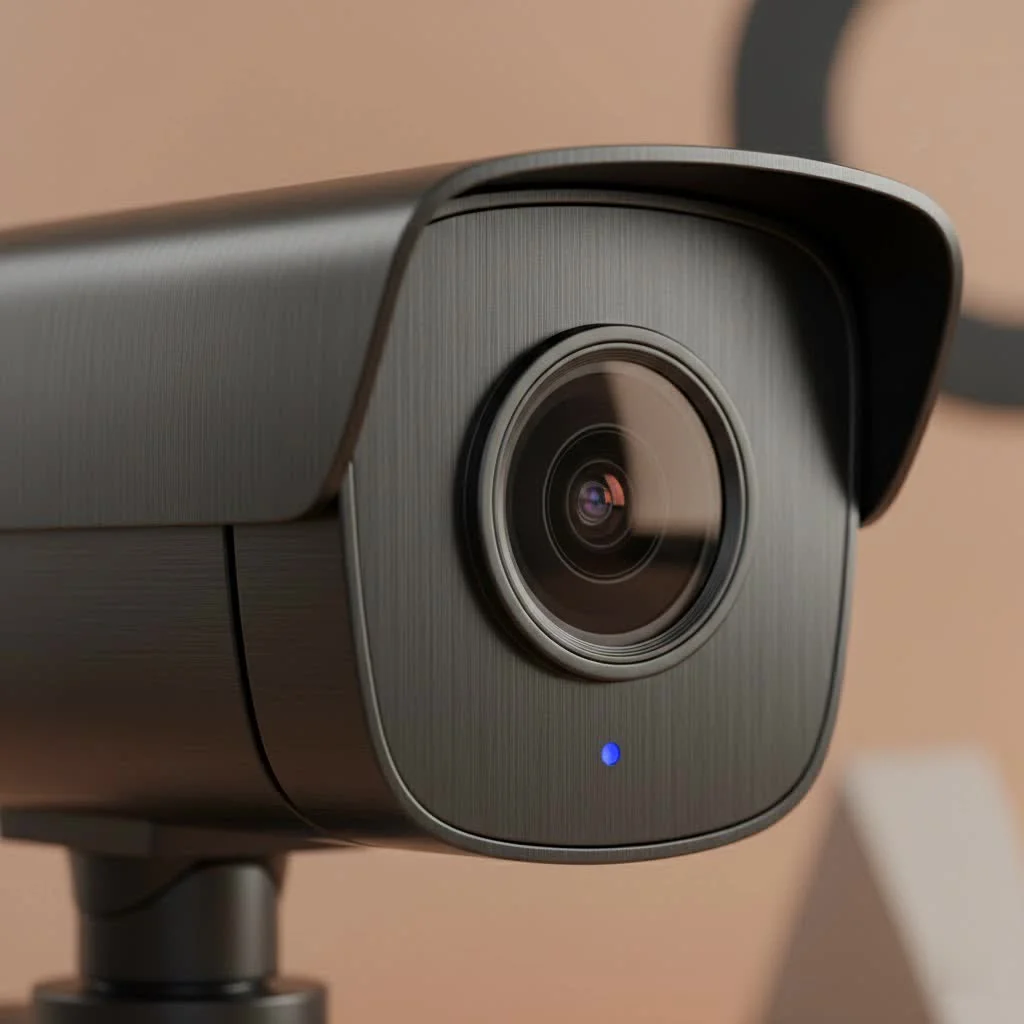
This guide explores Xfinity’s camera offerings, including features, installation, pricing, and plans, to help you make an informed decision about safeguarding your property. For shop curated home on this site.
What Are Xfinity Home Security Cameras?
Xfinity Home security cameras are integral to Comcast’s comprehensive smart home and professional security service. Unlike standalone DIY cameras, Xfinity’s system emphasizes 24/7 professional monitoring and deep integration with other Xfinity services, such as Xfinity Internet and Xfinity X1 TV. This creates a unified ecosystem where security, entertainment, and internet are managed by a single provider.
The Xfinity Home app serves as the system’s core, enabling users to view live video feeds, access recorded clips, and receive intelligent motion alerts directly on their smartphones, whether at home or remotely.
Key Features That Make Xfinity Cameras Stand Out
Xfinity cameras incorporate modern technology to deliver clear, actionable intelligence about activities in and around your home.
24/7 Continuous Video Recording
A significant advantage of the Xfinity system is its optional 24/7 continuous video recording. While many competing cameras only record upon motion detection, potentially missing events, Xfinity’s continuous recording captures everything. Users can scroll back through a timeline to review any moment from the past several days, ensuring a complete event record rather than just triggered snippets.
AI-Powered Smart Alerts
Modern security focuses on providing relevant information without overwhelming users with false alarms. Xfinity cameras utilize artificial intelligence to differentiate between various types of motion:
- People Detection: The system specifically alerts you when a person is detected, ignoring less critical motion.
- Vehicle Detection: Get notified when a car enters your driveway.
- Pet Detection: The AI recognizes pets, allowing users to filter out alerts from animals moving in the yard.
“The real value in a modern security camera isn’t just the picture quality, but the intelligence behind it,” notes security analyst David Chen. “Xfinity’s integration of AI to differentiate between people, pets, and vehicles significantly reduces notification fatigue and allows users to focus on the alerts that truly matter.”
High-Definition Video Quality and Night Vision
Clarity is essential for security footage. Xfinity cameras provide crisp HD video resolution, ensuring clear visibility of faces, license plates, and other crucial details. When light levels drop, powerful infrared (IR) night vision activates, delivering clear black-and-white video even in complete darkness, ensuring effective 24/7 property monitoring.
Two-Way Audio Communication
|
Our Picks for the Best Security Camera in 2026
As an Amazon Associate I earn from qualifying purchases.
|
||
| Num | Product | Action |
|---|---|---|
| 1 | Security Cameras Wireless Outdoor,2K Indoor WiFi Wireless Cameras,Outside Battery Powered Camera for Home Security,AI Motion Detection,Color Night Vision,Spotlight,Siren Alarm,SD/Cloud Storage,2 Pack |

|
| 2 | WYZE Cam Pan v3 Indoor/Outdoor IP65-Rated 1080p Pan/Tilt/Zoom Wi-Fi Smart Home Security Camera with Color Night Vision, 2-Way Audio, Compatible with Alexa & Google Assistant, White, 2-Pack |
|
| 3 | WYZE Cam v4 (Latest Model), 2.5K AI Security Camera, Indoor/Outdoor Cameras for Home Security, Baby Monitor & Pet Camera, Vibrant Color Night Vision, No Subscription Required, Free Expert Help |
|
| 4 | TP-Link Tapo 1080P Indoor Security Camera for Baby Monitor, Dog Camera w/Motion Detection, 2-Way Audio Siren, Night Vision, Cloud & SD Card Storage, Works w/Alexa & Google Home (Tapo C100) |
|
| 5 | Kasa Smart Indoor Pan-Tilt Home Security Camera, 1080p HD Dog Camera w/Night Vision, Motion Detection for Baby & Pet Monitor, Cloud & SD Card Storage, Works w/ Alexa & Google Home, 2.4G WiFi (EC71) |
|
| 6 | Tapo 2K Pan/Tilt Security Camera for Baby Monitor, Dog Camera w/Motion Detection, 2-Way Audio Siren, Night Vision, Cloud&SD Card Storage, Works w/Alexa & Google Assistant, 2-Pack (Tapo C210P2) |
|
| 7 | WYZE Bulb Cam Security Camera, 2K HD Outdoor Light Bulb Camera, Color Night Vision, Dimmable LED Bulb, Motion Detection, Siren Alarm, Works w/Alexa/Google Assistant. Free Expert Support |
|
| 8 | REOLINK 4K PoE Security Camera System Wired, 8pcs 8MP PoE Cameras, Smart Person/Vehicle Detection, 16CH NVR with 4TB HDD, H.265, 24/7 Recording, High Bitrate & Clear Stream, RLK16-800D8 |
|
| 9 | Tapo TP-Link 2K Pan/Tilt Indoor Security Camera for Baby Monitor, Pet Camera, Motion Detection & Tracking, 2-Way Audio, Cloud & SD Card Storage, Works w/Alexa & Google Home, Black, C211(2-Pack) |
|
| 10 | Security Cameras Wireless Outdoor-Solar&Battery Powered 2K 2.4G Cameras for Home Security, Instant Alert, AI Human Detection, Color Night Vision, 2-Way Talk, SD Storage, Work with Alexa, Z1 4P |
|
The integrated microphone and speaker facilitate two-way audio via the Xfinity Home app. This feature is practical for everyday situations, allowing users to speak to delivery drivers, greet visitors, or deter potential intruders by announcing their presence and recording.
Exploring the Xfinity Camera Lineup
Xfinity offers both indoor and outdoor camera models designed for different surveillance needs. While specific models may vary, they generally share similar designs and feature sets.
The Indoor Camera
The Xfinity indoor camera is a compact device ideal for monitoring main living areas, entryways, or vulnerable spots like a back hallway. It is discreet, can be placed on any flat surface, or easily mounted, making it an excellent choice for observing children, pets, or general interior home security.
The Outdoor Camera
The Xfinity outdoor camera is weather-resistant and built for durability, designed to withstand various elements. It offers a wider field of view for monitoring driveways, backyards, porches, and other exterior areas. Its robust construction ensures reliable surveillance through rain, snow, and fluctuating temperatures.
Installation: Professional Setup for Peace of Mind
Unlike many DIY security brands, Xfinity Home primarily uses professional installation. While there is an associated cost, it offers significant benefits:
- Assess Your Property: A technician will help determine optimal camera placement for maximum coverage and effectiveness.
- Ensure Proper Installation: They handle all wiring and mounting, ensuring cameras are securely installed and correctly connected to your network.
- System Integration: The installer connects cameras to your Xfinity gateway and assists with setting up the Xfinity Home app on your devices.
- Provide a Tutorial: You receive a walkthrough of the system’s operation, including viewing live feeds, accessing recordings, and customizing alert settings.
This professional approach eliminates guesswork and potential errors, ensuring the system functions perfectly from day one.
Xfinity Home Security Plans and Pricing
Xfinity’s approach to plans and pricing differs significantly from DIY brands. To use Xfinity cameras, a subscription to an Xfinity Home security plan is typically required, which includes 24/7 professional monitoring. This means a professional monitoring center is alerted and can dispatch emergency services if a serious event, such as a break-in, is detected.
Pricing is usually bundled with Xfinity Internet service and varies by location and chosen package. Generally, you will encounter:
- Equipment Costs: An upfront or financed cost for cameras and other security hardware.
- Monthly Monitoring Fee: A recurring charge for 24/7 professional monitoring and access to features like continuous recording and app control.
It is crucial to obtain a direct quote from Xfinity, as promotional offers and package deals can significantly affect the total cost.
Pros and Cons of the Xfinity Home Security Camera
| Pros | Cons |
|---|---|
| Seamless Ecosystem Integration | Requires Xfinity Internet Service |
| 24/7 Professional Monitoring | |
| Continuous Video Recording Option | Higher Monthly Costs Than DIY |
| Advanced AI-Powered Motion Alerts | Professional Installation Can Be an Added Cost |
| Professional Installation Ensures Correct Setup | Less Flexibility and Customization Than Some Systems |
| Potential for Long-Term Contracts |
Frequently Asked Questions (FAQ)
Do Xfinity cameras record all the time?
Xfinity offers a 24/7 continuous video recording feature with its top-tier plans, allowing access to a complete timeline of footage rather than just motion-triggered clips. Base plans may only include motion-activated recordings.
Can I use Xfinity cameras without a security plan?
No, Xfinity cameras are designed to operate as part of the integrated Xfinity Home security system and require a subscription to a monitoring plan to function and access video feeds and recordings via the app.
How much do Xfinity security cameras cost per month?
The monthly cost is linked to the chosen Xfinity Home security plan, which includes professional monitoring. These plans typically vary in price and are often bundled with Xfinity Internet. It is best to consult Xfinity directly for current pricing.
Are Xfinity home security cameras wireless?
Xfinity cameras are “wireless” in that they transmit video over your Wi-Fi network. However, they are not wire-free; they require a power outlet connection to operate, ensuring continuous recording without battery life concerns.
Can I view my Xfinity camera footage on my TV?
Yes, a unique benefit of the Xfinity ecosystem is the ability to view camera feeds directly on your television using the Xfinity X1 voice remote. Simply say “Show me my cameras” to display the live video on your big screen.
The Final Verdict: Is an Xfinity Camera System Right for You?
The Xfinity home security camera system is a powerful and reliable option for those seeking a professionally installed and monitored security solution. Its greatest strengths include 24/7 continuous recording, intelligent AI-driven alerts, and seamless integration into the broader Xfinity ecosystem. If you are an existing Xfinity Internet customer and value the peace of mind of professional monitoring, this system is an excellent and convenient choice.
However, if you prefer a more hands-on, DIY approach with no monthly fees or contracts, systems from brands like Ring, Arlo, or Wyze may be a better fit. The best choice depends on your budget, your desire for professional oversight, and how you wish to manage your home’s security. By understanding Xfinity’s offerings, you can confidently decide if it’s the right guardian for your home.
Get our weekly buyer guide
Practical specs, not advice. Unsubscribe anytime.

After researching various options, the Xfinity home security camera system stood out because of its focus on professional monitoring. I didn’t want a DIY setup; I needed something reliable and hands-off. The deep integration with other Xfinity services is a huge bonus, making it a seamless experience. It’s definitely a top-tier choice for safeguarding your property.
I was looking for a robust security solution and decided to try Xfinity. The camera quality is great, and I like the idea of professional monitoring. However, I was a little disappointed that a subscription to a security plan is required just for the camera functionality. I was hoping for a bit more flexibility there, but it does integrate well with my existing Xfinity services.
I’ve been an Xfinity Internet customer for years, so integrating their security camera system was a no-brainer. The 24/7 continuous recording gives me such peace of mind, especially when I’m away from home. The AI-powered alerts are surprisingly accurate too, I rarely get false alarms. It’s definitely a premium service, but for the convenience and reliability, it’s worth it.
We recently got the Xfinity home security cameras and so far, so good. The installation was handled professionally, which was a huge plus for me since I’m not very handy. I appreciate how everything works together within the Comcast ecosystem; it makes managing our home security and internet super easy from one app. The monthly monitoring fee is a bit steep, but the service is solid.