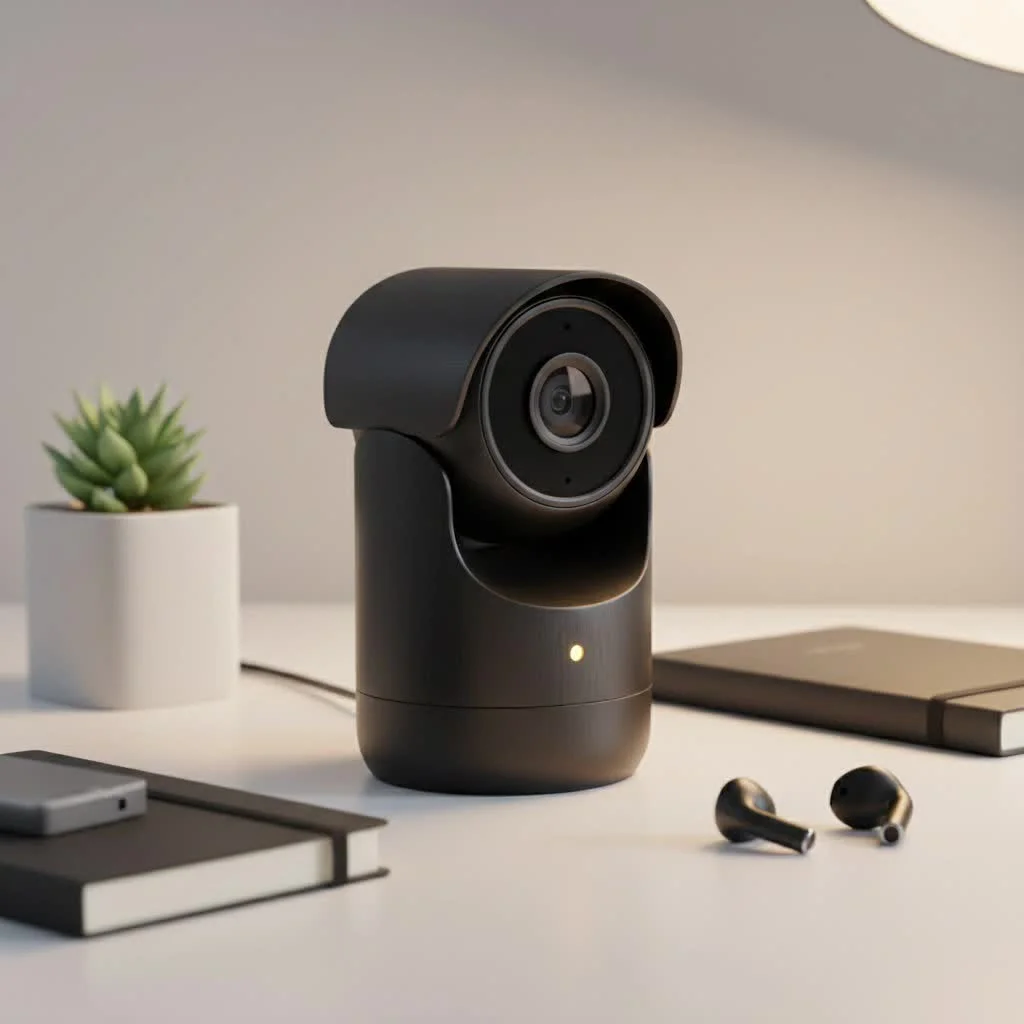
A modern security camera system for business is a proactive investment in safety, operational efficiency, and peace of mind, offering crystal-clear imaging, remote access, and intelligent analytics. Businesses, whether a small retail shop or a large warehouse, can significantly benefit from a well-chosen surveillance system to deter crime, provide evidence, enhance employee safety, and enable 24/7 remote monitoring.
Why Your Business Needs a Modern Surveillance System
Before diving into the technical specifics, it’s crucial to understand the role of a modern security camera system. Gone are the days of grainy, unreliable footage. Today’s systems offer crystal-clear imaging, remote access from anywhere in the world, and intelligent analytics that can provide valuable business insights beyond simple security.
A well-implemented system serves multiple functions:
- Deterring Crime: The visible presence of cameras is a powerful deterrent against theft, vandalism, and other unauthorized activities.
- Providing Evidence: High-resolution video is invaluable for investigations, insurance claims, and resolving disputes with employees or customers.
- Enhancing Employee Safety: A secure environment is a productive one. Cameras help ensure a safe workplace and can protect staff from false accusations.
- Remote Monitoring: Keep an eye on your operations 24/7 from your smartphone or computer, ensuring processes are running smoothly even when you’re not on-site.
Step 1: Assess Your Business’s Unique Security Needs
The first step in choosing a security camera system for business is a thorough assessment of your premises and risks. There is no one-size-fits-all solution; a system for a small office will differ greatly from one for a sprawling industrial complex.
Ask yourself these questions:
- What are my primary risk areas? Identify critical zones like entrances, exits, cash registers, inventory storage areas, server rooms, and parking lots.
- What level of detail do I need? Do you need to simply monitor foot traffic, or do you require sufficient detail to identify faces or read license plates? This will determine the necessary camera resolution.
- What are the lighting conditions? Many areas may require cameras with strong night vision capabilities or the ability to handle challenging light, such as a sunny entrance leading into a darker interior.
- Do I need indoor, outdoor, or both? Outdoor cameras must be durable and weather-resistant (look for IP66/67 ratings) to withstand the elements.
Step 2: Understanding the Core System Components
A security camera system is more than just cameras. It’s an ecosystem of hardware and software working together. The two main types of systems are Analog and IP (Internet Protocol).
Analog vs. IP Camera Systems
- Analog Systems: This is older, more traditional technology that sends video signals over coaxial cable to a Digital Video Recorder (DVR). While often cheaper upfront, analog systems offer lower resolution, less flexibility, and fewer advanced features.
- IP Systems: These are the modern standard. IP cameras are digital cameras that send video data over a network cable (like Ethernet) to a Network Video Recorder (NVR). They provide superior image quality (HD and 4K), greater scalability, and access to advanced features like video analytics. For nearly all business applications today, an IP system is the recommended choice.
NVR vs. Cloud Storage
|
Our Picks for the Best Security Camera in 2026
As an Amazon Associate I earn from qualifying purchases.
|
||
| Num | Product | Action |
|---|---|---|
| 1 | WYZE Bulb Cam Security Camera, 2K HD Outdoor Light Bulb Camera, Color Night Vision, Dimmable LED Bulb, Motion Detection, Siren Alarm, Works w/Alexa/Google Assistant. Free Expert Support |

|
| 2 | TP-Link Tapo 1080P Indoor Security Camera for Baby Monitor, Dog Camera w/Motion Detection, 2-Way Audio Siren, Night Vision, Cloud & SD Card Storage, Works w/Alexa & Google Home (Tapo C100) |
|
| 3 | WYZE Cam Pan v3 Indoor/Outdoor IP65-Rated 1080p Pan/Tilt/Zoom Wi-Fi Smart Home Security Camera with Color Night Vision, 2-Way Audio, Compatible with Alexa & Google Assistant, White, 2-Pack |
|
| 4 | Tapo 2K Pan/Tilt Security Camera for Baby Monitor, Dog Camera w/Motion Detection, 2-Way Audio Siren, Night Vision, Cloud&SD Card Storage, Works w/Alexa & Google Assistant, 2-Pack (Tapo C210P2) |
|
| 5 | Security Cameras Wireless Outdoor-Solar&Battery Powered 2K 2.4G Cameras for Home Security, Instant Alert, AI Human Detection, Color Night Vision, 2-Way Talk, SD Storage, Work with Alexa, Z1 4P |
|
| 6 | Security Cameras Wireless Outdoor,2K Indoor WiFi Wireless Cameras,Outside Battery Powered Camera for Home Security,AI Motion Detection,Color Night Vision,Spotlight,Siren Alarm,SD/Cloud Storage,2 Pack |
|
| 7 | Tapo TP-Link 2K Pan/Tilt Indoor Security Camera for Baby Monitor, Pet Camera, Motion Detection & Tracking, 2-Way Audio, Cloud & SD Card Storage, Works w/Alexa & Google Home, Black, C211(2-Pack) |
|
| 8 | WYZE Cam v4 (Latest Model), 2.5K AI Security Camera, Indoor/Outdoor Cameras for Home Security, Baby Monitor & Pet Camera, Vibrant Color Night Vision, No Subscription Required, Free Expert Help |
|
| 9 | Kasa Smart Indoor Pan-Tilt Home Security Camera, 1080p HD Dog Camera w/Night Vision, Motion Detection for Baby & Pet Monitor, Cloud & SD Card Storage, Works w/ Alexa & Google Home, 2.4G WiFi (EC71) |
|
| 10 | REOLINK 4K PoE Security Camera System Wired, 8pcs 8MP PoE Cameras, Smart Person/Vehicle Detection, 16CH NVR with 4TB HDD, H.265, 24/7 Recording, High Bitrate & Clear Stream, RLK16-800D8 |
|
Your video footage needs to be stored somewhere. With an IP-based security camera system for business, you have two primary options:
- Network Video Recorder (NVR): This is a physical device located on-site that stores video on hard drives. It gives you complete physical control over your data but requires maintenance and is vulnerable to theft or damage if not secured.
- Cloud Storage: Footage is uploaded directly to a secure remote server. This offers excellent accessibility, off-site backup, and easy scalability. However, it requires a reliable internet connection with sufficient upload speed and typically involves a monthly subscription fee. A hybrid approach, using both an NVR and cloud backup, is often an ideal solution.
Step 3: Choosing the Right Cameras and Features
With your needs assessed and system type chosen, it’s time to select the cameras. The features you prioritize will make all the difference in your system’s effectiveness.
Essential Camera Features to Consider
- Resolution: Measured in megapixels (MP), resolution determines image clarity. 1080p (2MP) is a good baseline, but for identifying fine details, 4K (8MP) is significantly better.
- Night Vision: Infrared (IR) night vision allows cameras to see in complete darkness by illuminating the area with IR light, producing a black-and-white image. More advanced “color night vision” technology uses sensitive sensors to produce full-color images in very low light.
- Field of View (FoV): This is the angle a camera can see. A wide-angle lens (e.g., 2.8mm) is great for covering broad areas like offices or sales floors, while a narrow lens (e.g., 12mm) can see farther to focus on specific points like a gateway.
- Camera Type:
- Dome Cameras: Discreet and vandal-resistant, ideal for indoor ceilings or outdoor soffits.
- Bullet Cameras: Highly visible and weather-resistant, perfect for monitoring perimeters and parking lots.
- PTZ (Pan-Tilt-Zoom) Cameras: Allow an operator to remotely control the camera’s direction and zoom, ideal for actively monitoring large, dynamic areas.
“A common mistake is focusing only on camera count. A well-placed 4K camera with the correct lens can be more effective than three poorly placed, low-resolution cameras. It’s about strategic coverage, not just numbers.” – Johnathan Reed, Lead Security Systems Architect at Ydmrw
Advanced Features: Video Analytics
Modern systems now incorporate AI-powered video analytics, which can improve your security from a passive recorder to a proactive tool. Look for features like:
- Smart Motion Detection: Differentiates between people, vehicles, and other motion (like swaying trees) to reduce false alarms.
- Line Crossing/Intrusion Detection: Creates virtual boundaries and alerts you if someone crosses them.
- Facial Recognition: Can be used to identify authorized personnel or flag known troublemakers.
Step 4: Installation and Legal Considerations
Proper installation is critical for optimal performance. While some smaller, wireless systems are DIY-friendly, a comprehensive security camera system for business should be professionally installed. Professionals will ensure cameras are placed correctly for maximum coverage, cables are run safely, and the system is configured for reliability.
Equally important are the legal and ethical implications. You must be transparent about surveillance:
- Post Clear Signage: Always place visible signs indicating that the area is under video surveillance.
- Respect Privacy: Never install cameras in areas where there is a reasonable expectation of privacy, such as restrooms or break rooms.
- Check Local Laws: Be aware of local and state regulations regarding video and audio recording. Recording audio often has much stricter consent requirements than video.
Step 5: Maintenance and System Management
Your security system is not a “set it and forget it” device. Regular maintenance ensures it will be there for you when you need it most.
- Clean Lenses: Regularly wipe camera lenses to remove dust, cobwebs, and grime.
- Check Recordings: Periodically review footage to ensure cameras are recording correctly and angles haven’t been knocked out of place.
- Update Software: Keep your NVR and camera firmware up to date to protect against cybersecurity vulnerabilities.
Conclusion: Securing Your Business’s Future
Choosing the right security camera system for your business is a foundational step in protecting your property, people, and profits. By carefully assessing your needs, understanding the technology, and prioritizing key features like high resolution and reliable storage, you can build a surveillance solution that provides both security and value. Don’t leave your business vulnerable. A robust, professionally installed system is one of the smartest investments you can make for your long-term success and stability.
Frequently Asked Questions
How many security cameras does my business need for optimal coverage?
The optimal number of security cameras for a business depends entirely on the property's size and the critical areas requiring coverage. A professional site assessment is the most effective way to determine precise camera placement and quantity, ensuring maximum security and efficiency.
What is the recommended duration for storing security camera footage?
Storage retention policies for security footage vary significantly by industry and specific purpose. A common standard for many businesses is to store footage for 30 to 90 days. However, high-security environments or those with specific compliance requirements may necessitate longer retention periods.
Can I remotely view my business security cameras from a mobile device?
Yes, nearly all modern IP-based security camera systems offer robust remote viewing capabilities. This is typically achieved through a dedicated mobile application compatible with smartphones and tablets, or via web browsers on computers, allowing 24/7 monitoring from anywhere.
Are wireless security cameras a reliable option for commercial use?
While convenient, wireless cameras can be prone to Wi-Fi interference and signal drops, which is generally not ideal for business-critical security applications. For maximum reliability, consistent image quality, and robust performance in a commercial environment, a hardwired Power over Ethernet (PoE) system is always the superior choice.
What is the most common mistake businesses make when buying security cameras?
The biggest mistake businesses make is prioritizing a low upfront cost over essential features and quality. Investing in a cheap, low-resolution system often results in unusable footage that fails to provide clear, actionable evidence, ultimately defeating the purpose of the security investment.
Choosing a Security Camera System for Your Business
This guide outlines five essential steps for business owners to select, install, and maintain an effective security camera system.
Identify critical risk areas such as entrances, cash registers, and inventory storage. Determine the required level of detail (e.g., facial recognition vs. general foot traffic) and consider lighting conditions and whether indoor, outdoor, or both camera types are needed.
Choose between Analog and IP camera systems, with IP systems being the modern standard for superior image quality and scalability. Decide on video storage, opting for an on-site Network Video Recorder (NVR), cloud storage, or a hybrid approach for optimal data control and backup.
Prioritize camera resolution (1080p to 4K), night vision capabilities (IR or color night vision), and field of view. Choose appropriate camera types like dome, bullet, or PTZ based on specific monitoring needs and consider advanced features such as AI-powered video analytics for smart motion detection and intrusion alerts.
Opt for professional installation for comprehensive business systems to ensure correct placement and reliable configuration. Always post clear signage indicating surveillance, respect privacy by avoiding cameras in private areas, and verify compliance with all local and state laws regarding video and audio recording.
Establish a routine for cleaning camera lenses to prevent obstruction from dust or cobwebs. Periodically review recorded footage to confirm proper camera function and angle integrity. Regularly update NVR and camera firmware to protect against cybersecurity vulnerabilities and ensure system longevity.
Get our weekly buyer guide
Practical specs, not advice. Unsubscribe anytime.

This guide really helped me choose the right security camera system for my business. I was specifically looking for something that offered enhanced employee safety, and the options discussed were perfect. It’s great to know we have reliable coverage and that the system can provide valuable business insights too.
I recently upgraded my small retail shop’s security with one of the systems mentioned, and the difference is night and day. The crystal-clear imaging is fantastic, and being able to access the feed remotely from my phone gives me so much peace of mind. It’s definitely a proactive investment that’s already paid off in terms of feeling more secure.
I got a system for my office, mainly for deterring crime and having evidence if anything happens. The footage quality is good, but I found the remote access a little clunky to set up initially. It works fine now, but the initial configuration could be more user-friendly for someone not super tech-savvy.
We installed a new surveillance system for our warehouse, focusing on the intelligent analytics feature. It’s been really helpful for monitoring activity and even optimizing some of our operational flows. The setup was a bit more involved than I expected, but the benefits of 24/7 remote monitoring are worth it.