A Ring security camera is an excellent choice for homeowners seeking a reliable, user-friendly, and scalable security solution, offering easy DIY installation, a powerful app, and a wide range of models. Ring cameras provide 1080p HD video, motion detection, two-way talk, and integrate seamlessly with Alexa, making home security accessible and effective for monitoring your property.
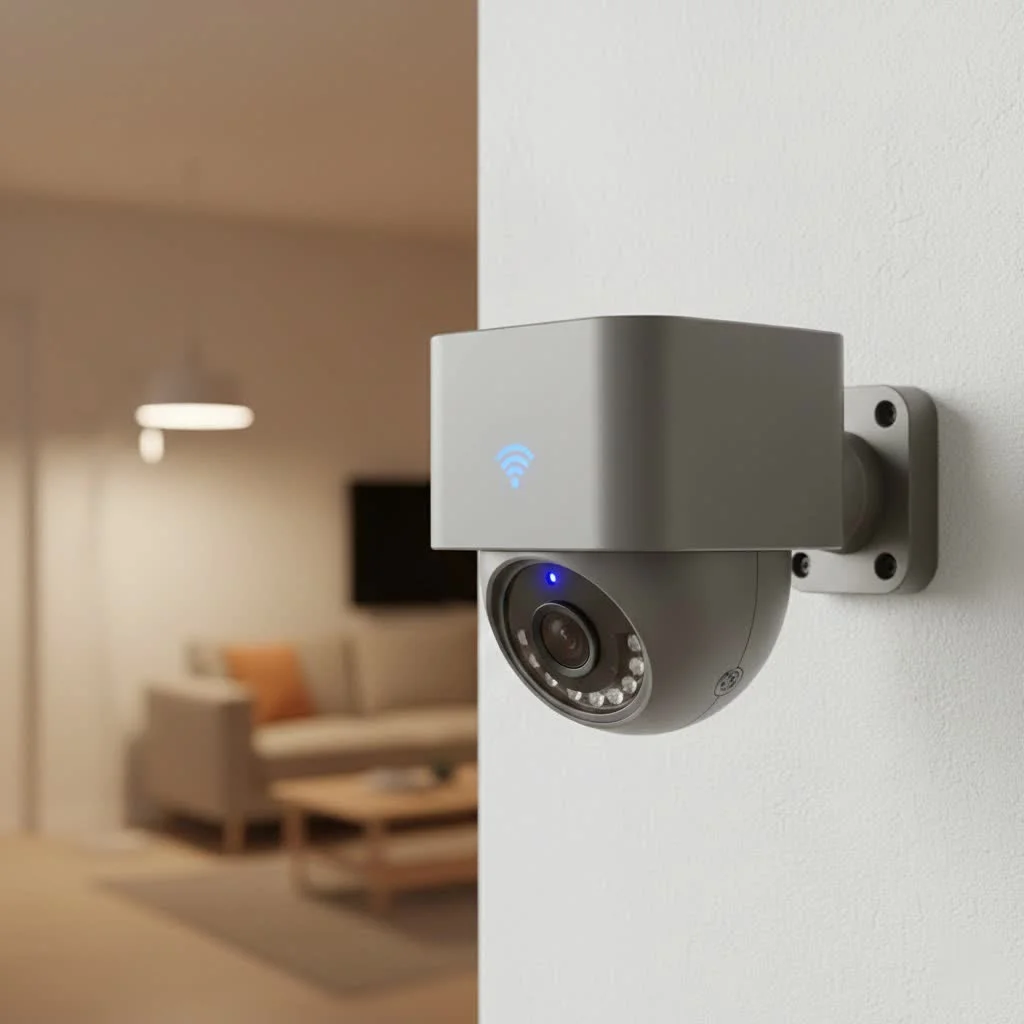
But with so many options, features, and subscription plans, how do you know which one is the right fit for you? As a security professional with over 15 years of hands-on experience at ydmrw.com, I’m here to demystify the world of Ring cameras. We’ll break down the different models, explore the essential features, and give you the confidence to build a security system that truly protects your home and family.
What Makes Ring Security Cameras a Popular Choice?
Ring’s success isn’t accidental. The brand has solidified its position as a market leader by focusing on a few core principles that resonate with modern homeowners: ease of use, a connected ecosystem, and accessible pricing.
- Simple DIY Installation: Most Ring cameras are designed for easy, do-it-yourself installation. With options for battery power, solar, or simple plug-in setups, you can have a camera up and running in minutes without needing to hire an electrician.
- Unified Ecosystem: All Ring devices are controlled through a single, user-friendly app. This means you can manage your video doorbell, indoor cameras, and outdoor floodlights from one place, creating a seamless security network.
- Smart Home Integration: As an Amazon-owned company, Ring products integrate flawlessly with Alexa. This allows for convenient voice commands, like asking your Echo Show to display the feed from your backyard camera.
- Affordable Security: Compared to traditional, professionally monitored systems, Ring provides a powerful set of features at a very competitive price point, making home security accessible to a wider audience.
Exploring the Different Types of Ring Security Cameras
Ring offers a diverse lineup to cover every angle of your property. Understanding the purpose of each model is the first step in building your perfect system.
Ring Stick Up Cam
This is arguably Ring’s most versatile camera. True to its name, you can “stick it up” just about anywhere. It’s designed for both indoor and outdoor use and comes in several power configurations: battery, plug-in, and solar. It’s the perfect general-purpose camera for monitoring patios, driveways, or living rooms.
Ring Indoor Cam
Compact, affordable, and straightforward, the Ring Indoor Cam is designed exclusively for use inside your home. It’s a plug-in device, so you never have to worry about batteries. It’s an excellent choice for keeping an eye on pets, checking in on elderly family members, or monitoring the main entry points from the inside.
Ring Spotlight Cam
|
Our Picks for the Best Security Camera in 2026
As an Amazon Associate I earn from qualifying purchases.
|
||
| Num | Product | Action |
|---|---|---|
| 1 | Tapo 2K Pan/Tilt Security Camera for Baby Monitor, Dog Camera w/Motion Detection, 2-Way Audio Siren, Night Vision, Cloud&SD Card Storage, Works w/Alexa & Google Assistant, 2-Pack (Tapo C210P2) |

|
| 2 | Kasa Smart Indoor Pan-Tilt Home Security Camera, 1080p HD Dog Camera w/Night Vision, Motion Detection for Baby & Pet Monitor, Cloud & SD Card Storage, Works w/ Alexa & Google Home, 2.4G WiFi (EC71) |
|
| 3 | WYZE Bulb Cam Security Camera, 2K HD Outdoor Light Bulb Camera, Color Night Vision, Dimmable LED Bulb, Motion Detection, Siren Alarm, Works w/Alexa/Google Assistant. Free Expert Support |
|
| 4 | Security Cameras Wireless Outdoor,2K Indoor WiFi Wireless Cameras,Outside Battery Powered Camera for Home Security,AI Motion Detection,Color Night Vision,Spotlight,Siren Alarm,SD/Cloud Storage,2 Pack |
|
| 5 | TP-Link Tapo 1080P Indoor Security Camera for Baby Monitor, Dog Camera w/Motion Detection, 2-Way Audio Siren, Night Vision, Cloud & SD Card Storage, Works w/Alexa & Google Home (Tapo C100) |
|
| 6 | WYZE Cam v4 (Latest Model), 2.5K AI Security Camera, Indoor/Outdoor Cameras for Home Security, Baby Monitor & Pet Camera, Vibrant Color Night Vision, No Subscription Required, Free Expert Help |
|
| 7 | WYZE Cam Pan v3 Indoor/Outdoor IP65-Rated 1080p Pan/Tilt/Zoom Wi-Fi Smart Home Security Camera with Color Night Vision, 2-Way Audio, Compatible with Alexa & Google Assistant, White, 2-Pack |
|
| 8 | Tapo TP-Link 2K Pan/Tilt Indoor Security Camera for Baby Monitor, Pet Camera, Motion Detection & Tracking, 2-Way Audio, Cloud & SD Card Storage, Works w/Alexa & Google Home, Black, C211(2-Pack) |
|
| 9 | REOLINK 4K PoE Security Camera System Wired, 8pcs 8MP PoE Cameras, Smart Person/Vehicle Detection, 16CH NVR with 4TB HDD, H.265, 24/7 Recording, High Bitrate & Clear Stream, RLK16-800D8 |
|
| 10 | Security Cameras Wireless Outdoor-Solar&Battery Powered 2K 2.4G Cameras for Home Security, Instant Alert, AI Human Detection, Color Night Vision, 2-Way Talk, SD Storage, Work with Alexa, Z1 4P |
|
The Spotlight Cam takes outdoor security up a notch by integrating motion-activated LED spotlights. When the camera detects movement, the lights turn on, illuminating the area and making it clear to any intruder that they are being recorded. This feature not only provides better video quality at night but also acts as a powerful deterrent.
Ring Floodlight Cam
For maximum security in large outdoor spaces like backyards or driveways, the Floodlight Cam is the top-tier option. It features two powerful, motion-activated floodlights and a loud, 110-decibel siren that you can trigger from the app. It’s a hardwired device, providing a constant and reliable power source for its advanced features.
As security systems integrator Johnathan Carter often says, “A single camera is a good start, but the real power comes from the ecosystem. When your doorbell, floodlight, and indoor cameras all speak the same language, you create a web of security that is far more effective than the sum of its parts. That’s where Ring truly excels.”
Key Features to Look For in a Ring Security Camera
While the models differ, they share a core set of features that define the Ring experience.
Video Resolution and Night Vision
All modern Ring cameras offer at least 1080p HD video resolution, which is clear enough to identify faces and details. For night vision, most models use infrared LEDs to provide a clear black-and-white image, while more advanced models like the Floodlight and Spotlight Cams use their built-in lights to provide full-color night vision.
Motion Detection and Customization
This is the heart of any security camera. Ring cameras send real-time alerts to your phone when they detect motion. The app allows you to customize motion zones, so you can focus on specific areas (like a walkway) and ignore others (like a busy street) to reduce false alarms.
Two-Way Talk
Every Ring camera includes a built-in microphone and speaker, enabling two-way communication. You can speak with a delivery person at your door, greet guests, or warn off an unwanted visitor, all directly through the Ring app.
Power Options
Your home’s layout will influence which power source is best.
- Battery: Offers the most flexibility for placement but requires periodic recharging.
- Wired/Plug-in: Provides constant power so you never have to worry about a dead battery.
- Solar: A great companion for battery-powered cameras in sunny locations, a small solar panel can keep the battery topped up, drastically reducing the need for manual recharging.
Understanding Ring Protect Plans: Do You Need a Subscription?
This is one of the most critical aspects to understand. Without a subscription, your Ring security camera will provide live view and motion alerts, but it will not record or save any video clips. To unlock the full potential of your camera, you need a Ring Protect plan.
- Ring Protect Basic: This plan covers one camera and saves all video events to the cloud for up to 180 days. You can review, download, and share these videos at any time.
- Ring Protect Plus: This plan covers all Ring cameras at a single location, offering the same video storage benefits as the Basic plan. It’s the most cost-effective option if you have more than one Ring device. It also extends the warranty on your devices.
While the subscription is an added cost, it’s essential for turning your camera from a simple live-streaming device into a true security tool that captures evidence when you need it most.
How to Install Your Ring Security Camera: A Simple Guide
One of Ring’s biggest selling points is the ease of installation. While specific steps vary slightly by model, the general process is remarkably simple.
- Charge the Battery: If you have a battery-powered model, fully charge the included battery pack first.
- Download the Ring App: Create an account and have your Wi-Fi password ready.
- Add a New Device: In the app, select “Set Up a Device” and scan the QR code on your camera.
- Connect to Wi-Fi: Follow the in-app instructions to connect the camera to your home’s Wi-Fi network.
- Mount the Camera: Use the included hardware to mount the camera in your desired location. For outdoor cameras, a height of about 9 feet is recommended for the best viewing angle and to keep it out of easy reach.
- Configure Settings: Adjust your motion zones, alert frequency, and other settings within the app to tailor the camera to your specific needs.
Frequently Asked Questions (FAQ)
How long does the battery last on a Ring camera?
Battery life varies heavily based on usage, motion settings, and weather. On average, you can expect a Ring battery to last anywhere from a few weeks to a few months between charges. Adding a solar panel can nearly eliminate the need for manual charging.
Can Ring cameras record 24/7?
No, by default, Ring cameras are motion-activated and only record when they detect movement. This conserves battery life and cloud storage space.
Do Ring cameras work without Wi-Fi?
No, Ring security cameras require a stable Wi-Fi connection to function. They cannot send alerts or upload video recordings to the cloud without being connected to the internet.
Is it possible to use a Ring camera without a subscription?
Yes, you can use a Ring camera without a subscription to get motion alerts and view the live feed. However, you will not be able to save, review, or share any video recordings of past events.
How secure are Ring cameras from hacking?
Ring has significantly improved its security features over the years, now offering end-to-end encryption, two-factor authentication, and other privacy controls through its Control Center in the app. It’s crucial for users to enable these features to maximize their security.
Conclusion: Is a Ring Security Camera Right for You?
For the vast majority of homeowners seeking a reliable, user-friendly, and scalable security solution, a Ring security camera is an excellent choice. The combination of easy DIY installation, a powerful and intuitive app, and a wide range of models makes it easy to build a system tailored to your property.
While they may lack some of the ultra-advanced features of high-end commercial systems, like 4K recording or on-device AI, Ring delivers outstanding value and performance for everyday home security. By protecting your property with a network of Ring cameras, you’re not just buying hardware; you’re investing in peace of mind.
Frequently Asked Questions
How long does the battery typically last on a Ring camera?
On average, a Ring camera battery can last from a few weeks to a few months between charges, depending on usage, motion settings, and weather conditions. Adding a solar panel accessory can significantly extend this duration, often eliminating the need for manual recharging.
Can Ring security cameras record video continuously 24/7?
No, Ring cameras do not record continuously 24/7 by default. They are designed to be motion-activated, recording only when movement is detected. This design helps conserve battery life and optimize cloud storage space for recorded events.
Do Ring security cameras require a Wi-Fi connection to operate?
Yes, Ring security cameras require a stable Wi-Fi connection to function properly. Without an internet connection, they cannot send real-time alerts to your phone or upload video recordings to the cloud for storage and review.
Is it possible to use a Ring camera without a paid subscription plan?
Yes, you can use a Ring camera without a subscription to receive motion alerts and view the live feed in real-time. However, without a Ring Protect plan, you will not be able to save, review, or share any video recordings of past events.
What security measures does Ring offer to protect cameras from hacking?
Ring has implemented significant security enhancements, including end-to-end encryption, two-factor authentication, and various privacy controls accessible through its Control Center in the app. Users are strongly encouraged to enable these features to maximize their device security.
Get our weekly buyer guide
Practical specs, not advice. Unsubscribe anytime.

I’ve been looking into a new security system for a while, and the breakdown of Ring’s different models here was super helpful. I ended up going with the Floodlight Cam Wired Plus, and the 1080p HD video quality is fantastic. The two-way talk feature has also been surprisingly useful for package deliveries. Installation was pretty straightforward, just like it mentioned.
This guide really helped me understand the subscription plans better. I was a bit confused about the different tiers, but now I feel confident I picked the right one for my needs. My Ring Stick Up Cam Battery works great for monitoring my backyard, and the motion detection is very accurate. It integrates seamlessly with my existing Alexa setup too, which is a big plus.
As someone who’s tried a few different brands, Ring really stands out for its user-friendly interface. The guide highlighted how accessible and effective these cameras are, and I totally agree. I have a few Ring Indoor Cams, and they provide excellent coverage for my business. The scalability of the system is also a huge advantage as my needs grow.
I appreciate the detailed info on DIY installation. I found it mostly easy, but connecting it to my Wi-Fi took a few tries, which was a bit frustrating. The app is powerful, though, and I like being able to check on my front door from anywhere. I have the Ring Video Doorbell 3, and while the video is clear, I wish the battery lasted a little longer between charges.