In today’s fast-paced world, feeling secure in your home or business isn’t a luxury; it’s a fundamental need. With countless options flooding the market, finding a reliable yet affordable security solution can feel like searching for a needle in a haystack. That’s where a Wyze security camera steps in, offering an impressive blend of cutting-edge features and accessibility that truly stands out. As someone who has spent over 15 years knee-deep in surveillance systems, I’ve seen brands come and go, but Wyze has consistently delivered on its promise of making smart home security genuinely attainable for everyone.
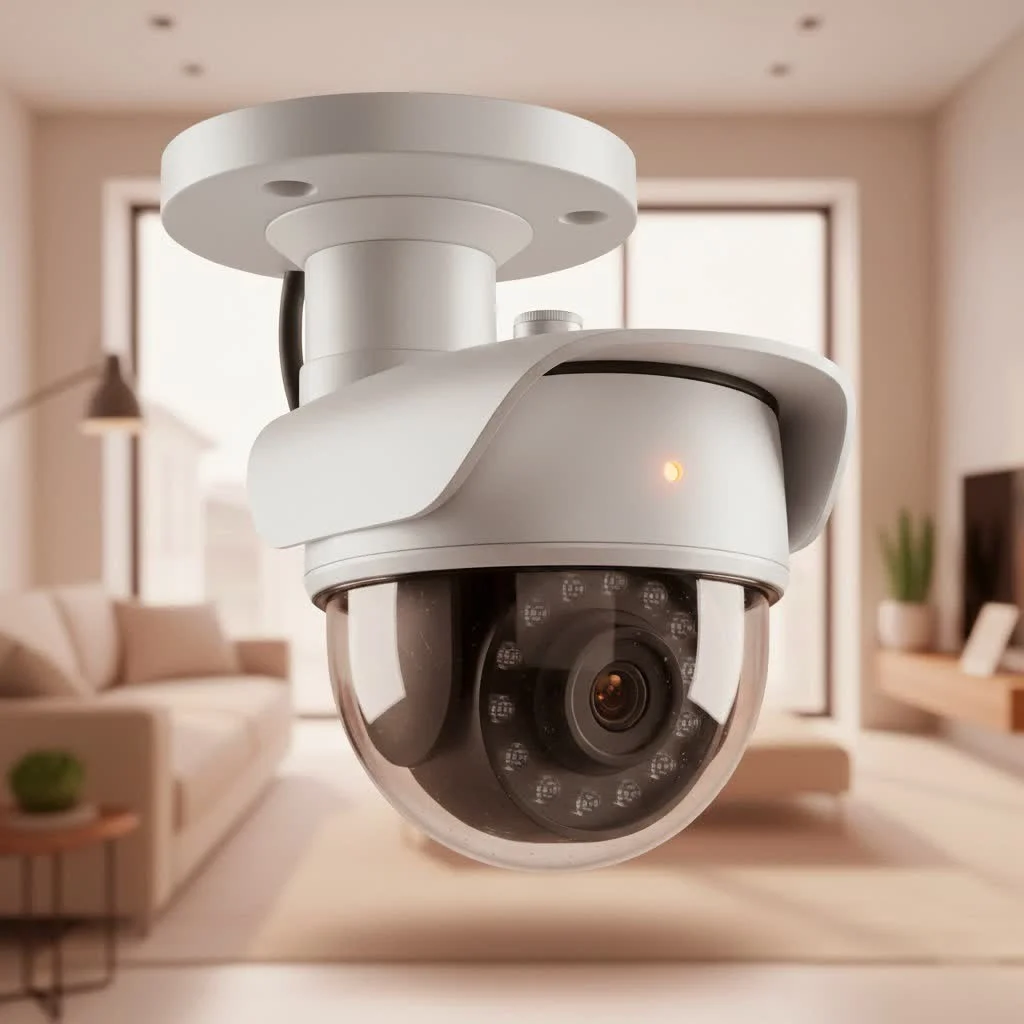
Why Choose a Wyze Security Camera? The Unbeatable Value
When we talk about a Wyze security camera, we’re discussing a brand that has carved out a unique niche by democratizing advanced surveillance technology. They’ve challenged the industry norm, proving that you don’t need to empty your wallet to get effective protection. This commitment to value, without skimping on performance, is a cornerstone of the Wyze philosophy and why so many homeowners and small business owners trust their devices.
Affordability Meets Innovation
One of the most compelling reasons to opt for a Wyze camera is its incredible price point. For a fraction of the cost of many competitors, you gain access to features typically reserved for premium models. We’re talking about high-definition video, robust night vision, and smart detection capabilities, all wrapped up in a user-friendly package. Wyze doesn’t just sell cameras; they sell peace of mind at an unbeatable price.
Simple Setup, Powerful Peace of Mind
From the moment you unbox a Wyze camera, the emphasis on user-friendliness is clear. Installation is remarkably straightforward, often taking mere minutes from start to finish. This ease of use extends to the intuitive Wyze app, which serves as your command center for managing and monitoring your entire security ecosystem. It’s security without the headache, allowing you to focus on what truly matters.
Diving Deep into Wyze Security Camera Models
Wyze offers a diverse range of cameras, each designed to meet specific security needs. Understanding the nuances of each model can help you pick the perfect Wyze security camera for your unique situation.
The Versatile Workhorse: Wyze Cam v3 & v4
The Wyze Cam v3 and the newer Wyze Cam v4 are arguably the most popular models, serving as excellent all-around cameras for both indoor and outdoor use. The v3 brought the revolutionary Starlight Sensor, enabling impressive color night vision in low-light conditions, a feature that was a game-changer for budget cameras. The v4 takes it a step further with 2.5K QHD resolution, enhanced color night vision, and sometimes even Wi-Fi 6 support for a more stable connection. Both models offer crisp resolution, two-way audio, and advanced motion/sound detection, making them ideal for monitoring entrances, living areas, or even your backyard.
Panoramic Views: Wyze Cam Pan
For those who need broader coverage from a single vantage point, the Wyze Cam Pan is a fantastic choice. This camera boasts pan and tilt capabilities, allowing you to remotely rotate the camera lens to get a full 360-degree view of a room. It’s perfect for larger indoor spaces where a fixed-angle camera might miss crucial details, or for tracking pets as they move around your home. The Pan Cam’s ability to automatically track motion is a standout feature, ensuring nothing slips past its watchful eye.
Rugged Protection: Wyze Outdoor Cameras
When it comes to outdoor surveillance, Wyze has robust solutions like the Wyze Cam Outdoor and the newer Wyze Battery Cam Pro. These cameras are built to withstand the elements, featuring weather-resistant designs (IP65 ratings) that make them suitable for porches, driveways, or gardens. The Battery Cam Pro offers the flexibility of wireless placement, powered by a long-lasting battery, eliminating the need for constant power outlets. Many outdoor models also come with built-in spotlights and sirens, adding an extra layer of deterrence to ward off intruders.
Smart Entry: Wyze Video Doorbell Pro
Beyond traditional cameras, Wyze also offers smart doorbells like the Wyze Video Doorbell Pro. This device integrates seamlessly into your Wyze ecosystem, providing high-definition video of your front door, two-way talk with visitors, and instant notifications for motion or package deliveries. It’s a crucial component for a comprehensive home security setup, letting you see and speak to whoever is at your door, whether you’re home or away.
Essential Features That Set Wyze Apart
|
Our Picks for the Best Security Camera in 2026
As an Amazon Associate I earn from qualifying purchases.
|
||
| Num | Product | Action |
|---|---|---|
| 1 | Security Cameras Wireless Outdoor-Solar&Battery Powered 2K 2.4G Cameras for Home Security, Instant Alert, AI Human Detection, Color Night Vision, 2-Way Talk, SD Storage, Work with Alexa, Z1 4P |

|
| 2 | Tapo 2K Pan/Tilt Security Camera for Baby Monitor, Dog Camera w/Motion Detection, 2-Way Audio Siren, Night Vision, Cloud&SD Card Storage, Works w/Alexa & Google Assistant, 2-Pack (Tapo C210P2) |
|
| 3 | Kasa Smart Indoor Pan-Tilt Home Security Camera, 1080p HD Dog Camera w/Night Vision, Motion Detection for Baby & Pet Monitor, Cloud & SD Card Storage, Works w/ Alexa & Google Home, 2.4G WiFi (EC71) |
|
| 4 | TP-Link Tapo 1080P Indoor Security Camera for Baby Monitor, Dog Camera w/Motion Detection, 2-Way Audio Siren, Night Vision, Cloud & SD Card Storage, Works w/Alexa & Google Home (Tapo C100) |
|
| 5 | Security Cameras Wireless Outdoor,2K Indoor WiFi Wireless Cameras,Outside Battery Powered Camera for Home Security,AI Motion Detection,Color Night Vision,Spotlight,Siren Alarm,SD/Cloud Storage,2 Pack |
|
| 6 | WYZE Cam v4 (Latest Model), 2.5K AI Security Camera, Indoor/Outdoor Cameras for Home Security, Baby Monitor & Pet Camera, Vibrant Color Night Vision, No Subscription Required, Free Expert Help |
|
| 7 | WYZE Bulb Cam Security Camera, 2K HD Outdoor Light Bulb Camera, Color Night Vision, Dimmable LED Bulb, Motion Detection, Siren Alarm, Works w/Alexa/Google Assistant. Free Expert Support |
|
| 8 | Tapo TP-Link 2K Pan/Tilt Indoor Security Camera for Baby Monitor, Pet Camera, Motion Detection & Tracking, 2-Way Audio, Cloud & SD Card Storage, Works w/Alexa & Google Home, Black, C211(2-Pack) |
|
| 9 | REOLINK 4K PoE Security Camera System Wired, 8pcs 8MP PoE Cameras, Smart Person/Vehicle Detection, 16CH NVR with 4TB HDD, H.265, 24/7 Recording, High Bitrate & Clear Stream, RLK16-800D8 |
|
| 10 | WYZE Cam Pan v3 Indoor/Outdoor IP65-Rated 1080p Pan/Tilt/Zoom Wi-Fi Smart Home Security Camera with Color Night Vision, 2-Way Audio, Compatible with Alexa & Google Assistant, White, 2-Pack |
|
What truly elevates a Wyze security camera above many competitors are the intelligent features packed into its compact design. Wyze constantly iterates, bringing premium functionalities to an accessible platform.
Crystal-Clear Resolution and Advanced Night Vision
Most Wyze cameras offer at least 1080p Full HD resolution, providing clear and detailed video footage. Newer models push the envelope further with 2.5K QHD, ensuring you catch every important detail. But where Wyze truly shines is its night vision. Many models feature Starlight Sensor or Enhanced Color Night Vision, transforming dimly lit scenes into surprisingly vibrant, full-color recordings, rather than the traditional grainy black and white. This difference can be critical when trying to identify details in low-light conditions.
Smart Detection and Instant Alerts
Imagine knowing the moment a package arrives or if someone is lingering near your door. Wyze cameras are equipped with advanced motion and sound detection. They can send instant alerts directly to your phone, complete with a video clip of the event. With a Cam Plus subscription, you unlock even smarter AI detection, allowing the camera to specifically identify people, pets, or vehicles, significantly reducing false alarms from trivial movements like tree branches swaying.
Seamless Two-Way Audio
The built-in microphone and speaker on Wyze cameras enable clear two-way audio communication. This means you can not only hear what’s happening but also speak through the camera. It’s perfect for greeting visitors, instructing delivery drivers, or even deterring unwanted guests by letting them know they’re being watched. “Having two-way audio is non-negotiable for modern security,” says Benjamin Chen, a veteran security consultant. “It adds a powerful layer of interaction and control that was unthinkable in budget systems just a few years ago.”
Flexible Storage Options: Local and Cloud
Wyze understands that different users have different storage preferences. All Wyze cameras offer local storage via a microSD card slot, allowing for continuous recording without relying on internet connectivity. For cloud storage, Wyze provides a complimentary 14-day rolling window for short event clips. For extended recording lengths and advanced features, the affordable Cam Plus subscription offers unlimited cloud video storage and enhanced AI detection capabilities, ensuring you never miss a moment.
Smart Home Integration
A Wyze security camera isn’t an island; it’s a vital part of your broader smart home ecosystem. Wyze cameras seamlessly integrate with popular platforms like Amazon Alexa and Google Assistant. This allows for voice control and the ability to view your camera’s live feed on compatible smart displays, adding convenience and integrating your security seamlessly into your daily routines.
Getting Started: Installing Your Wyze Security Camera
One of the biggest anxieties for new security camera owners is the installation process. With Wyze, it’s designed to be a breeze, even for those who aren’t tech-savvy.
The Simple Setup Process
Setting up your Wyze security camera usually follows a few straightforward steps:
- Download the Wyze App: Find the “Wyze” app in your smartphone’s app store and create an account.
- Power On: Plug your Wyze camera into a power outlet using the included USB cable and adapter. Wait for the status light to indicate it’s ready (often flashing yellow or red).
- Initiate Setup: Press the physical “SETUP” button on the camera (usually on the bottom or back) until you hear a voice prompt saying “Ready to connect.”
- Connect via App: Follow the on-screen instructions in the Wyze app. You’ll typically connect to your 2.4 GHz Wi-Fi network and then scan a QR code displayed on your phone with the camera’s lens. The camera will confirm “QR code scanned” and “Setup completed.”
Remember, Wyze cameras primarily operate on the 2.4 GHz Wi-Fi band, so ensure your phone is connected to a 2.4 GHz network during setup, especially if you have a dual-band router.
Mounting Your Camera with Ease
Wyze cameras are designed for flexible placement. Most models come with a magnetic base and an adhesive metal plate, allowing you to easily mount them on any flat surface without drilling. For more permanent installations or outdoor use, screws and anchors are often included, providing secure mounting options. The innovative 3-axis design of many Wyze cameras allows you to adjust the camera’s angle precisely, ensuring you capture the perfect field of view.
Mastering Your Wyze Camera: App & Configuration
The true power of a Wyze security camera lies in its accompanying app, which puts complete control at your fingertips.
Navigating the Wyze App
The Wyze app is your central hub. From here, you can:
- View Live Streams: Check on your property in real-time from anywhere.
- Access Recordings: Review event clips or continuous recordings stored on a microSD card.
- Customize Settings: Adjust motion detection sensitivity, set detection zones, enable sound recording, and configure notification preferences.
- Two-Way Talk: Engage in real-time conversations through the camera.
- Firmware Updates: Ensure your camera is running the latest software for optimal performance and security.
The app’s intuitive interface makes managing multiple cameras and settings a simple task, allowing you to tailor your security system to your exact needs.
Unlocking More with Cam Plus
While Wyze cameras are incredibly capable out of the box, a Cam Plus subscription truly enhances their functionality. Beyond extended cloud storage, Cam Plus unlocks:
- Person, Vehicle, and Pet Detection: Smarter AI reduces false alerts, notifying you only about what truly matters.
- Unlimited Recording Length: Event videos are no longer limited to short clips.
- Familiar Face Detection: (on select cameras) Get alerts specifically when familiar faces are detected.
- Web View: Access your camera feeds directly from a web browser.
Cam Plus transforms your Wyze camera into an even more intelligent and responsive surveillance tool, providing a more comprehensive and worry-free security experience.
Keeping Your Wyze Cam Running Smoothly: Maintenance & Troubleshooting
Even the most reliable tech can encounter a hiccup now and then. Knowing how to maintain your Wyze security camera and troubleshoot common issues can save you time and frustration.
Common Connectivity Challenges and Solutions
The most frequent issue users face is connectivity. Here’s what to check:
- 2.4 GHz Wi-Fi: Ensure your camera is connected to a 2.4 GHz network, as Wyze cameras do not support 5 GHz Wi-Fi.
- Signal Strength: If your camera is far from your router, the signal might be weak. Try moving the camera closer or using a Wi-Fi extender.
- Router Reboot: Sometimes, simply restarting your Wi-Fi router can resolve connectivity glitches.
- Interference: Other electronic devices can interfere with your Wi-Fi signal. Try repositioning the camera or interfering devices.
Power Cycling and Firmware Updates
A simple power cycle can resolve many temporary issues. Just unplug your camera from its power source, wait 10-15 seconds for it to fully discharge, and then plug it back in. This often resets internal connections and resolves minor software hangs.
Regularly checking for and installing firmware updates for your camera and keeping your Wyze app updated is also crucial. These updates often include bug fixes, performance improvements, and critical security enhancements that keep your system running optimally. Wyze has, over time, actively addressed security concerns raised by its user base, emphasizing continuous improvement in data protection and user privacy through these updates.
Expert Tip: When to Factory Reset
If you’ve tried all other troubleshooting steps and your Wyze camera still isn’t behaving, a factory reset might be necessary. This will return the camera to its original factory settings, requiring you to set it up again as new. You can typically perform a factory reset by holding down the setup button for an extended period (usually 10-20 seconds) until a voice prompt confirms the reset. This is often the last resort for stubborn software issues.
Secure Your Space with a Wyze Security Camera
In conclusion, a Wyze security camera offers an unparalleled combination of advanced features, ease of use, and affordability, making it an ideal choice for anyone looking to enhance their home or business security. From crystal-clear video and intelligent night vision to smart detection and seamless app control, Wyze empowers you with the tools you need to stay connected and protected. Their continuous innovation and commitment to accessible security technology ensure that you’re investing in a system that grows with your needs. So, why wait? Take the first step towards a more secure future today, explore the range of Wyze cameras, and experience the peace of mind that comes with reliable, smart surveillance.
Get our weekly buyer guide
Practical specs, not advice. Unsubscribe anytime.
