Choosing an Amazon security camera involves selecting between Amazon’s owned brands, Ring and Blink, or other brands available on the marketplace. Ring offers a premium, feature-rich experience with strong smart home integration, while Blink focuses on affordability, simplicity, and exceptional battery life, lasting up to two years on a single set of AA lithium batteries. Both brands provide user-friendly experiences tailored to different security needs and budgets.
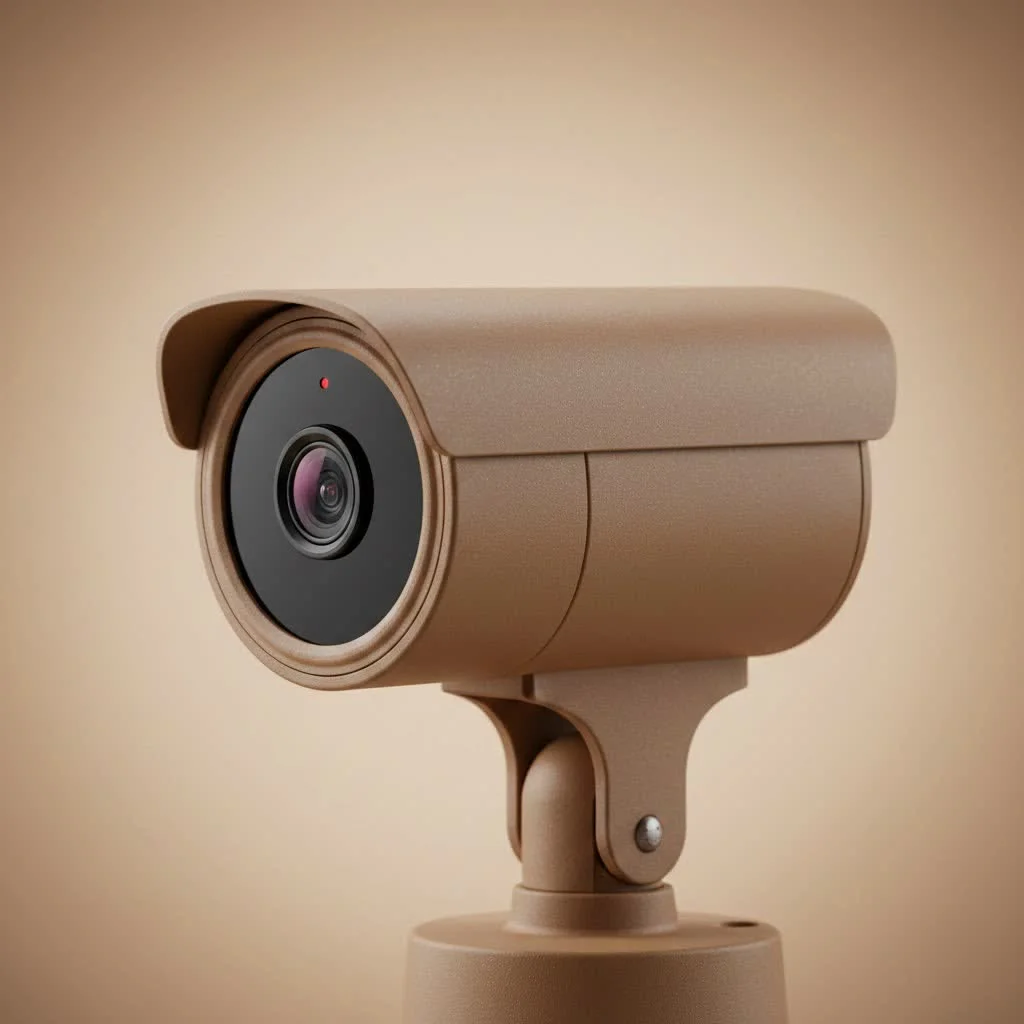
Whether you’re looking to deter porch pirates, keep an eye on your pets, or build a comprehensive surveillance system, Amazon offers a solution. Let’s break down what you need to know to make a confident and informed decision. For complete home library on this site.
Understanding Amazon’s Security Ecosystem
When people talk about an Amazon security camera, they’re usually referring to one of two brands that Amazon owns: Ring and Blink. While you can buy thousands of different camera brands on the Amazon marketplace, these two are deeply integrated with Amazon’s ecosystem, particularly with Alexa.
- Ring: Famous for its video doorbells, Ring has expanded to offer a full suite of home security products, including indoor cameras, outdoor floodlight cams, and professional monitoring services. Ring is generally seen as the more premium, feature-rich option.
- Blink: Blink focuses on affordability and simplicity. Their cameras are known for their incredibly long battery life (up to two years on a single set of AA lithium batteries), making them a fantastic “set it and forget it” option for those who want minimal fuss.
Both brands offer a user-friendly experience, but they cater to slightly different needs and budgets.
Ring vs. Blink: Which Is Right for You?
Choosing between Ring and Blink is often the first major decision for anyone investing in an Amazon-centric security system. Here’s a head-to-head comparison to help you decide.
Ring: The Connected Home Guardian
Ring devices are built for those who want an interconnected web of security. Their cameras are robust, offer excellent video quality, and come packed with features.
- Video Quality: Typically offer 1080p HD video, with some higher-end models providing even better clarity and color night vision.
- Features: Advanced motion detection with customizable zones, two-way talk, live view, and integration with a wide range of smart home devices. Floodlight and Spotlight Cams have built-in lights and sirens.
- Power Options: Ring offers a variety of power options, including battery-powered, hardwired, and solar-powered models, providing flexibility for any location.
- Subscription (Ring Protect): To get the most out of Ring, a subscription is almost essential. The Ring Protect plan allows you to save, review, and share video recordings. Without it, you can only view the live feed and receive motion alerts.
Expert Take by John Miller: “I recommend Ring for homeowners who are building a complete smart home. The way Ring doorbells, cameras, and alarm systems work together with Alexa creates a seamless and powerful security network that’s tough to beat.”
Blink: Affordable and Simple Security
|
Our Picks for the Best Security Camera in 2026
As an Amazon Associate I earn from qualifying purchases.
|
||
| Num | Product | Action |
|---|---|---|
| 1 | TP-Link Tapo 1080P Indoor Security Camera for Baby Monitor, Dog Camera w/Motion Detection, 2-Way Audio Siren, Night Vision, Cloud & SD Card Storage, Works w/Alexa & Google Home (Tapo C100) |

|
| 2 | WYZE Bulb Cam Security Camera, 2K HD Outdoor Light Bulb Camera, Color Night Vision, Dimmable LED Bulb, Motion Detection, Siren Alarm, Works w/Alexa/Google Assistant. Free Expert Support |
|
| 3 | Security Cameras Wireless Outdoor-Solar&Battery Powered 2K 2.4G Cameras for Home Security, Instant Alert, AI Human Detection, Color Night Vision, 2-Way Talk, SD Storage, Work with Alexa, Z1 4P |
|
| 4 | Tapo TP-Link 2K Pan/Tilt Indoor Security Camera for Baby Monitor, Pet Camera, Motion Detection & Tracking, 2-Way Audio, Cloud & SD Card Storage, Works w/Alexa & Google Home, Black, C211(2-Pack) |
|
| 5 | Kasa Smart Indoor Pan-Tilt Home Security Camera, 1080p HD Dog Camera w/Night Vision, Motion Detection for Baby & Pet Monitor, Cloud & SD Card Storage, Works w/ Alexa & Google Home, 2.4G WiFi (EC71) |
|
| 6 | WYZE Cam v4 (Latest Model), 2.5K AI Security Camera, Indoor/Outdoor Cameras for Home Security, Baby Monitor & Pet Camera, Vibrant Color Night Vision, No Subscription Required, Free Expert Help |
|
| 7 | Tapo 2K Pan/Tilt Security Camera for Baby Monitor, Dog Camera w/Motion Detection, 2-Way Audio Siren, Night Vision, Cloud&SD Card Storage, Works w/Alexa & Google Assistant, 2-Pack (Tapo C210P2) |
|
| 8 | REOLINK 4K PoE Security Camera System Wired, 8pcs 8MP PoE Cameras, Smart Person/Vehicle Detection, 16CH NVR with 4TB HDD, H.265, 24/7 Recording, High Bitrate & Clear Stream, RLK16-800D8 |
|
| 9 | Security Cameras Wireless Outdoor,2K Indoor WiFi Wireless Cameras,Outside Battery Powered Camera for Home Security,AI Motion Detection,Color Night Vision,Spotlight,Siren Alarm,SD/Cloud Storage,2 Pack |
|
| 10 | WYZE Cam Pan v3 Indoor/Outdoor IP65-Rated 1080p Pan/Tilt/Zoom Wi-Fi Smart Home Security Camera with Color Night Vision, 2-Way Audio, Compatible with Alexa & Google Assistant, White, 2-Pack |
|
Blink’s core philosophy is to make home security accessible and easy. If you value long battery life and straightforward functionality over advanced features, Blink is an excellent choice.
- Battery Life: This is Blink’s standout feature. Their proprietary chip technology allows their battery-powered cameras to last up to two years, which is unmatched in the industry.
- Features: Blink offers the essentials, including 1080p HD video, infrared night vision, basic motion alerts, and two-way audio.
- Local Storage: A key advantage for Blink is the Sync Module 2, which allows you to save video clips locally to a USB drive, potentially avoiding monthly cloud storage fees.
- Subscription (Blink Subscription Plan): While local storage is an option, Blink also offers a cloud subscription plan that is competitively priced if you prefer the convenience of accessing your clips from anywhere.
Key Features to Look for in an Amazon Security Camera
Regardless of whether you choose Ring, Blink, or another brand from the marketplace, there are fundamental features you must consider.
Resolution and Field of View
Resolution determines the clarity of your video. 1080p HD is the industry standard and is sufficient for most homes. A wider field of view (measured in degrees) allows a single camera to see more of a room or yard, potentially reducing the total number of cameras you need.
Night Vision
Every outdoor camera and most indoor cameras should have night vision. There are two main types:
- Infrared (IR) Night Vision: This is the standard black-and-white video you see in low-light conditions.
- Color Night Vision: More advanced cameras use ambient light or a small, built-in spotlight to record in color at night, which can be crucial for identifying details like clothing color.
Power Source: Wired vs. Wireless
- Wireless/Battery-Powered: Incredibly easy to install anywhere without drilling holes for cables. The main drawback is the need to recharge or replace batteries. Blink is the leader here with its two-year battery life.
- Wired: These cameras are powered by plugging into an outlet or being hardwired into your home’s electrical system (like a floodlight camera). They offer constant power, so you never have to worry about a dead battery, but installation is more involved.
Video Storage: Cloud vs. Local
How your camera saves video clips is a critical consideration.
- Cloud Storage: Most brands, including Ring and Blink, push you toward a monthly subscription for cloud storage. This is convenient, secure, and lets you access footage from anywhere.
- Local Storage: Some cameras, like those from Blink (with a Sync Module 2) or Eufy, allow you to store recordings on a local device like a USB drive or microSD card. This avoids monthly fees but means you are responsible for managing and securing the storage.
How to Install Your Security Camera
Once you’ve chosen your Amazon security camera, proper installation is key to its effectiveness.
- Placement is Everything: Position outdoor cameras to cover main entry points, driveways, and vulnerable ground-floor windows. Place them high enough to be out of easy reach but low enough to capture clear facial details. For indoor cameras, focus on main living areas and entryways.
- Check Your Wi-Fi Signal: Before mounting anything permanently, take the camera to your desired location and use the app to check the Wi-Fi signal strength. A weak signal will result in poor video quality and delayed notifications.
- Follow the App’s Instructions: Both the Ring and Blink apps provide excellent step-by-step instructions. They will guide you through connecting the camera to your Wi-Fi, configuring settings, and mounting it correctly.
- Configure Motion Zones: To avoid a flood of false alerts from passing cars or swaying trees, take the time to set up motion detection zones. This tells the camera to only monitor specific areas within its field of view for movement.
Frequently Asked Questions (FAQ)
Do all Amazon security cameras require a subscription?
No, not all Amazon security cameras require a subscription, but many have limited functionality without one. Ring cameras are significantly limited without a subscription, while Blink cameras offer more functionality, especially with the Sync Module 2 for local storage. Brands like Eufy often prioritize local storage to avoid monthly fees.
Can I use an Amazon security camera without Alexa?
Yes, you can absolutely use an Amazon security camera without Alexa. You can manage Ring or Blink cameras entirely through their dedicated smartphone apps. However, integrating them with an Amazon Echo device enhances the experience, allowing for convenient voice commands like, “Alexa, show me the front door camera.”
Are wireless security cameras secure?
Yes, wireless security cameras are secure, provided you implement basic security precautions. Always use a strong, unique password for your camera’s account and home Wi-Fi network, and enable two-factor authentication (2FA) if available. Reputable brands like Ring and Blink utilize strong encryption to protect your video feeds from unauthorized access.
How high should I mount my outdoor security camera?
The ideal height for mounting an outdoor security camera is typically around 8-10 feet off the ground. This height is sufficient to keep the camera out of easy reach of potential intruders while still being low enough to capture clear, identifiable details. Avoid pointing the camera directly at the sun to prevent image washout.
Securing Your Home with Confidence
Choosing the right Amazon security camera is a significant step toward peace of mind. By focusing on your specific needs—whether it’s the advanced, integrated ecosystem of Ring or the simple, long-lasting convenience of Blink—you can build a system that works for you. Remember to consider the essential features like video quality, power source, and storage options. With a bit of planning and a straightforward installation, you’ll have a reliable set of eyes on your home, accessible right from your smartphone.
How to Install Your Amazon Security Camera
Proper installation is crucial for the effectiveness of your Amazon security camera. Follow these steps to ensure optimal performance and coverage.
Position outdoor cameras to cover main entry points, driveways, and vulnerable ground-floor windows. Place them high enough (8-10 feet) to be out of easy reach but low enough to capture clear facial details. For indoor cameras, focus on main living areas and entryways.
Before permanent mounting, take the camera to your desired location and use the accompanying app to check the Wi-Fi signal strength. A weak signal will lead to poor video quality and delayed notifications, so ensure a strong connection.
Both the Ring and Blink apps provide excellent step-by-step instructions for setup. These guides will walk you through connecting the camera to your Wi-Fi network, configuring essential settings, and correctly mounting the device.
To prevent excessive false alerts from passing cars or swaying trees, take the time to set up motion detection zones within the camera's app. This feature allows the camera to monitor only specific areas within its field of view for movement, improving alert accuracy.
Get our weekly buyer guide
Practical specs, not advice. Unsubscribe anytime.
I needed something simple and affordable to keep an eye on my front porch. The Blink camera has been perfect for deterring porch pirates. The battery life is truly impressive; I haven’t had to change the AA lithium batteries yet, and it’s been almost a year. Setup was a breeze, even for someone not super tech-savvy.
For anyone building a comprehensive surveillance system, Ring is definitely the way to go. The ecosystem is robust, and the video quality is excellent. I appreciate the cloud storage options and the ability to link multiple cameras together for full coverage. It gives me real peace of mind.
I got a Blink camera for its long battery life, which is great, but I’ve found the motion detection to be a bit inconsistent sometimes. It misses things occasionally, which is frustrating when you’re trying to monitor for specific activity. It’s good for basic surveillance, but I might consider Ring next time for more reliability.
I was really torn between Ring and Blink for my new apartment. After reading up on the differences, I went with Ring because of the smart home integration. It connects seamlessly with my Alexa devices, and I love being able to check the feed with a voice command. Definitely worth the slightly higher price for the extra features.