In today’s world, keeping a watchful eye on your property is more important than ever. While security cameras have been around for a while, the evolution of technology has brought us the 4k wireless security camera, a game-changer in home and business surveillance. But what does “4K” really mean, and is a wireless setup the right choice for you? As a security professional with over 15 years in the field, I’m here to demystify this technology, helping you understand its capabilities, drawbacks, and how to choose the perfect system for your needs. This guide will walk you through everything from the technical specs to the practical considerations of owning one of these high-definition guardians.
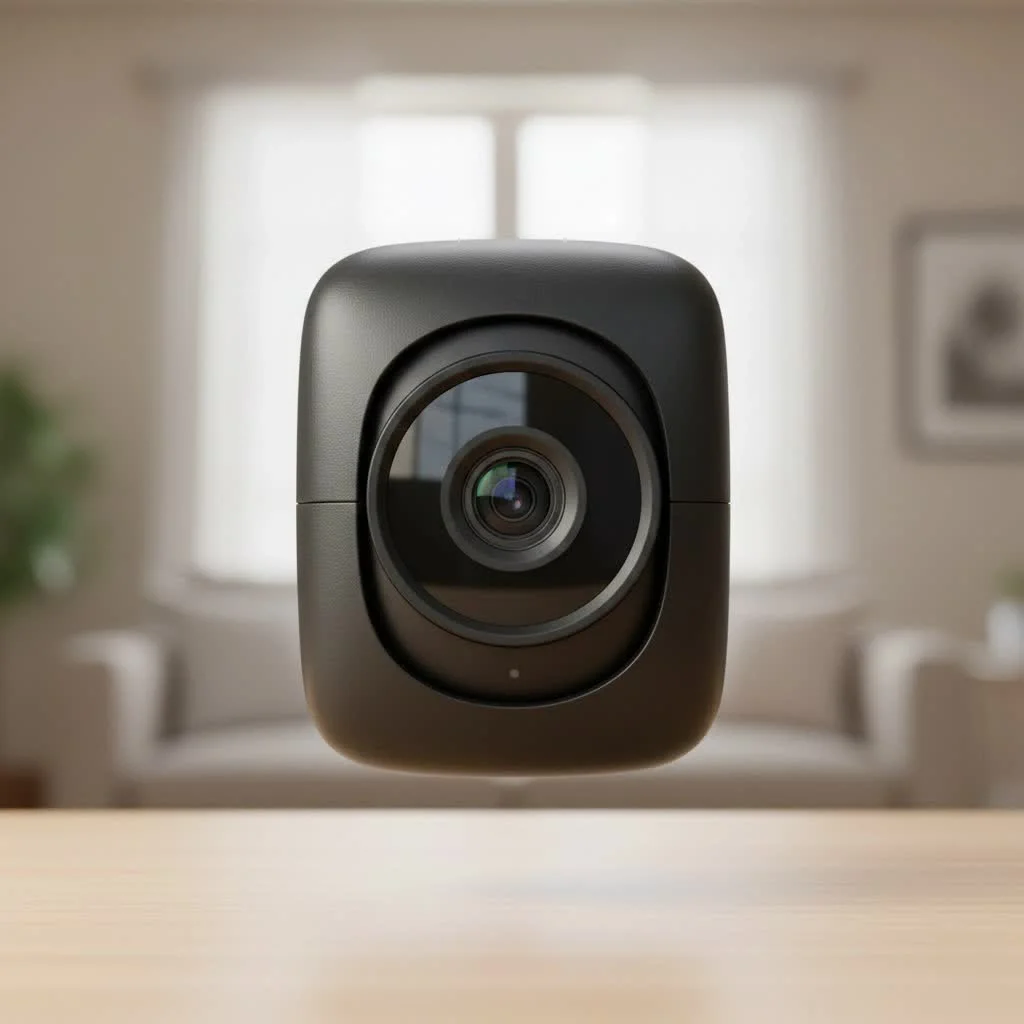
What Exactly Is a 4K Wireless Security Camera?
Let’s break down the terminology. A 4k wireless security camera combines two key technologies: ultra-high-definition video resolution and Wi-Fi connectivity. For browse all home articles on this site.
4K Resolution: The Power of Detail
The “4K” refers to the video resolution, which is 3840 x 2160 pixels. This amounts to approximately 8 million pixels (or 8 megapixels), which is a staggering four times the detail of a standard 1080p Full HD camera.
“Moving from 1080p to 4K isn’t just an upgrade; it’s a fundamental shift in surveillance capability,” notes John Miller, a seasoned security systems integrator. “With 4K, you’re not just seeing a person; you’re seeing their face. You’re not just seeing a car; you’re reading its license plate from a distance. That level of detail is often the difference-maker in a real-world security event.”
This massive increase in pixel density means you get a much clearer, sharper, and more detailed image. When you need to zoom in on a recording to identify a critical detail, you can do so without the image turning into an unrecognizable, blocky mess.
Wireless Connectivity: Flexibility in Placement
The “wireless” part signifies how the camera transmits its video data. Instead of relying on a physical data cable, it uses your Wi-Fi network to send the footage to a recording device (like an NVR) or the cloud. However, it’s crucial to understand that “wireless” does not always mean “wire-free.” Most wireless cameras still need to be plugged into a power outlet. Models that are truly wire-free are battery-powered, often with the option of being supplemented by a small solar panel.
The Pros and Cons: Is a 4K Camera Worth It?
Upgrading to 4K offers significant advantages, but it also comes with a few trade-offs. It’s important to weigh these factors to determine if it’s the right investment for your specific situation.
| Feature | 1080p (Full HD) | 4K (Ultra HD) |
|---|---|---|
| Resolution | 1920 x 1080 (~2 MP) | 3840 x 2160 (~8 MP) |
| Image Clarity | Good | Exceptional |
| Digital Zoom | Becomes pixelated quickly | Retains clarity when zooming |
| Bandwidth Needs | Low to Moderate | High |
| Storage Needs | Moderate | Very High |
| Cost | More Affordable | Premium Price |
Advantages of a 4K System
|
Our Picks for the Best Security Camera in 2026
As an Amazon Associate I earn from qualifying purchases.
|
||
| Num | Product | Action |
|---|---|---|
| 1 | REOLINK 4K PoE Security Camera System Wired, 8pcs 8MP PoE Cameras, Smart Person/Vehicle Detection, 16CH NVR with 4TB HDD, H.265, 24/7 Recording, High Bitrate & Clear Stream, RLK16-800D8 |

|
| 2 | Kasa Smart Indoor Pan-Tilt Home Security Camera, 1080p HD Dog Camera w/Night Vision, Motion Detection for Baby & Pet Monitor, Cloud & SD Card Storage, Works w/ Alexa & Google Home, 2.4G WiFi (EC71) |
|
| 3 | Tapo 2K Pan/Tilt Security Camera for Baby Monitor, Dog Camera w/Motion Detection, 2-Way Audio Siren, Night Vision, Cloud&SD Card Storage, Works w/Alexa & Google Assistant, 2-Pack (Tapo C210P2) |
|
| 4 | WYZE Cam Pan v3 Indoor/Outdoor IP65-Rated 1080p Pan/Tilt/Zoom Wi-Fi Smart Home Security Camera with Color Night Vision, 2-Way Audio, Compatible with Alexa & Google Assistant, White, 2-Pack |
|
| 5 | Security Cameras Wireless Outdoor-Solar&Battery Powered 2K 2.4G Cameras for Home Security, Instant Alert, AI Human Detection, Color Night Vision, 2-Way Talk, SD Storage, Work with Alexa, Z1 4P |
|
| 6 | WYZE Cam v4 (Latest Model), 2.5K AI Security Camera, Indoor/Outdoor Cameras for Home Security, Baby Monitor & Pet Camera, Vibrant Color Night Vision, No Subscription Required, Free Expert Help |
|
| 7 | WYZE Bulb Cam Security Camera, 2K HD Outdoor Light Bulb Camera, Color Night Vision, Dimmable LED Bulb, Motion Detection, Siren Alarm, Works w/Alexa/Google Assistant. Free Expert Support |
|
| 8 | Security Cameras Wireless Outdoor,2K Indoor WiFi Wireless Cameras,Outside Battery Powered Camera for Home Security,AI Motion Detection,Color Night Vision,Spotlight,Siren Alarm,SD/Cloud Storage,2 Pack |
|
| 9 | Tapo TP-Link 2K Pan/Tilt Indoor Security Camera for Baby Monitor, Pet Camera, Motion Detection & Tracking, 2-Way Audio, Cloud & SD Card Storage, Works w/Alexa & Google Home, Black, C211(2-Pack) |
|
| 10 | TP-Link Tapo 1080P Indoor Security Camera for Baby Monitor, Dog Camera w/Motion Detection, 2-Way Audio Siren, Night Vision, Cloud & SD Card Storage, Works w/Alexa & Google Home (Tapo C100) |
|
- Unmatched Clarity: The ability to capture fine details is the primary benefit. This is invaluable for identifying individuals, vehicle models, and other specific characteristics.
- Effective Digital Zoom: With four times the pixels, you can digitally zoom in on a portion of the video feed while maintaining a clear image, something that’s simply not possible with lower-resolution cameras.
- Wider Coverage: A single 4K camera can effectively monitor a larger area than a 1080p camera without losing essential detail, potentially reducing the total number of cameras you need.
Disadvantages to Consider
- Bandwidth Demands: Transmitting 4K video wirelessly requires a strong and stable Wi-Fi connection. You’ll need a robust home network and sufficient internet upload speed (typically at least 4-5 Mbps per camera) to handle the data stream without buffering or lag.
- Storage Requirements: Those beautiful, detailed video files are large. A 4K camera will fill up a hard drive or cloud storage plan much faster than a 1080p camera. This means you may need to invest in a larger NVR hard drive or a more expensive cloud subscription.
- Higher Cost: Naturally, the advanced technology in 4K cameras comes at a higher price point compared to their 1080p and 2K counterparts.
Key Features to Look For When Buying
Not all 4K cameras are created equal. As you shop for a 4k wireless security camera, here are the critical features you should compare to ensure you get a product that meets your security needs.
Video Compression (H.265 vs. H.264)
This is arguably one of the most important technical specifications. Because 4K video files are so large, efficient compression is essential. Look for cameras that use the H.265 (HEVC) codec. It’s about 50% more efficient than the older H.264 standard, meaning it can produce a video of the same quality at half the file size. This directly translates to lower bandwidth usage and longer recording times on your storage device.
Night Vision Capabilities
A security camera must perform well in the dark. You’ll typically find two types of night vision:
- Infrared (IR) Night Vision: This is the traditional black-and-white night vision. It uses IR LEDs to illuminate the area, which is invisible to the human eye but picked up by the camera sensor.
- Color Night Vision: More advanced cameras use highly sensitive sensors and sometimes built-in, low-light spotlights to capture footage in full color, even at night. This can provide crucial details, like the color of a person’s clothing or a vehicle.
Power Source
- Plug-In: This is the most common and reliable option. The camera needs to be near a power outlet, but you’ll never have to worry about changing batteries.
- Battery-Powered: These offer the ultimate flexibility in placement since they are truly wire-free. However, batteries will need to be recharged periodically, with frequency depending on usage. Solar panel add-ons can greatly extend battery life.
Storage Options
How and where your video is saved is a critical decision.
- Local Storage (SD Card): Many standalone cameras have a slot for a microSD card. This is a simple, subscription-free option, but you risk losing the footage if the camera is stolen or damaged.
- Network Video Recorder (NVR): This is the heart of a multi-camera system. An NVR is a dedicated device with a large hard drive that records footage from all your cameras 24/7. It’s a secure, one-time purchase.
- Cloud Storage: Your video is uploaded to a remote server. The main benefits are that your footage is safe from local theft or damage and accessible from anywhere. This service typically requires a monthly subscription fee.
Smart Features and AI
Modern cameras do more than just record. Look for intelligent features that make your system more effective and reduce false alarms.
- AI-Powered Detection: This allows the camera to distinguish between people, vehicles, and animals, so you only get notified about the events that truly matter.
- Two-Way Audio: A built-in microphone and speaker let you hear what’s happening and speak through the camera, whether you’re greeting a delivery person or warning off an intruder.
- Customizable Motion Zones: This feature lets you draw specific areas in the camera’s view where you want motion to be detected, ignoring routine movements like traffic on a busy street.
Weather Resistance
If you plan to install a camera outdoors, it must be built to withstand the elements. Look for its IP (Ingress Protection) rating. A rating of IP65 or higher is recommended for outdoor use, ensuring it is protected against dust and rain.
Frequently Asked Questions (FAQ)
How much internet speed do I need for a 4K camera?
For smooth streaming and recording, you should have an upload speed of at least 4-5 Mbps available for each 4K camera. If you plan to install four cameras, you would need a consistent upload speed of 16-20 Mbps.
Do wireless cameras record 24/7?
It depends on the type. Plug-in wireless cameras connected to an NVR are designed for continuous 24/7 recording. Battery-powered cameras, however, typically only record when motion is detected to conserve power.
How far can a 4K wireless camera transmit its signal?
The range depends on your Wi-Fi router and obstacles like walls. In an open area, the range can be a few hundred feet, but in a typical home with walls, it’s realistically about 50-150 feet. A strong, modern Wi-Fi router or a mesh network system is highly recommended.
What’s the difference between a 4K and an 8MP camera?
There is no practical difference. 4K refers to the resolution standard (3840×2160), and 8 megapixels is the number of pixels that make up that image. The terms are often used interchangeably in the security camera industry.
Can 4K wireless cameras work without an internet connection?
Yes, but with limited functionality. A camera system connected to an NVR will continue to record locally without an internet connection. However, you will lose the ability to view the live feed remotely, receive motion alerts on your phone, or back up footage to the cloud.
Making the Right Choice for Your Security
A 4k wireless security camera system represents a significant leap forward in surveillance technology, offering a level of detail that can provide peace of mind and crucial evidence when you need it most. By understanding the core features—from video compression and night vision to storage and power options—you can move beyond the marketing hype and select a system that truly fits your needs. While they demand more from your network and budget, the unparalleled clarity and enhanced security capabilities make them a worthwhile investment for anyone serious about protecting their property.
Get our weekly buyer guide
Practical specs, not advice. Unsubscribe anytime.

I got a 4K wireless camera system hoping for a seamless experience, but I’ve had a few hiccups. While the picture quality is undeniably good, I found the initial setup to be a bit more complicated than I expected, especially getting all the settings just right. It works now, but it took some troubleshooting. I wish the instructions were a bit clearer for a non-techy person.
I’ve been using a 4K wireless system for my small business for about six months now, and it’s been mostly great. The video quality is top-notch, and I appreciate not having to run a bunch of cables. My only minor complaint is that sometimes the Wi-Fi connection can be a bit spotty in one corner of my warehouse, even with a good router. Still, it’s a solid system overall.
As someone who travels a lot, having a reliable home surveillance system is crucial. The details about the practical considerations of owning a 4K wireless camera were super helpful. I ended up going with a system that has excellent night vision, and it’s made a huge difference. I can check in on my house anytime, anywhere, and the image is always crystal clear.
I was on the fence about upgrading my old system, but the explanation of 4K resolution here really sold me. The clarity is incredible, especially when I need to zoom in on something far away. Setting up the wireless cameras was also much easier than I anticipated, which was a huge relief. Definitely worth the investment for peace of mind.