Feeling safe and sound in your own space is priceless, right? In today’s world, that often means having a vigilant eye watching over your property. Choosing the best security camera system isn’t just about picking a camera; it’s about building a robust shield around what matters most to you. From deterring potential threats to providing crucial evidence, a top-tier security camera system is an indispensable asset for any home or business. But with so many options out there, how do you sort through the hype and find the perfect fit? That’s exactly what we’re here for.
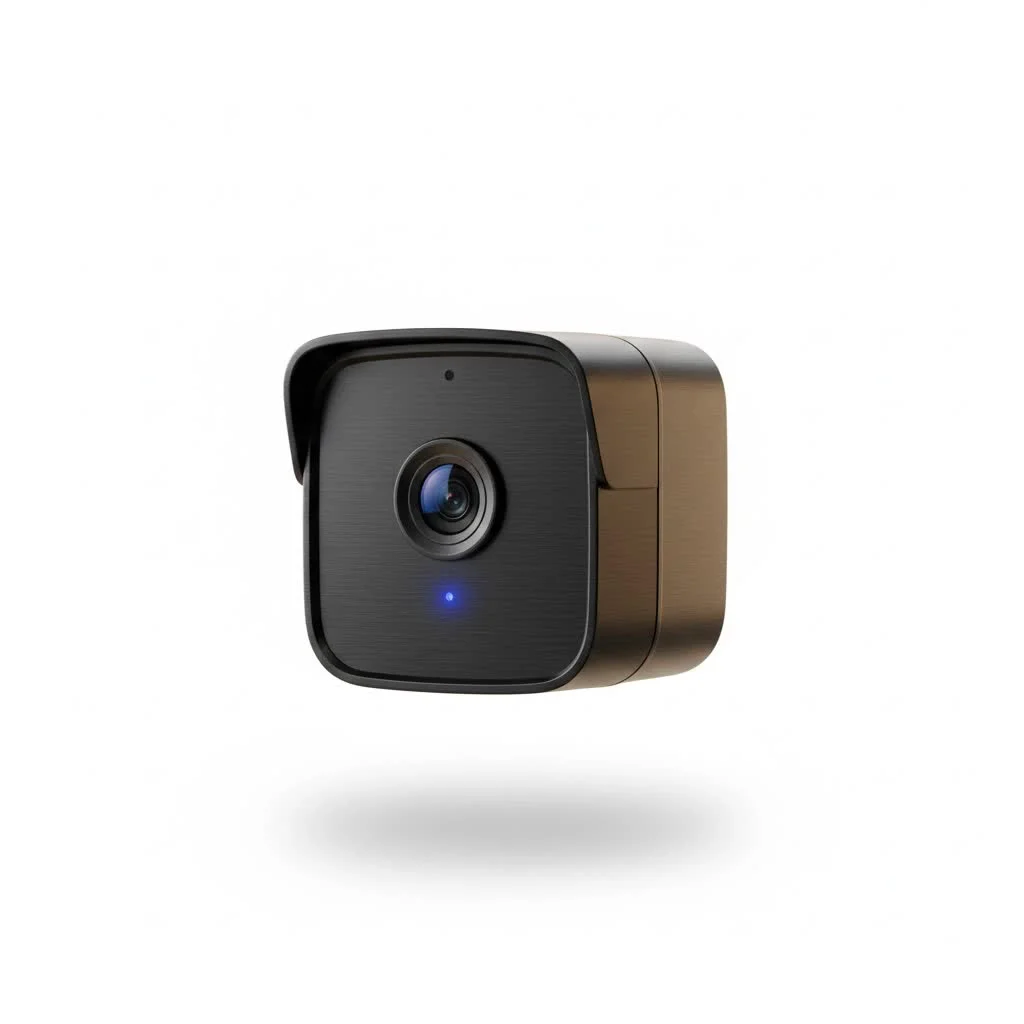
Understanding Security Camera Systems: More Than Just a Lens
At its core, a security camera system is a network of devices designed to monitor and record activity, providing you with real-time insights and recorded footage. It’s not just a standalone camera, but often a combination of cameras, recording devices, and software working in harmony. Think of it as your personal digital guardian.
A reliable system provides a powerful deterrent to intruders, with data showing that homes with visible security cameras can experience significantly fewer break-ins. Beyond prevention, it offers peace of mind through remote monitoring, allowing you to check in on your property from anywhere, and furnishes invaluable evidence should an incident occur.
Types of Security Camera Systems: Wired, Wireless, and Hybrid
When you’re looking for the best security camera system, you’ll primarily encounter three main types, each with its own set of advantages:
Wired Security Camera Systems
Wired systems are the traditional workhorses of security. They offer unparalleled reliability because they transmit data and often receive power through physical cables.
- Analog Systems (DVR-based): These older systems use coaxial cables and connect to a Digital Video Recorder (DVR) for storage. While generally more affordable, their resolution is typically lower, and installation can be more involved due often requiring separate power cables.
- Power over Ethernet (PoE) Systems (NVR-based): A modern wired solution, PoE cameras use a single Ethernet cable for both power and data transmission, connecting to a Network Video Recorder (NVR). They offer superior image quality (often 2K or 4K) and are highly stable, making them a fantastic choice for comprehensive coverage without worrying about Wi-Fi interference or battery life.
Wireless Security Camera Systems
If flexibility and ease of installation are high on your list, wireless systems might be your ideal match.
- Wi-Fi Cameras: These cameras connect to your home’s Wi-Fi network for data transmission and are either battery-powered or plug into an outlet. They are incredibly easy to set up, making them popular for DIY installations. They integrate seamlessly with smart home ecosystems like Alexa and Google Home. However, they rely on a strong Wi-Fi signal and battery models require occasional recharging or solar panel add-ons.
- Battery-Powered Cameras: Often a subset of Wi-Fi cameras, these operate entirely wirelessly, running on rechargeable batteries that can last months or even years between charges, especially when paired with solar panels. They offer ultimate placement flexibility but sometimes have a slight delay in activating to conserve power.
Hybrid Security Camera Systems
For those who want the best of both worlds, hybrid systems combine wired and wireless components. You might use wired cameras for critical, high-traffic areas requiring continuous recording and wireless cameras for hard-to-reach spots or areas where running cables is impractical. This approach allows for tailored security solutions.
Key Features to Look for in the Best Security Camera System
|
Our Picks for the Best Security Camera in 2026
As an Amazon Associate I earn from qualifying purchases.
|
||
| Num | Product | Action |
|---|---|---|
| 1 | REOLINK 4K PoE Security Camera System Wired, 8pcs 8MP PoE Cameras, Smart Person/Vehicle Detection, 16CH NVR with 4TB HDD, H.265, 24/7 Recording, High Bitrate & Clear Stream, RLK16-800D8 |

|
| 2 | WYZE Bulb Cam Security Camera, 2K HD Outdoor Light Bulb Camera, Color Night Vision, Dimmable LED Bulb, Motion Detection, Siren Alarm, Works w/Alexa/Google Assistant. Free Expert Support |
|
| 3 | WYZE Cam v4 (Latest Model), 2.5K AI Security Camera, Indoor/Outdoor Cameras for Home Security, Baby Monitor & Pet Camera, Vibrant Color Night Vision, No Subscription Required, Free Expert Help |
|
| 4 | Tapo TP-Link 2K Pan/Tilt Indoor Security Camera for Baby Monitor, Pet Camera, Motion Detection & Tracking, 2-Way Audio, Cloud & SD Card Storage, Works w/Alexa & Google Home, Black, C211(2-Pack) |
|
| 5 | Security Cameras Wireless Outdoor-Solar&Battery Powered 2K 2.4G Cameras for Home Security, Instant Alert, AI Human Detection, Color Night Vision, 2-Way Talk, SD Storage, Work with Alexa, Z1 4P |
|
| 6 | WYZE Cam Pan v3 Indoor/Outdoor IP65-Rated 1080p Pan/Tilt/Zoom Wi-Fi Smart Home Security Camera with Color Night Vision, 2-Way Audio, Compatible with Alexa & Google Assistant, White, 2-Pack |
|
| 7 | Kasa Smart Indoor Pan-Tilt Home Security Camera, 1080p HD Dog Camera w/Night Vision, Motion Detection for Baby & Pet Monitor, Cloud & SD Card Storage, Works w/ Alexa & Google Home, 2.4G WiFi (EC71) |
|
| 8 | Tapo 2K Pan/Tilt Security Camera for Baby Monitor, Dog Camera w/Motion Detection, 2-Way Audio Siren, Night Vision, Cloud&SD Card Storage, Works w/Alexa & Google Assistant, 2-Pack (Tapo C210P2) |
|
| 9 | TP-Link Tapo 1080P Indoor Security Camera for Baby Monitor, Dog Camera w/Motion Detection, 2-Way Audio Siren, Night Vision, Cloud & SD Card Storage, Works w/Alexa & Google Home (Tapo C100) |
|
| 10 | Security Cameras Wireless Outdoor,2K Indoor WiFi Wireless Cameras,Outside Battery Powered Camera for Home Security,AI Motion Detection,Color Night Vision,Spotlight,Siren Alarm,SD/Cloud Storage,2 Pack |
|
Choosing the best security camera system involves a deep dive into the features that truly make a difference. Here’s what you should prioritize:
What resolution do I need for clear security footage?
The higher the resolution, the clearer and more detailed your video footage will be. For effective identification, aim for at least 1080p (Full HD). Many modern systems offer 2K (Quad HD) or even 4K (Ultra HD), which provide exceptional clarity, making it easier to identify faces, license plates, and other critical details.
Why is field of view important, and what about pan/tilt/zoom?
The Field of View (FOV) dictates how wide an area your camera can see. A wider FOV means fewer blind spots. Some cameras offer Pan, Tilt, and Zoom (PTZ) capabilities, allowing you to remotely adjust the camera’s angle and zoom in on specific areas. This is fantastic for covering large spaces with a single camera, giving you dynamic control.
What’s the difference between infrared and color night vision?
Night vision is crucial for 24/7 surveillance.
- Infrared (IR) Night Vision: This is the most common type, providing clear black-and-white video in low-light or no-light conditions using invisible IR light.
- Color Night Vision: Achieved through advanced starlight sensors, large apertures, or integrated spotlights, color night vision captures full-color video even in very dim lighting, offering more contextual details than black-and-white footage.
How do motion detection and smart alerts enhance security?
Modern security cameras don’t just record; they react.
- Motion Detection: The system detects movement and begins recording, sending alerts to your phone.
- AI-Driven Object Detection: Many advanced systems use Artificial Intelligence to differentiate between people, vehicles, and animals, significantly reducing false alarms caused by swaying branches or passing cars. You can also set specific “motion zones” to focus monitoring on critical areas.
What are my options for storing video footage?
Video storage is a major consideration, often determining ongoing costs.
- Local Storage: This involves storing footage directly on a microSD card within the camera, a DVR/NVR, or a dedicated “HomeBase” device. It offers privacy and usually no monthly fees. Brands like Lorex, Eufy, Reolink, and TP-Link Tapo are known for robust local storage options. A 256GB microSD card, which can store a significant amount of footage, typically costs less than $20.
- Cloud Storage: Footage is uploaded to secure remote servers. This offers easy remote access, backup in case your local equipment is compromised, and often includes advanced AI analytics. However, it almost always requires a monthly subscription, ranging from $3 to $10 per month. While some like Google Nest offer limited free cloud storage (e.g., 3 hours), it’s rare to find extensive free cloud storage.
Why is two-way audio a useful feature?
Two-way audio allows you to hear what’s happening and speak through the camera’s built-in speaker. This is invaluable for communicating with delivery drivers, warning off potential intruders, or simply checking in with family members.
What weather resistance is necessary for outdoor cameras?
For outdoor cameras, an IP (Ingress Protection) rating is essential. Look for IP65 or IP66, which indicate sufficient protection against dust and water jets, ensuring your camera can withstand various weather conditions.
How important is smart home integration?
If you already use a smart home ecosystem like Amazon Alexa, Google Assistant, or Apple HomeKit, choosing cameras that integrate with these platforms can greatly enhance convenience. You can view camera feeds on smart displays, receive voice alerts, or even incorporate cameras into automated routines.
What power source options are available?
Cameras can be:
- Wired: Reliably powered by an electrical outlet, ensuring continuous operation.
- Battery-Powered: Offers ultimate placement flexibility but requires occasional recharging. Many battery cameras can be paired with solar panels to maintain their charge, reducing maintenance.
Installation: DIY vs. Professional Setup
Deciding how to install your new system is another critical step.
Is DIY installation feasible for security cameras?
Absolutely! Many wireless cameras are designed for easy DIY installation. They often come with simple apps that guide you through the setup process, and their wireless nature means no complex wiring. Just remember to choose strategic placement for optimal coverage and ensure a stable Wi-Fi connection.
When should I consider professional installation?
For larger properties, complex wired systems, or if you prefer a hands-off approach, professional installation is often the best security camera system route. Experts can ensure optimal camera placement, handle intricate wiring, and configure the system for maximum effectiveness.
Configuration and Software Management: Taking Control of Your System
The best security camera system is only as good as its management interface.
- User-Friendly Apps: A well-designed mobile app is paramount. It should provide an intuitive interface for live viewing, reviewing recorded footage, and managing settings. Apps that are cluttered or difficult to navigate can be frustrating.
- Customizable Settings: You should be able to tailor motion sensitivity, set recording schedules, and customize alert preferences to avoid being overwhelmed by unnecessary notifications.
- Remote Access: The ability to view your camera feeds and manage your system from anywhere in the world via your smartphone is a standard and highly valued feature.
Maintenance and Troubleshooting: Keeping Your System Running Smoothly
Even the best security camera system needs a little TLC to perform at its peak.
- Regular Cleaning: Periodically clean camera lenses and housings to prevent dirt, dust, or spiderwebs from obstructing the view.
- Firmware Updates: Always keep your camera’s firmware updated. These updates often include security patches, bug fixes, and new features that enhance performance and protection.
- Battery Management: For battery-powered cameras, keep an eye on battery levels and recharge or replace them as needed. Solar panels can significantly reduce this chore.
- Troubleshooting Common Issues: Familiarize yourself with basic troubleshooting for common problems like connectivity issues, full storage, or false alarms. Many issues can be resolved with a quick check of your Wi-Fi, power source, or app settings.
Choosing the Best Security Camera System for YOU
Selecting the ideal system ultimately boils down to your specific needs and priorities. Consider your budget, the area you need to cover (indoor, outdoor, large property), the essential features you require (e.g., 4K, color night vision, AI detection), your preference for self-monitoring versus professional monitoring, and how well it integrates with your existing smart home devices.
As John Sterling, a seasoned security systems architect with two decades of experience, often says, “The perfect security camera system isn’t the most expensive one, but the one that perfectly fits your unique security needs and empowers you with confidence.”
Frequently Asked Questions
What features are typically locked behind home security camera subscriptions?
Many companies reserve features like cloud video storage, advanced AI object detection (e.g., facial recognition), rich notifications with more detail, extended live views, snapshot timelapses, and home/away modes for their subscription plans. Professional monitoring is almost always a subscription-based service.
How much does a microSD card for a security camera usually cost?
MicroSD cards are quite affordable. A 256GB card, which offers substantial storage for a home security camera, can typically be found for under $20. Smaller cards cost even less, often around $10 or less.
Can I access my security camera remotely without a subscription?
Yes, most subscription-free cameras still connect to Wi-Fi and allow remote access to live views and basic alerts without a monthly fee. It’s uncommon for brands to restrict these fundamental remote access features.
What’s the difference between cloud storage and local storage for security cameras?
Cloud storage uploads videos to secure servers managed by the security company, offering easy remote access, unlimited storage (with paid plans), and advanced AI video search capabilities. Local storage, on the other hand, saves videos directly to a microSD card, DVR/NVR, or hub, providing greater privacy and no monthly fees, though you may need to manage storage space.
How fast does local video storage fill up for a security camera?
The speed at which local storage fills up depends on resolution and recording frequency. A 32GB card might hold a few hours of 1080p footage, less for higher resolutions. Since cameras typically record only when motion is detected, adjusting motion sensitivity can help manage how many videos are saved, extending storage capacity.
Conclusion
Investing in the best security camera system is a smart move for protecting your property and loved ones. By understanding the different types of cameras, key features, and installation considerations, you’re now equipped to make an informed decision that truly meets your needs. Whether you opt for a comprehensive wired setup or a flexible wireless solution, the goal remains the same: to create a secure environment where you can live and work with absolute peace of mind. Take the first step today and secure your peace of mind!
Get our weekly buyer guide
Practical specs, not advice. Unsubscribe anytime.
This guide really helped me understand the difference between NVR and DVR systems. I was leaning towards a DVR for my home, but after reading about the higher resolution of NVRs, I switched my decision. The footage quality is fantastic, especially at night. My only minor complaint is that the mobile app can be a little clunky sometimes, but it’s not a dealbreaker.
I’ve been looking for a reliable system for my small business for ages, and the breakdown of wired vs. wireless options here was super helpful. I ended up going with a wired system for the stability, and the installation was smoother than I expected. The peace of mind knowing everything is recorded and accessible is truly priceless. Highly recommend doing your research like this guide suggests!
The advice on considering the field of view and night vision capabilities was spot on. I have a large backyard, and finding a camera that could cover it all effectively was a challenge. The system I chose based on these recommendations has excellent night vision, which is crucial for my property. Feeling much safer now that I have a clear view of everything, day or night.
I appreciated the section on cloud storage vs. local storage. I went with a system that offers both, but the monthly subscription for cloud storage feels a bit steep for what it offers. The camera quality itself is good, and it definitely deters potential threats, but I wish the cloud service was more affordable or had more features for the price. Still, it’s better than nothing.