Placing a security camera in your window seems like the perfect, simple solution for home surveillance. It protects the device from weather and theft while keeping an eye on your property. However, many people quickly discover a major flaw: a terrible, washed-out image at night or a daytime picture ruined by glare. Using a Window Security Camera effectively is more nuanced than just pointing it through the glass. This guide, drawing on over 15 years of hands-on experience, will walk you through choosing the right camera, setting it up correctly, and overcoming the common challenges to achieve a crystal-clear view, day and night.
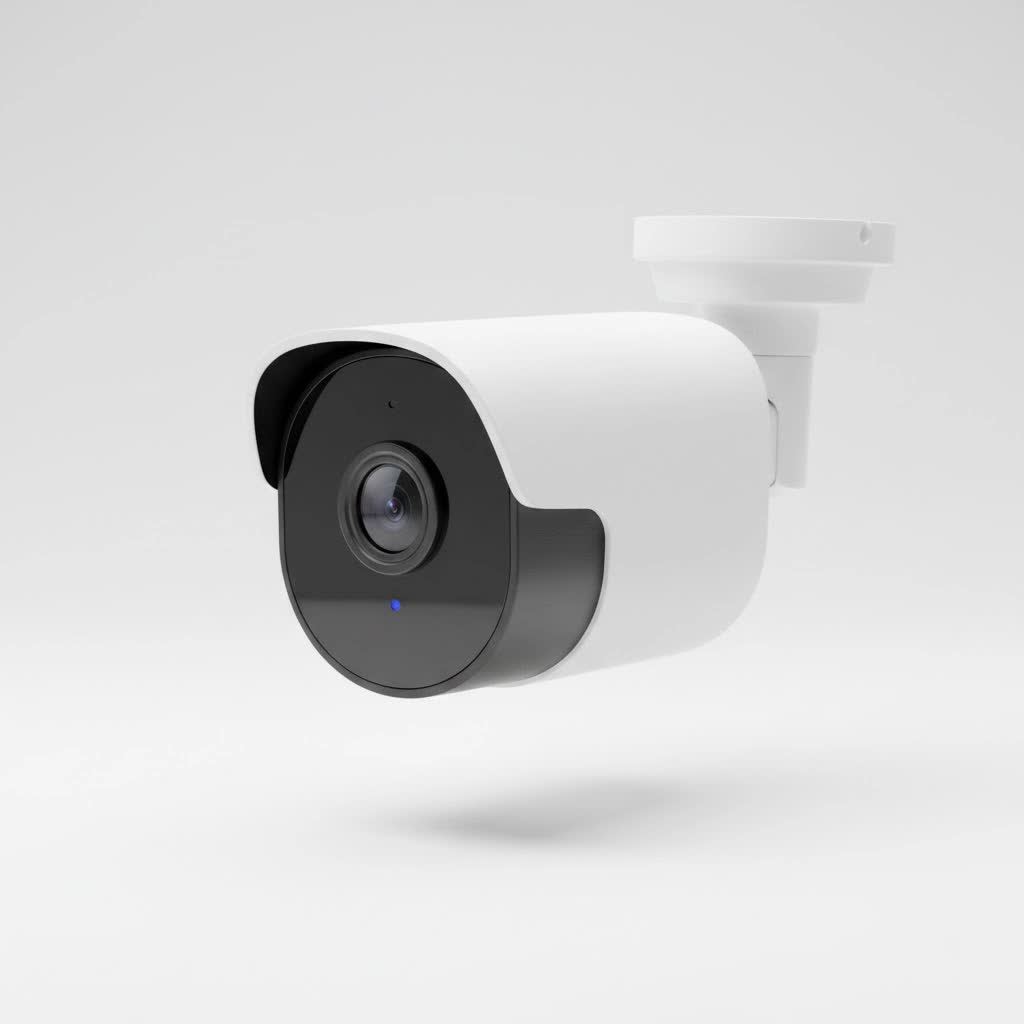
Why Bother with a Window Security Camera?
Before diving into the technical details, let’s look at why placing a camera indoors to watch the outdoors is such a popular choice. For many, it’s the most practical option.
- Apartment Dwellers and Renters: If you’re renting, you probably can’t drill holes into the exterior walls to mount a traditional outdoor camera. A window security camera offers a non-permanent, drill-free solution that won’t violate your lease agreement.
- Ease of Installation: There’s no need for ladders, long cables through walls, or weatherproofing. You can set up a camera on a windowsill in minutes. Power is also readily available from an indoor outlet.
- Device Protection: An expensive security camera is a tempting target for thieves when mounted outside. Keeping it indoors protects it from both theft and harsh weather conditions like rain, snow, and extreme heat, significantly extending its lifespan.
The #1 Problem: Window Glare and Infrared (IR) Reflection
The single biggest obstacle you’ll face is the reflection from the glass itself. This issue manifests in two ways:
- Daytime Glare: Sunlight hitting the window can create a reflection that obscures the camera’s view, much like trying to see through a store window on a sunny day.
- Night Vision Reflection: This is the most common deal-breaker. Most security cameras use infrared (IR) LEDs to see in the dark. When placed behind glass, these powerful lights bounce directly back into the lens, creating a blinding whiteout that makes the footage completely useless.
The key to a successful window security camera setup is mitigating or eliminating these reflections.
How to Choose the Best Window Security Camera
Not all cameras are created equal when it comes to peering through glass. You need to look for specific features designed to handle challenging lighting conditions.
Key Features to Look For
- Wide Dynamic Range (WDR): This is a critical feature. WDR technology takes multiple pictures at different exposure levels and merges them to create a single, balanced image. It helps to brighten dark areas and darken overly bright areas, which is perfect for counteracting daytime glare and shadows.
- Ability to Disable IR LEDs: Since IR LEDs cause the night vision glare, the ability to turn them off in the camera’s app settings is non-negotiable. If you can’t disable the IR, the camera is not suitable for window use at night.
- High Resolution: Aim for at least 1080p (Full HD) or higher (2K/4K). A higher resolution allows you to zoom in on details in the footage, like faces or license plates, without the image becoming too pixelated.
- Good Low-Light Performance: Look for cameras with a high-quality image sensor (like a Sony STARVIS sensor) that can produce clear color images in low-light conditions even without IR. This is often called “color night vision.”
|
Our Picks for the Best Security Camera in 2026
As an Amazon Associate I earn from qualifying purchases.
|
||
| Num | Product | Action |
|---|---|---|
| 1 | TP-Link Tapo 1080P Indoor Security Camera for Baby Monitor, Dog Camera w/Motion Detection, 2-Way Audio Siren, Night Vision, Cloud & SD Card Storage, Works w/Alexa & Google Home (Tapo C100) |

|
| 2 | REOLINK 4K PoE Security Camera System Wired, 8pcs 8MP PoE Cameras, Smart Person/Vehicle Detection, 16CH NVR with 4TB HDD, H.265, 24/7 Recording, High Bitrate & Clear Stream, RLK16-800D8 |
|
| 3 | Tapo TP-Link 2K Pan/Tilt Indoor Security Camera for Baby Monitor, Pet Camera, Motion Detection & Tracking, 2-Way Audio, Cloud & SD Card Storage, Works w/Alexa & Google Home, Black, C211(2-Pack) |
|
| 4 | Security Cameras Wireless Outdoor-Solar&Battery Powered 2K 2.4G Cameras for Home Security, Instant Alert, AI Human Detection, Color Night Vision, 2-Way Talk, SD Storage, Work with Alexa, Z1 4P |
|
| 5 | Security Cameras Wireless Outdoor,2K Indoor WiFi Wireless Cameras,Outside Battery Powered Camera for Home Security,AI Motion Detection,Color Night Vision,Spotlight,Siren Alarm,SD/Cloud Storage,2 Pack |
|
| 6 | Tapo 2K Pan/Tilt Security Camera for Baby Monitor, Dog Camera w/Motion Detection, 2-Way Audio Siren, Night Vision, Cloud&SD Card Storage, Works w/Alexa & Google Assistant, 2-Pack (Tapo C210P2) |
|
| 7 | WYZE Cam v4 (Latest Model), 2.5K AI Security Camera, Indoor/Outdoor Cameras for Home Security, Baby Monitor & Pet Camera, Vibrant Color Night Vision, No Subscription Required, Free Expert Help |
|
| 8 | Kasa Smart Indoor Pan-Tilt Home Security Camera, 1080p HD Dog Camera w/Night Vision, Motion Detection for Baby & Pet Monitor, Cloud & SD Card Storage, Works w/ Alexa & Google Home, 2.4G WiFi (EC71) |
|
| 9 | WYZE Bulb Cam Security Camera, 2K HD Outdoor Light Bulb Camera, Color Night Vision, Dimmable LED Bulb, Motion Detection, Siren Alarm, Works w/Alexa/Google Assistant. Free Expert Support |
|
| 10 | WYZE Cam Pan v3 Indoor/Outdoor IP65-Rated 1080p Pan/Tilt/Zoom Wi-Fi Smart Home Security Camera with Color Night Vision, 2-Way Audio, Compatible with Alexa & Google Assistant, White, 2-Pack |
|
As security expert John Carver notes, “Consumers often assume any camera will work through a window, but it’s the software and sensor technology that make all the difference. WDR and the option to manually control IR are the two most important features for this specific application.”
Step-by-Step: Setting Up Your Camera for a Perfect View
Once you have a suitable camera, proper setup is everything. Follow these steps to minimize reflection and maximize clarity.
1. Position the Lens as Close to the Glass as Possible
The most effective way to reduce reflections is to physically minimize the gap between the camera lens and the window pane. The closer the lens is, the less opportunity there is for light from inside your home to reflect into it. Press it right up against the glass if you can.
2. Turn Off All Onboard Lights
Go into your camera’s settings via its mobile app or web interface. You need to disable two things:
- Infrared (IR) LEDs: As discussed, this is the primary cause of night-time whiteout.
- Status Lights: That little blinking green or blue light on the front of the camera can also create a noticeable reflection at night. Turn it off.
3. Clean Your Window Thoroughly
This might sound obvious, but smudges, dust, and dirt on both sides of the window pane will be picked up by the camera and can significantly degrade image quality. Clean the window inside and out for the best results.
4. Light Up the Outside
Since you’ve disabled the camera’s built-in night vision, you need to provide an external light source to illuminate the area you want to monitor.
- Porch Light: A simple motion-activated porch light is often enough to provide the visibility your camera needs.
- External IR Illuminator: For a more covert solution, you can purchase a standalone IR illuminator. This device floods an area with infrared light that is invisible to the human eye but fully visible to the camera’s sensor. Place it outside, pointing toward the surveillance area, to give your camera powerful night vision without any reflection.
5. Consider a Window Mount
Specialized window mounts use a suction cup to attach the camera directly to the glass. Many of these mounts include a silicone or rubber shroud that wraps around the camera lens, creating a light-proof seal against the window. This is one of the most effective methods for completely eliminating both glare and reflections.
Frequently Asked Questions (FAQ)
What is the best type of window security camera?
The best type is an indoor camera that has excellent WDR, allows you to disable its IR and status lights, and has a high-quality image sensor for low-light performance. Dome cameras are often difficult to position correctly, so stick to more traditional cube or bullet-style indoor cameras.
Can I use a motion-activated camera through a window?
It depends on the type of motion detection. Cameras that use PIR (Passive Infrared) motion detection will not work through glass, as the glass blocks the body heat signatures that PIR sensors need to detect. However, cameras that use pixel-based motion detection, which analyzes changes in the video frame, will work perfectly fine through a window. Most modern indoor cameras use this method.
Will a Ring camera work through a window?
Most Ring indoor cameras can be configured to work through a window by disabling the IR lights in the settings. However, their doorbell and outdoor floodlight cameras use PIR motion detection, which will not function reliably through glass.
How can I improve my camera’s night vision through glass?
The best way is to disable the camera’s built-in IR and use an external light source. A motion-sensing floodlight is a great deterrent and light source. For a stealthier approach, an external IR illuminator placed outside will give your camera clear “vision” in the dark without any visible light.
Does putting a camera in a window affect its field of view?
Yes, the window frame will naturally crop the camera’s view. You will need to position the camera carefully to capture the most critical angles. A camera with a wider field of view (e.g., 130 degrees or more) can help capture more of the scene despite the limitations of the frame.
Conclusion: A Clear View is Possible
Using a window security camera is a fantastic and accessible way to enhance your home’s security, especially for renters or those looking for a simple setup. While window glare and IR reflection present significant challenges, they are entirely solvable with the right knowledge and equipment. By choosing a camera with WDR and manual IR controls, positioning it correctly against the glass, and providing an external light source for nighttime monitoring, you can achieve a reliable and clear view of your property. Don’t let a piece of glass stand in the way of your peace of mind.
