In today’s world, securing your property is more important than ever. A high-quality Wifi Security Camera Outdoor system is one of the most effective and convenient ways to monitor your home or business. Unlike traditional wired systems that can be cumbersome to install, wireless technology offers flexibility, advanced features, and peace of mind right at your fingertips. As a security professional with over 15 years of experience, I’ve seen the evolution of surveillance technology, and modern outdoor WiFi cameras are a game-changer for accessible, powerful security. This guide will walk you through everything you need to know to choose, install, and maintain the perfect camera for your needs.
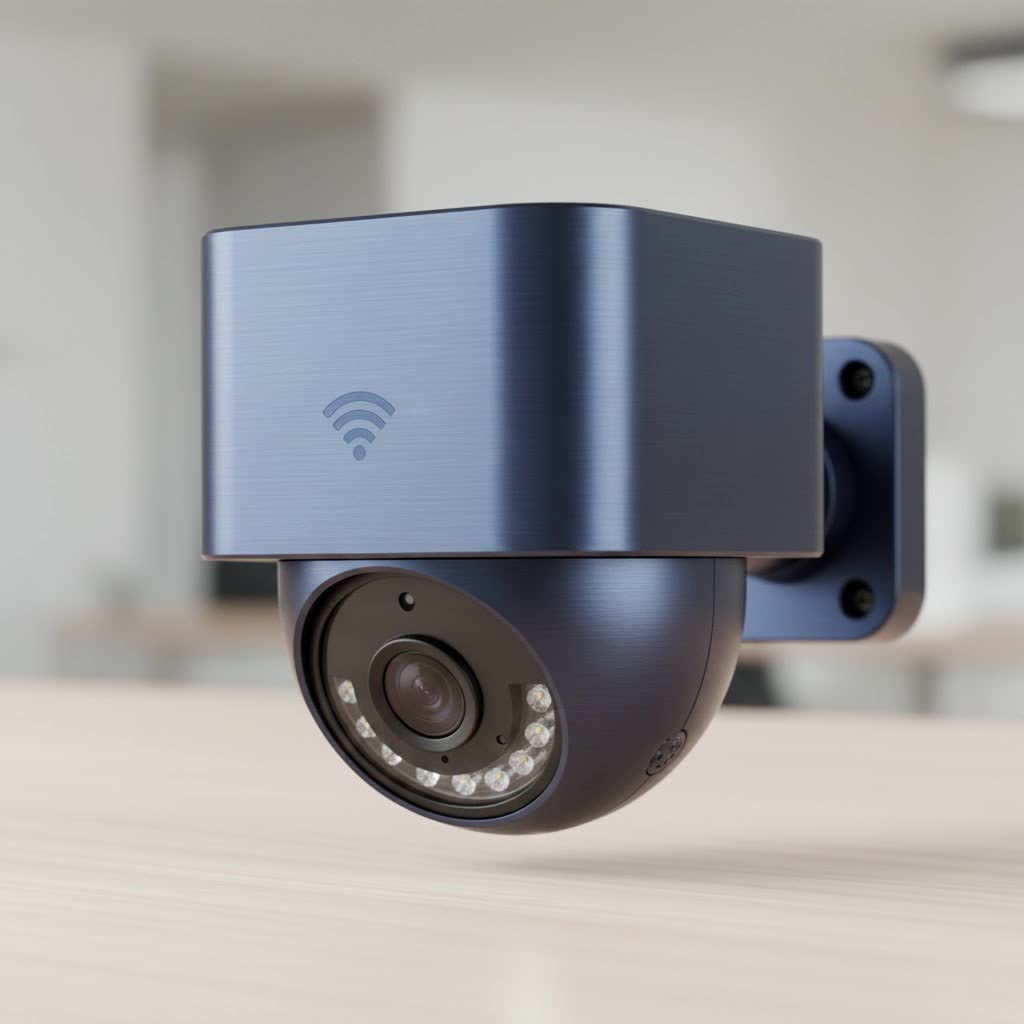
Why Choose a WiFi Security Camera for Outdoor Use?
The primary advantage of a wifi security camera outdoor is the ease of installation. Without the need for extensive video and power cables running through your walls, you can place these cameras almost anywhere as long as you have a power source and a stable WiFi signal. This flexibility is invaluable for covering critical areas like front doors, backyards, driveways, and detached garages.
Beyond simple installation, these cameras offer a suite of powerful features:
- Remote Access: View a live feed from your camera anytime, anywhere, directly from your smartphone, tablet, or computer.
- Instant Alerts: Receive push notifications the moment the camera detects motion, allowing you to react in real-time.
- Smart Integration: Many models connect seamlessly with smart home ecosystems like Amazon Alexa and Google Assistant for voice control and automation.
- Cost-Effective: They often have a lower upfront cost compared to professionally installed, fully wired systems.
Key Features in an Outdoor WiFi Security Camera
Navigating the market can be overwhelming with all the technical jargon. Let’s break down the most critical features to look for to ensure you get a reliable and effective wifi security camera outdoor.
Video Resolution: The Clearer, The Better
Video resolution determines the clarity and detail of your footage. Higher resolution means you’re more likely to capture important details like faces or license plates.
- 1080p (Full HD): This is the baseline standard for decent quality. It’s sufficient for general monitoring.
- 2K (Quad HD): A significant step up from 1080p, offering much sharper and more detailed images. This is the sweet spot for most homeowners in terms of cost and quality.
- 4K (Ultra HD): Provides the highest level of detail, allowing for significant digital zoom without losing clarity. It’s ideal for covering large areas or when identifying fine details is paramount. However, 4K requires more storage space and a very strong WiFi connection.
|
Our Picks for the Best Security Camera in 2026
As an Amazon Associate I earn from qualifying purchases.
|
||
| Num | Product | Action |
|---|---|---|
| 1 | Tapo 2K Pan/Tilt Security Camera for Baby Monitor, Dog Camera w/Motion Detection, 2-Way Audio Siren, Night Vision, Cloud&SD Card Storage, Works w/Alexa & Google Assistant, 2-Pack (Tapo C210P2) |

|
| 2 | WYZE Bulb Cam Security Camera, 2K HD Outdoor Light Bulb Camera, Color Night Vision, Dimmable LED Bulb, Motion Detection, Siren Alarm, Works w/Alexa/Google Assistant. Free Expert Support |
|
| 3 | Kasa Smart Indoor Pan-Tilt Home Security Camera, 1080p HD Dog Camera w/Night Vision, Motion Detection for Baby & Pet Monitor, Cloud & SD Card Storage, Works w/ Alexa & Google Home, 2.4G WiFi (EC71) |
|
| 4 | Tapo TP-Link 2K Pan/Tilt Indoor Security Camera for Baby Monitor, Pet Camera, Motion Detection & Tracking, 2-Way Audio, Cloud & SD Card Storage, Works w/Alexa & Google Home, Black, C211(2-Pack) |
|
| 5 | REOLINK 4K PoE Security Camera System Wired, 8pcs 8MP PoE Cameras, Smart Person/Vehicle Detection, 16CH NVR with 4TB HDD, H.265, 24/7 Recording, High Bitrate & Clear Stream, RLK16-800D8 |
|
| 6 | WYZE Cam Pan v3 Indoor/Outdoor IP65-Rated 1080p Pan/Tilt/Zoom Wi-Fi Smart Home Security Camera with Color Night Vision, 2-Way Audio, Compatible with Alexa & Google Assistant, White, 2-Pack |
|
| 7 | Security Cameras Wireless Outdoor-Solar&Battery Powered 2K 2.4G Cameras for Home Security, Instant Alert, AI Human Detection, Color Night Vision, 2-Way Talk, SD Storage, Work with Alexa, Z1 4P |
|
| 8 | WYZE Cam v4 (Latest Model), 2.5K AI Security Camera, Indoor/Outdoor Cameras for Home Security, Baby Monitor & Pet Camera, Vibrant Color Night Vision, No Subscription Required, Free Expert Help |
|
| 9 | TP-Link Tapo 1080P Indoor Security Camera for Baby Monitor, Dog Camera w/Motion Detection, 2-Way Audio Siren, Night Vision, Cloud & SD Card Storage, Works w/Alexa & Google Home (Tapo C100) |
|
| 10 | Security Cameras Wireless Outdoor,2K Indoor WiFi Wireless Cameras,Outside Battery Powered Camera for Home Security,AI Motion Detection,Color Night Vision,Spotlight,Siren Alarm,SD/Cloud Storage,2 Pack |
|
Night Vision: Seeing in the Dark
Your property is most vulnerable at night, making night vision a non-negotiable feature. There are two main types:
- Infrared (IR) Night Vision: This is the traditional black-and-white night vision. It uses IR LEDs to illuminate the area, which is invisible to the human eye but visible to the camera’s sensor. It’s reliable and effective for general surveillance.
- Color Night Vision: A more advanced technology that uses sensitive sensors and sometimes a built-in spotlight to record full-color video in low-light conditions. Color footage can provide crucial details, such as the color of a person’s clothing or a vehicle.
Power Source: Battery vs. Wired
How you power your wifi security camera outdoor is a crucial decision that impacts installation and maintenance.
- Battery-Powered: These cameras offer the ultimate flexibility in placement since they are completely wire-free. Installation is incredibly simple. The downside is that you need to recharge or replace the batteries periodically, typically every few months, depending on usage. Some models offer solar panel accessories to extend battery life significantly.
- Wired (Plug-in): These cameras require a nearby outdoor-rated power outlet. While this limits placement options slightly, it provides a constant, reliable power source, so you never have to worry about a dead battery. It’s a “set it and forget it” solution.
Weather Resistance: Built for the Elements
An outdoor camera must be able to withstand rain, snow, heat, and cold. Look for its Ingress Protection (IP) rating, which indicates its level of protection against solids and liquids.
Expert Tip: For outdoor use, look for a camera with at least an IP65 rating. This ensures it is dust-tight and protected against water jets from any direction, making it suitable for most weather conditions. An IP66 or IP67 rating offers even more robust protection.
Smart Motion Detection and Alerts
Modern cameras use advanced algorithms to reduce false alarms. Instead of getting an alert for every swaying tree branch, smart detection can differentiate between people, animals, and vehicles. Look for cameras that offer:
- Customizable Motion Zones: The ability to draw specific areas within the camera’s view where you want to detect motion. This is perfect for ignoring a busy sidewalk while monitoring your walkway.
- AI Detection: The camera’s software can identify specific object types, allowing you to choose to be alerted only for people or vehicles, for example.
Storage Options: Cloud vs. Local
Your camera needs a place to store its recordings. You generally have two choices:
- Cloud Storage: Your video footage is uploaded and stored on the manufacturer’s secure servers. This is convenient and protects your footage from being stolen or damaged if the camera itself is compromised. Most cloud services require a monthly subscription fee.
- Local Storage: The camera records footage onto a microSD card inserted into the camera itself. This is a one-time cost for the card and avoids subscription fees. The risk is that if the camera is stolen, you lose the footage with it.
Some cameras offer both options, giving you the best of both worlds.
How to Install Your Outdoor WiFi Security Camera
Proper installation is key to maximizing the effectiveness of your camera. Follow these steps for a successful setup.
Step 1: Choose the Right Location
The best placement is high enough to be out of easy reach (8-10 feet off the ground) but low enough to capture clear details. Aim it at key entry points like your front door, back door, or driveway. Avoid pointing it directly at the sun, as this can cause glare and wash out the image.
Step 2: Test Your WiFi Signal
Before you drill any holes, take your camera to the intended location and check the WiFi signal strength in the camera’s app. A weak signal will lead to dropped connections and poor video quality. If the signal is weak, you may need to move your router closer or install a WiFi extender.
Step 3: Mount the Camera
Follow the manufacturer’s instructions to securely mount the camera. Most cameras come with a mounting bracket and screws. Ensure it’s mounted to a solid surface like wood, brick, or siding.
Step 4: Connect to the App and Configure Settings
Once mounted and powered on, use the companion smartphone app to connect the camera to your WiFi network. This process is usually straightforward. Once connected, dive into the settings to customize motion zones, alert sensitivity, recording schedules, and other preferences to tailor the camera to your specific environment.
Frequently Asked Questions (FAQ)
Q: How far can a wifi security camera outdoor see?
A: This depends on the camera’s lens and resolution. Most cameras can detect motion up to 30-50 feet away. The distance at which you can identify a person’s face is typically closer, around 15-20 feet, especially with a standard 1080p camera. 4K cameras can provide identifiable detail at greater distances.
Q: Do outdoor WiFi cameras record all the time?
A: It depends on the model and settings. Many battery-powered cameras only record when they detect motion to conserve power. Wired cameras often offer the option for 24/7 continuous recording, though this requires significant storage space.
Q: Can outdoor WiFi cameras be hacked?
A: Like any internet-connected device, there is a risk. To protect yourself, always use a strong, unique password for your camera’s account, enable two-factor authentication if available, and keep the camera’s firmware updated to the latest version.
Q: Do I need a subscription for my camera to work?
A: Most cameras will provide basic functionality like live streaming and motion alerts without a subscription. However, a subscription is usually required to access advanced features like cloud storage for video history, advanced AI detection, and interactive alerts.
Q: How much internet data does an outdoor WiFi camera use?
A: Data usage varies based on the resolution, frame rate, and how often the camera is streaming or recording. A camera streaming in 1080p can use between 1-2 Mbps of upload speed. It’s important to ensure your internet plan can handle the extra load, especially if you have multiple cameras.
Final Thoughts
A wifi security camera outdoor is a powerful tool for protecting your property, deterring potential intruders, and giving you invaluable peace of mind. By focusing on key features like video resolution, night vision, a reliable power source, and smart detection, you can find a system that fits your needs and budget. Remember that proper placement and a strong WiFi signal are just as important as the camera itself. Take the time to install it correctly and configure the settings, and you’ll have a vigilant guardian watching over your home 24/7.
