When it comes to securing your property, every second counts. You want a system that doesn’t miss a beat, capturing a complete and unbroken record of events. This is where a Continuous Recording Security Camera becomes an indispensable asset. Unlike systems that only wake up when they detect motion, these cameras work around the clock, ensuring that you have a full story, not just a few snapshots. Whether you’re a homeowner wanting total peace of mind or a business owner needing to protect valuable assets, understanding 24/7 surveillance is the first step toward robust security.
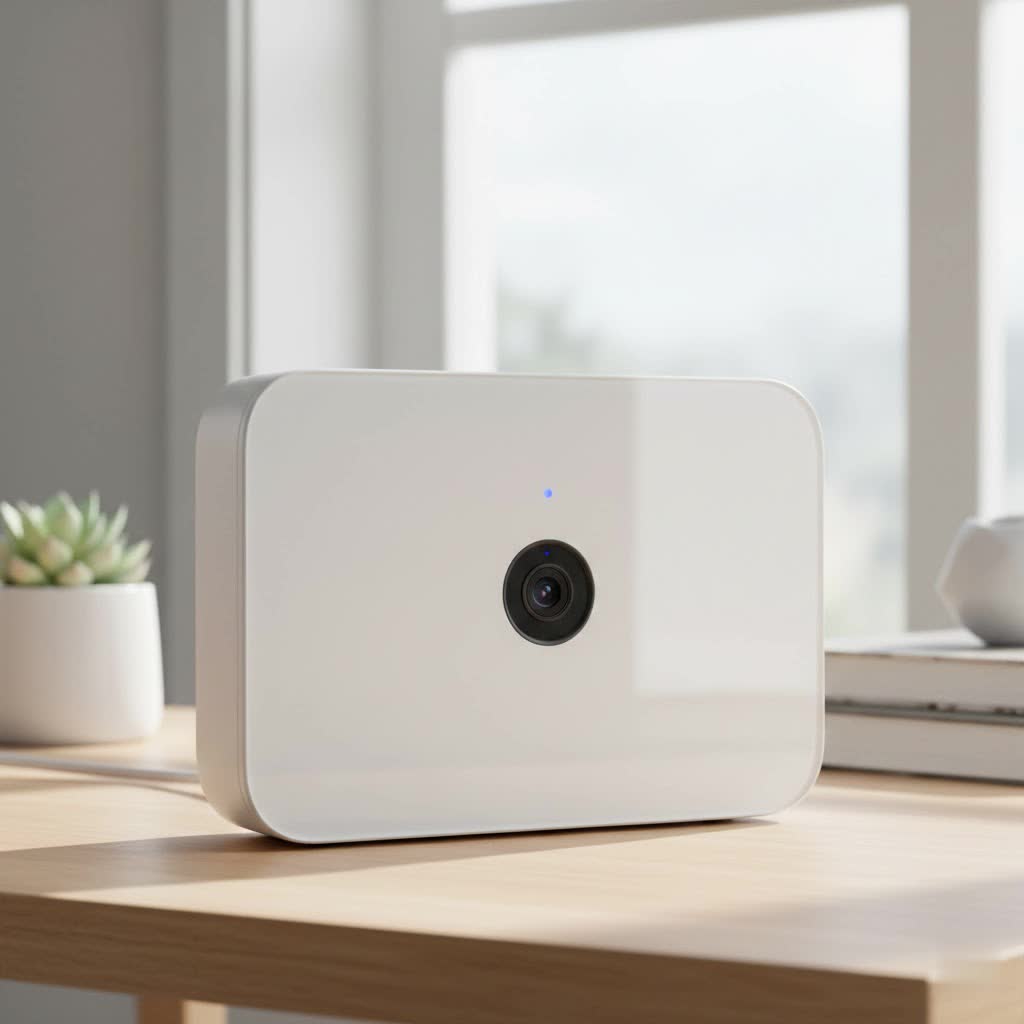
How Does a 24/7 Continuous Recording Security Camera Work?
At its core, a continuous video recording (CVR) system is straightforward: the camera is always on and always recording. The video stream is captured nonstop and sent to a dedicated storage device.
Here’s the simple breakdown:
- Constant Capture: The camera records video and audio (if equipped) 24 hours a day, 7 days a week, without interruption.
- Data Transmission: For this to work reliably, the camera needs a constant power source and a stable network connection. Wired cameras, particularly Power over Ethernet (PoE) models that receive power and data through a single Ethernet cable, are the gold standard for CVR.
- Storage Solution: The massive amount of video data needs to be stored somewhere. This is typically a Network Video Recorder (NVR) or a Digital Video Recorder (DVR). These devices contain large-capacity hard drives (measured in terabytes) designed for the rigors of constant writing. The recorder saves the footage in a loop, automatically overwriting the oldest video once the hard drive is full.
This setup ensures a complete, uninterrupted timeline of events, which is critical in high-security environments or for anyone who wants to eliminate the risk of missed incidents.
Continuous Recording vs. Motion-Activated: A Head-to-Head Comparison
The biggest debate in surveillance is often between continuous and motion-activated recording. While both have their place, they serve fundamentally different purposes. Motion-activated cameras only record when they detect movement, which saves storage space but creates a critical vulnerability: what if the camera fails to detect the event?
“I’ve consulted on numerous cases where a motion-only system failed to trigger during a slow, stealthy intrusion. The event was completely missed. For businesses or high-stakes residential security, continuous recording isn’t a luxury; it’s a necessity for creating a reliable evidence trail.” – Johnathan Carter, Security Systems Architect
Here’s a look at the pros and cons of each approach:
| Feature | Continuous Recording Security Camera | Motion-Activated Recording |
|---|---|---|
| Coverage | Records everything, 24/7. No gaps in footage. | Only records when motion is detected. Can miss events. |
| Reliability | Extremely reliable. Captures pre- and post-event context. | Dependent on sensor sensitivity and placement. Prone to false alarms or missed triggers. |
| Storage Usage | Very high. Requires large hard drives (e.g., NVR/DVR). | Very low. Conserves significant storage space. |
| Reviewing Footage | Can be time-consuming to sift through hours of footage. | Easy to review specific event clips. |
| Best For | High-traffic areas, businesses, and anyone needing a complete record (e.g., retail stores, driveways, banks). | Low-traffic areas, interior rooms, and budget-conscious setups. |
Ultimately, the choice depends on your security needs. If you cannot afford to miss a single moment, a continuous recording security camera is the only way to go.
Key Features to Look for in a Continuous Recording Security Camera
When shopping for a CVR camera, not all models are created equal. Here are the essential features that ensure you get a reliable and effective system.
Video Resolution
Clarity is crucial. A blurry image won’t help you identify a face or a license plate.
- 1080p (Full HD): This is the minimum standard for decent quality. It offers a good balance between clarity and storage consumption.
- 4K (Ultra HD): Provides exceptional detail and allows for greater digital zoom without pixelation. However, it requires significantly more storage space—often four times as much as 1080p.
|
Our Picks for the Best Security Camera in 2026
As an Amazon Associate I earn from qualifying purchases.
|
||
| Num | Product | Action |
|---|---|---|
| 1 | WYZE Cam v4 (Latest Model), 2.5K AI Security Camera, Indoor/Outdoor Cameras for Home Security, Baby Monitor & Pet Camera, Vibrant Color Night Vision, No Subscription Required, Free Expert Help |

|
| 2 | REOLINK 4K PoE Security Camera System Wired, 8pcs 8MP PoE Cameras, Smart Person/Vehicle Detection, 16CH NVR with 4TB HDD, H.265, 24/7 Recording, High Bitrate & Clear Stream, RLK16-800D8 |
|
| 3 | Security Cameras Wireless Outdoor,2K Indoor WiFi Wireless Cameras,Outside Battery Powered Camera for Home Security,AI Motion Detection,Color Night Vision,Spotlight,Siren Alarm,SD/Cloud Storage,2 Pack |
|
| 4 | WYZE Cam Pan v3 Indoor/Outdoor IP65-Rated 1080p Pan/Tilt/Zoom Wi-Fi Smart Home Security Camera with Color Night Vision, 2-Way Audio, Compatible with Alexa & Google Assistant, White, 2-Pack |
|
| 5 | Tapo TP-Link 2K Pan/Tilt Indoor Security Camera for Baby Monitor, Pet Camera, Motion Detection & Tracking, 2-Way Audio, Cloud & SD Card Storage, Works w/Alexa & Google Home, Black, C211(2-Pack) |
|
| 6 | Tapo 2K Pan/Tilt Security Camera for Baby Monitor, Dog Camera w/Motion Detection, 2-Way Audio Siren, Night Vision, Cloud&SD Card Storage, Works w/Alexa & Google Assistant, 2-Pack (Tapo C210P2) |
|
| 7 | TP-Link Tapo 1080P Indoor Security Camera for Baby Monitor, Dog Camera w/Motion Detection, 2-Way Audio Siren, Night Vision, Cloud & SD Card Storage, Works w/Alexa & Google Home (Tapo C100) |
|
| 8 | WYZE Bulb Cam Security Camera, 2K HD Outdoor Light Bulb Camera, Color Night Vision, Dimmable LED Bulb, Motion Detection, Siren Alarm, Works w/Alexa/Google Assistant. Free Expert Support |
|
| 9 | Security Cameras Wireless Outdoor-Solar&Battery Powered 2K 2.4G Cameras for Home Security, Instant Alert, AI Human Detection, Color Night Vision, 2-Way Talk, SD Storage, Work with Alexa, Z1 4P |
|
| 10 | Kasa Smart Indoor Pan-Tilt Home Security Camera, 1080p HD Dog Camera w/Night Vision, Motion Detection for Baby & Pet Monitor, Cloud & SD Card Storage, Works w/ Alexa & Google Home, 2.4G WiFi (EC71) |
|
Storage Capacity
Since the camera records nonstop, storage is the most critical component.
- NVR/DVR with HDD: Look for a system that includes a Network Video Recorder (NVR) with at least 1-2 TB of storage to start. Many NVRs allow you to expand storage with additional hard drives.
- Video Compression: Modern cameras use compression like H.265 (or HEVC), which is about 50% more efficient than the older H.264 standard. This means you can store twice as much footage on the same hard drive without losing quality.
Night Vision
Crime doesn’t stop when the sun goes down.
- Infrared (IR) Night Vision: Uses IR LEDs to see in complete darkness, producing a black-and-white image. Check the effective range (e.g., 30ft, 100ft) to ensure it covers your target area.
- Color Night Vision: Uses advanced sensors and supplemental lighting to produce full-color images in low-light conditions, providing more detail.
Power and Connectivity
A CVR camera must have a stable power source.
- Power over Ethernet (PoE): This is the most reliable option for a continuous recording security camera. A single Ethernet cable provides both a highly stable network connection and consistent power, eliminating the worry of dead batteries or unreliable Wi-Fi.
- Plug-In Wi-Fi: Some Wi-Fi cameras can record continuously, but they must be plugged into a power outlet. Their reliability depends on the strength and stability of your Wi-Fi signal.
How Much Storage Do You Need for 24/7 Recording?
This is the million-dollar question for anyone setting up a CVR system. The answer depends on four key factors:
- Number of Cameras: More cameras mean more data.
- Resolution: Higher resolution equals larger files.
- Frame Rate (FPS): A higher FPS (like 30) creates smoother video but uses more data than a lower rate (like 15).
- Bitrate: This is the amount of data used to encode a single second of video.
Here is a simplified estimation for one camera recording continuously with H.265 compression:
| Resolution | Approximate Daily Storage Usage | Approximate 30-Day Storage Usage |
|---|---|---|
| 1080p | ~20-40 GB | ~0.6-1.2 TB |
| 4K | ~80-160 GB | ~2.4-4.8 TB |
For a typical system with four 1080p cameras, you would want at least a 2 TB hard drive to store about two weeks of footage. Most NVR systems make this easy by allowing you to loop record, so you always have the most recent footage available.
Frequently Asked Questions (FAQ)
Can wireless cameras record 24/7?
Yes, but only specific types. Battery-powered wireless cameras generally cannot record 24/7 as it would drain the battery in hours. However, wireless cameras that plug into a wall outlet for power can record continuously, provided they have a strong Wi-Fi connection and a compatible storage solution like an NVR or a cloud subscription plan that supports CVR.
Does continuous recording use a lot of internet bandwidth?
It depends on where you are storing the video. If you are recording locally to an NVR on your own network, it uses very little to no internet bandwidth. Bandwidth is only used when you remotely view the live stream or recordings. If you are recording continuously to the cloud, it will use a significant amount of your internet’s upload bandwidth.
How long do 24/7 security cameras keep their footage?
The retention period is determined entirely by the size of the hard drive in your NVR/DVR. With loop recording enabled, the system will record until the drive is full and then begin overwriting the oldest footage. A 2 TB hard drive with four 1080p cameras might store 1-2 weeks of footage, while a larger 8 TB drive could store over a month.
Are continuous recording security cameras more expensive?
The cameras themselves are not necessarily more expensive. The primary cost difference comes from the need for a robust storage solution. While motion-only cameras can sometimes get by with a small SD card, a reliable CVR setup requires an NVR or DVR with a large-capacity hard drive, which represents a higher initial investment.
Making the Right Choice for Your Security
A continuous recording security camera system offers the highest level of security by providing a complete, second-by-second record of your property. While it requires a greater investment in storage and a more thoughtful setup, the peace of mind it delivers is unparalleled. You’ll never have to worry about a sensor failing to trigger or wonder what happened just before or after an event. For anyone serious about security, capturing the full picture is the only option that truly matters.
