In the world of home security, visibility is your first line of defense. For years, a simple motion-activated floodlight was the go-to for startling potential intruders and lighting up dark corners of a property. But what if that light could do more? What if it could not only illuminate a potential threat but also record it, alert you in real-time, and even allow you to communicate directly? Welcome to the powerful, two-in-one world of the Security Light With Camera. This guide, brought to you by the experts at Ydmrw, will walk you through everything you need to know about these essential smart home devices.
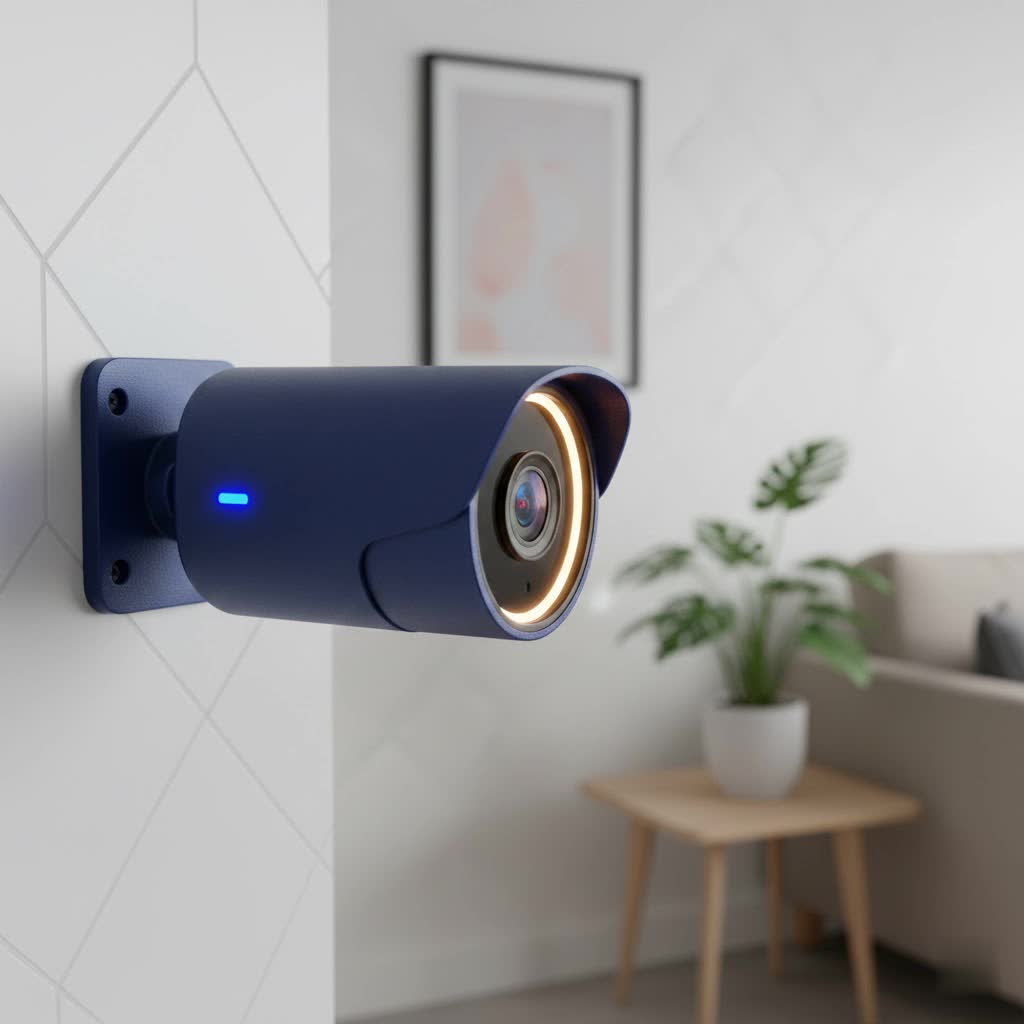
A security light with camera, often called a floodlight camera, is exactly what it sounds like: a high-powered outdoor light fixture with an integrated surveillance camera. This single device replaces your old, “dumb” floodlight, combining brilliant illumination with high-definition video monitoring. When motion is detected, the lights switch on, the camera starts recording, and a notification is sent straight to your smartphone. It’s a proactive approach to security that doesn’t just react but also informs and empowers you to take action, whether you’re at home or halfway around the world.
How Do Security Lights with Cameras Work?
The magic behind a security light camera lies in its integration of several key technologies. At its core is a Passive Infrared (PIR) sensor, which detects the heat signatures of people, animals, or vehicles. When this sensor is triggered, it initiates a chain of events:
- Illumination: The powerful LED floodlights activate, instantly bathing the area in bright light. This not only eliminates hiding spots but can often be enough to deter a potential intruder on its own.
- Recording: Simultaneously, the built-in camera begins recording video footage of the event.
- Notification: The device, connected to your home’s Wi-Fi network, sends a real-time alert to your smartphone or other connected devices.
- Live View & Communication: Through a dedicated app, you can immediately view a live feed from the camera, see what triggered the alert, and, with most models, use a built-in speaker and microphone for two-way communication.
This seamless operation transforms a passive security measure into an active surveillance and deterrence system, offering unparalleled peace of mind.
Key Features to Consider When Buying a Security Light with Camera
Not all floodlight cameras are created equal. As you shop for the perfect device to protect your home, it’s crucial to understand the features that matter most.
Video Resolution and Field of View
|
Our Picks for the Best Security Camera in 2026
As an Amazon Associate I earn from qualifying purchases.
|
||
| Num | Product | Action |
|---|---|---|
| 1 | Tapo TP-Link 2K Pan/Tilt Indoor Security Camera for Baby Monitor, Pet Camera, Motion Detection & Tracking, 2-Way Audio, Cloud & SD Card Storage, Works w/Alexa & Google Home, Black, C211(2-Pack) |

|
| 2 | WYZE Cam Pan v3 Indoor/Outdoor IP65-Rated 1080p Pan/Tilt/Zoom Wi-Fi Smart Home Security Camera with Color Night Vision, 2-Way Audio, Compatible with Alexa & Google Assistant, White, 2-Pack |
|
| 3 | REOLINK 4K PoE Security Camera System Wired, 8pcs 8MP PoE Cameras, Smart Person/Vehicle Detection, 16CH NVR with 4TB HDD, H.265, 24/7 Recording, High Bitrate & Clear Stream, RLK16-800D8 |
|
| 4 | TP-Link Tapo 1080P Indoor Security Camera for Baby Monitor, Dog Camera w/Motion Detection, 2-Way Audio Siren, Night Vision, Cloud & SD Card Storage, Works w/Alexa & Google Home (Tapo C100) |
|
| 5 | Tapo 2K Pan/Tilt Security Camera for Baby Monitor, Dog Camera w/Motion Detection, 2-Way Audio Siren, Night Vision, Cloud&SD Card Storage, Works w/Alexa & Google Assistant, 2-Pack (Tapo C210P2) |
|
| 6 | WYZE Cam v4 (Latest Model), 2.5K AI Security Camera, Indoor/Outdoor Cameras for Home Security, Baby Monitor & Pet Camera, Vibrant Color Night Vision, No Subscription Required, Free Expert Help |
|
| 7 | WYZE Bulb Cam Security Camera, 2K HD Outdoor Light Bulb Camera, Color Night Vision, Dimmable LED Bulb, Motion Detection, Siren Alarm, Works w/Alexa/Google Assistant. Free Expert Support |
|
| 8 | Security Cameras Wireless Outdoor-Solar&Battery Powered 2K 2.4G Cameras for Home Security, Instant Alert, AI Human Detection, Color Night Vision, 2-Way Talk, SD Storage, Work with Alexa, Z1 4P |
|
| 9 | Kasa Smart Indoor Pan-Tilt Home Security Camera, 1080p HD Dog Camera w/Night Vision, Motion Detection for Baby & Pet Monitor, Cloud & SD Card Storage, Works w/ Alexa & Google Home, 2.4G WiFi (EC71) |
|
| 10 | Security Cameras Wireless Outdoor,2K Indoor WiFi Wireless Cameras,Outside Battery Powered Camera for Home Security,AI Motion Detection,Color Night Vision,Spotlight,Siren Alarm,SD/Cloud Storage,2 Pack |
|
The primary job of the camera is to capture clear, usable footage. Look for a resolution of at least 1080p HD, though 2K and even 4K models are becoming increasingly common and offer superior detail. A higher resolution makes it easier to identify faces, license plates, and other important details. The field of view, measured in degrees, determines how wide an area the camera can see. A wider field of view (140 degrees or more) is ideal for covering large spaces like driveways or backyards.
Motion Detection and Alerts
Advanced motion detection is what separates a smart device from a simple one. Look for cameras that offer customizable motion zones, allowing you to specify the exact areas you want to monitor (like a walkway) and ignore others (like a busy street) to reduce false alarms. Some high-end models use AI to differentiate between people, animals, and vehicles, sending you more specific and relevant alerts.
Night Vision Capabilities
When the sun goes down, your camera’s ability to see clearly is paramount. There are two main types of night vision:
- Infrared (IR) Night Vision: Uses infrared LEDs to produce a clear black-and-white image in complete darkness.
- Color Night Vision: Uses the ambient light and the floodlights themselves to record in full color, providing much more detail than traditional IR. For security purposes, color night vision is a significant advantage.
Two-Way Audio
A built-in microphone and speaker are essential features. This “two-way talk” function allows you to hear what’s happening and speak through the camera directly from your phone. You can greet a visitor, instruct a delivery driver, or warn off an unwanted guest with a clear, authoritative voice.
Power Source: Wired vs. Wireless
How the device gets its power is a major consideration that impacts installation and reliability.
- Hardwired: This is the most common type. These units are designed to replace existing outdoor light fixtures and connect directly to your home’s electrical wiring. This provides a constant, reliable power source, so you never have to worry about changing batteries.
- Battery/Solar-Powered: For locations without existing wiring, battery-powered models offer much more flexibility in placement. Many can be paired with a solar panel for continuous charging, making them a “set it and forget it” solution.
Data Storage Options
Where does your recorded video go? You’ll typically have two choices:
- Cloud Storage: Your video clips are uploaded to the manufacturer’s secure servers. This is convenient and protects your footage from being tampered with locally, but it usually requires a monthly subscription fee.
- Local Storage: The camera saves footage to a microSD card inserted into the device. This avoids subscription fees but means the footage could be lost if the camera is stolen or damaged. Some systems offer a base station that stores footage inside your home for added security.
A Quick Guide to Installation
Installing a hardwired security light with camera is a manageable DIY project for those comfortable with basic electrical work. However, safety is paramount.
Expert Tip from Ydmrw: “Always, without exception, turn off the power at the circuit breaker before you begin installation,” advises Johnathan Reed, a professional security installer with over 15 years of experience. “Verify the power is off with a voltage tester. It’s a simple step that prevents serious injury.”
Here’s a simplified overview of the process for a hardwired unit:
- Shut Off Power: Locate the correct breaker in your fuse box and switch it off.
- Remove the Old Fixture: Carefully unscrew and disconnect your existing outdoor light.
- Install the Mounting Bracket: Attach the new mounting bracket provided with your camera to the junction box in the wall.
- Connect the Wires: Typically, you’ll connect three wires: ground to ground (often green or copper), neutral to neutral (white), and hot to hot (black). Follow the manufacturer’s instructions precisely.
- Mount the Camera: Secure the new floodlight camera to the mounting bracket.
- Restore Power and Set Up: Turn the power back on at the breaker. The device will enter setup mode. Use the companion smartphone app to connect it to your Wi-Fi network and configure your settings.
For battery-powered models, the installation is much simpler, usually involving just screwing a mounting bracket to the desired surface.
Are Security Lights with Cameras Worth the Investment?
Absolutely. A security light with a camera is one of the most effective and value-packed additions you can make to your home security setup. It acts as a powerful deterrent, a 24/7 monitoring system, and a convenient communication tool all in one. The combination of bright light and video recording provides a level of security that a traditional camera or a simple floodlight cannot match on its own. By illuminating and recording events as they happen, you not only help prevent incidents but also capture crucial evidence if one does occur.
Frequently Asked Questions (FAQ)
Q: Do security light cameras record all the time?
A: Most models are designed to record only when motion is detected to save power and storage space. However, some hardwired models offer a 24/7 continuous recording option, usually requiring a subscription plan.
Q: How bright are the floodlights?
A: Brightness varies by model but typically ranges from 1,000 to over 3,000 lumens. For comparison, a standard 60-watt light bulb is about 800 lumens. Most are more than bright enough to illuminate a large driveway or backyard.
Q: Do I need Wi-Fi for a security light camera to work?
A: Yes, a stable Wi-Fi connection is required for the camera to send notifications, stream live video to your phone, and upload recordings to the cloud.
Q: Can I install a floodlight camera under an eave or soffit?
A: Yes, many models are designed with adjustable mounts and camera gimbals that allow for flexible installation, including on walls or under overhangs. Always check the product specifications to ensure it fits your desired location.
Q: Will my security light camera work with Alexa or Google Assistant?
A: Most major brands (like Ring, Arlo, and Eufy) offer smart home integration. This allows you to use voice commands to turn the lights on or off or show the camera feed on a compatible smart display.
Securing Your Home with Smart Illumination
A security light with camera is more than just a gadget; it’s an integrated security solution that brings clarity and control to your fingertips. By combining powerful lighting with smart surveillance, these devices offer one of the most robust and practical ways to protect your property. From deterring intruders to keeping an eye on package deliveries, a floodlight camera is a vigilant guardian that never sleeps, ensuring your home is always under a watchful eye.
