In a world where we’re all looking for smarter ways to protect our homes and businesses, the motion-activated security camera has become an essential tool. Gone are the days of sifting through hours of uneventful footage. These intelligent cameras only record when it matters, saving storage space, conserving energy, and providing you with instant alerts about what’s happening. As a security expert with over 15 years in the field, I’m here to walk you through everything you need to know about this game-changing technology.
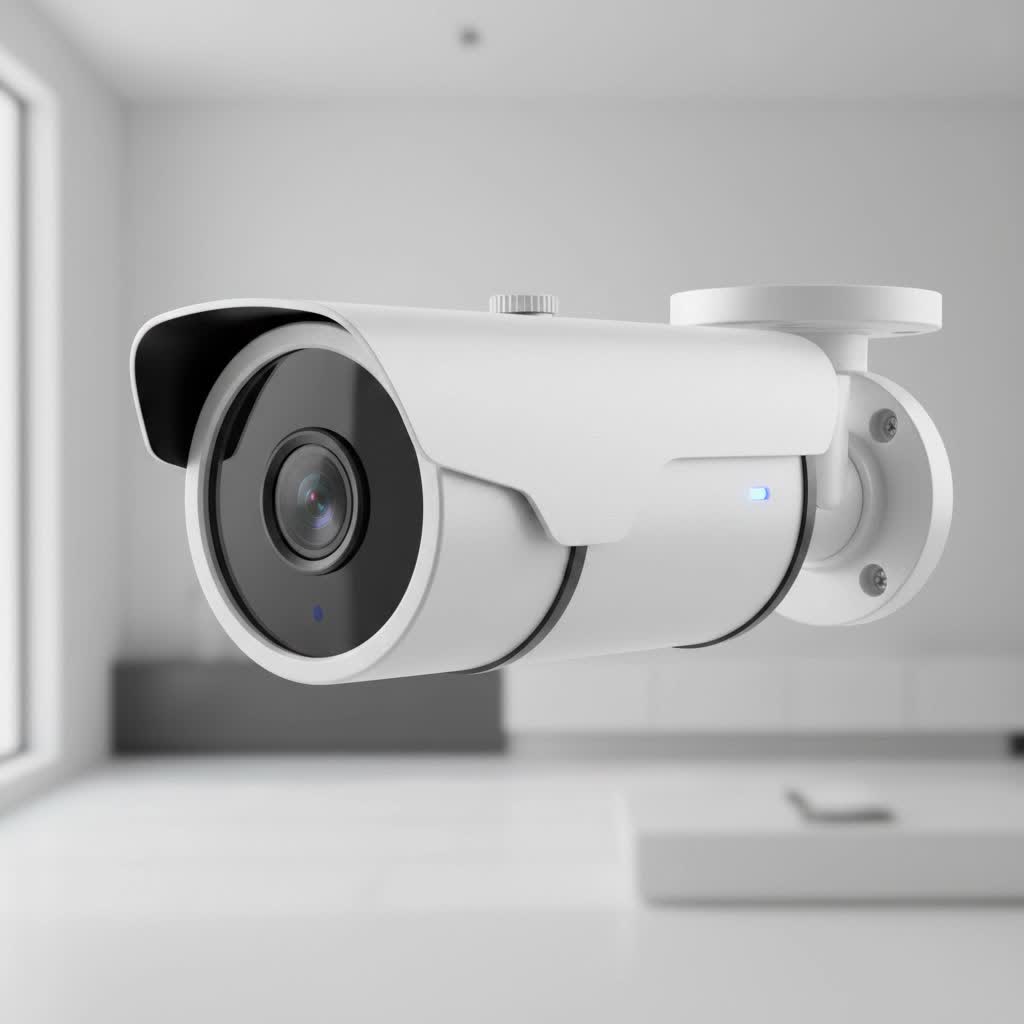
Think of a motion-activated security camera as a vigilant guard that never sleeps but only springs into action when necessary. This efficiency is what makes them a cornerstone of modern surveillance, offering peace of mind without the hassle of constant monitoring.
How Does a Motion-Activated Security Camera Work?
At its core, a motion-activated camera stays in a low-power standby mode until it detects movement. Once triggered, it instantly starts recording and, in most cases, sends an alert directly to your smartphone. This clever functionality is powered by a few different technologies, usually working together.
The Two Main Types of Motion Detection
There are two primary methods these cameras use to detect movement: Passive Infrared (PIR) and pixel-based analysis, also known as computer vision.
-
Passive Infrared (PIR) Sensors: This is the most common technology you’ll find. PIR sensors don’t emit anything; instead, they detect changes in infrared radiation—or heat—within their field of view. When a person, animal, or even a warm car engine moves across the sensor’s detection zones, the change in heat signature triggers the camera. This method is highly effective at filtering out “noise” like blowing leaves or swaying branches, as these objects don’t produce a significant heat signature.
-
Pixel-Based Analysis (Computer Vision): More advanced cameras use software to analyze the video feed in real-time. The camera’s processor constantly compares frames, looking for significant changes in pixels. When a group of pixels changes suddenly—like when a person walks into the frame—it triggers a recording. Modern systems enhance this with Artificial Intelligence (AI) that can differentiate between people, vehicles, and animals, drastically reducing false alarms.
|
Our Picks for the Best Security Camera in 2026
As an Amazon Associate I earn from qualifying purchases.
|
||
| Num | Product | Action |
|---|---|---|
| 1 | Security Cameras Wireless Outdoor-Solar&Battery Powered 2K 2.4G Cameras for Home Security, Instant Alert, AI Human Detection, Color Night Vision, 2-Way Talk, SD Storage, Work with Alexa, Z1 4P |

|
| 2 | Kasa Smart Indoor Pan-Tilt Home Security Camera, 1080p HD Dog Camera w/Night Vision, Motion Detection for Baby & Pet Monitor, Cloud & SD Card Storage, Works w/ Alexa & Google Home, 2.4G WiFi (EC71) |
|
| 3 | WYZE Bulb Cam Security Camera, 2K HD Outdoor Light Bulb Camera, Color Night Vision, Dimmable LED Bulb, Motion Detection, Siren Alarm, Works w/Alexa/Google Assistant. Free Expert Support |
|
| 4 | Tapo TP-Link 2K Pan/Tilt Indoor Security Camera for Baby Monitor, Pet Camera, Motion Detection & Tracking, 2-Way Audio, Cloud & SD Card Storage, Works w/Alexa & Google Home, Black, C211(2-Pack) |
|
| 5 | Security Cameras Wireless Outdoor,2K Indoor WiFi Wireless Cameras,Outside Battery Powered Camera for Home Security,AI Motion Detection,Color Night Vision,Spotlight,Siren Alarm,SD/Cloud Storage,2 Pack |
|
| 6 | WYZE Cam v4 (Latest Model), 2.5K AI Security Camera, Indoor/Outdoor Cameras for Home Security, Baby Monitor & Pet Camera, Vibrant Color Night Vision, No Subscription Required, Free Expert Help |
|
| 7 | WYZE Cam Pan v3 Indoor/Outdoor IP65-Rated 1080p Pan/Tilt/Zoom Wi-Fi Smart Home Security Camera with Color Night Vision, 2-Way Audio, Compatible with Alexa & Google Assistant, White, 2-Pack |
|
| 8 | REOLINK 4K PoE Security Camera System Wired, 8pcs 8MP PoE Cameras, Smart Person/Vehicle Detection, 16CH NVR with 4TB HDD, H.265, 24/7 Recording, High Bitrate & Clear Stream, RLK16-800D8 |
|
| 9 | TP-Link Tapo 1080P Indoor Security Camera for Baby Monitor, Dog Camera w/Motion Detection, 2-Way Audio Siren, Night Vision, Cloud & SD Card Storage, Works w/Alexa & Google Home (Tapo C100) |
|
| 10 | Tapo 2K Pan/Tilt Security Camera for Baby Monitor, Dog Camera w/Motion Detection, 2-Way Audio Siren, Night Vision, Cloud&SD Card Storage, Works w/Alexa & Google Assistant, 2-Pack (Tapo C210P2) |
|
“The real breakthrough came with AI-powered detection,” notes Johnathan Reed, a senior security analyst at Ydmrw. “It’s no longer just about detecting motion; it’s about understanding what kind of motion it is. This intelligence means users get alerts that are genuinely important, not just a notification every time the wind blows.”
Some high-end systems may even incorporate radar or microwave sensors, which emit signals and measure their reflections to detect motion with incredible precision, even through thin walls or around corners.
The Key Benefits of Using a Motion-Activated Camera
Why should you choose a motion-activated camera over one that records continuously? The advantages are clear and address many of the traditional pain points of video surveillance.
-
Efficient Storage and Energy Use: By only recording during motion events, these cameras use significantly less storage space on SD cards or cloud servers. Battery-powered models also benefit from much longer life between charges, as they spend most of their time in a power-saving standby mode.
-
Instant, Relevant Alerts: The most powerful feature is the ability to receive real-time notifications. Whether it’s a package being delivered, an unexpected visitor, or a potential intruder, you know the moment it happens. This allows you to react quickly, whether by speaking through two-way audio or contacting the authorities.
-
Easy Playback and Review: Finding a specific event is incredibly simple. Instead of scrubbing through hours of footage, you can jump directly to the short, timestamped clips that were triggered by motion. This saves a massive amount of time when you need to find something important.
-
Effective Deterrent: The visible presence of security cameras is a proven deterrent to would-be burglars. Many models also feature built-in spotlights or sirens that activate with motion, actively scaring off intruders before they can act.
Choosing the Right Motion-Activated Security Camera
With so many options on the market, selecting the right camera can feel overwhelming. Here’s a breakdown of the essential features to consider based on your specific needs.
1. Smart Detection and Alerts
Look for cameras with AI-powered detection. The ability to distinguish between people, animals, and vehicles is a must-have feature to avoid a constant stream of false alarms. Custom activity zones, which let you define specific areas to monitor (like a gate) while ignoring others (like a busy street), add another layer of precision.
2. Video Quality and Night Vision
For a camera to be effective, you need to be able to clearly identify what it’s recording.
- Resolution: A minimum of 2K (1440p) resolution is recommended for sharp, detailed video. 4K offers even greater clarity, which can be crucial for identifying faces or license plates at a distance.
- Night Vision: Don’t overlook low-light performance. Traditional infrared (IR) night vision provides clear black-and-white video. For superior detail, look for color night vision, which uses advanced sensors and sometimes a built-in spotlight to capture full-color video after dark.
3. Power and Connectivity
How you’ll power and connect your camera is a critical decision that impacts installation flexibility and reliability.
- Battery/Solar Powered: These offer the easiest installation with no wires. They are perfect for locations where running a cable is difficult. A solar panel attachment can provide continuous power, eliminating the need for manual recharging.
- Wired (PoE): Power over Ethernet (PoE) cameras use a single Ethernet cable for both power and a stable data connection. This is the most reliable option, ideal for critical security points where you need 24/7 recording capabilities.
- Wi-Fi: Most consumer cameras connect via Wi-Fi. Ensure you have a strong, reliable signal in the location you plan to install the camera. Dual-band Wi-Fi support can help ensure a more stable connection.
4. Field of View and Coverage
The field of view (FOV) determines how wide an area the camera can see. A wide-angle lens (120° or more) is excellent for covering a large area like a backyard. For monitoring a specific spot, a camera with optical zoom or a pan-and-tilt feature will provide more flexibility.
5. Storage Options
Decide where you want your recorded footage to be saved.
- Local Storage: A microSD card or a Network Video Recorder (NVR) keeps your data entirely in your possession without monthly fees.
- Cloud Storage: This offers the convenience of remote access and secure off-site backup, but it typically requires a subscription plan.
Getting the Most Out of Your Camera: Installation Tips
Proper placement is key to maximizing the effectiveness of your motion-activated security camera.
- Position at Entry Points: Cover all primary entry points, including the front door, back door, and garage.
- Mount it High: Install cameras 7 to 10 feet off the ground. This height keeps them out of easy reach for tampering and provides a better vantage point.
- Avoid Direct Sunlight: Pointing a camera directly at the sun can cause glare and may trigger false motion alerts.
- Consider the Angle: Angle the camera down slightly to capture faces more effectively and avoid recording your neighbor’s property, respecting their privacy.
Frequently Asked Questions (FAQ)
Are motion sensor cameras always recording?
No, the primary advantage of most motion-activated cameras is that they are not always recording. They stay in a standby mode and only begin recording when their sensors detect motion. However, many wired systems, particularly those connected to an NVR, offer the option for 24/7 continuous recording if desired.
Do motion detection cameras need Wi-Fi to work?
Not necessarily. While most smart home security cameras use Wi-Fi to send alerts and allow remote viewing, many other types do not. For instance, wildlife trail cameras often store footage on an SD card, and some professional PoE systems record directly to an NVR without needing an internet connection for basic operation.
Why is my motion camera giving false alerts?
False alerts can be caused by several factors, including insects flying close to the lens, shadows from moving trees, or sunlight changes. To fix this, try adjusting the motion sensitivity settings in your camera’s app, creating specific motion zones to exclude problematic areas, and enabling AI-powered person or vehicle detection if available.
Can motion cameras see in the dark?
Yes, virtually all modern security cameras are equipped with night vision. The most common type is infrared (IR), which captures clear black-and-white video in complete darkness. More advanced models offer color night vision, which uses ambient light or a small spotlight to record in full color.
The Smart Choice for Modern Security
A motion-activated security camera is more than just a recording device; it’s an intelligent and efficient system for protecting what matters most. By recording only when necessary, it provides actionable alerts, saves valuable storage, and offers unparalleled peace of mind. Whether you’re safeguarding your home, keeping an eye on your pets, or securing your business, this technology provides a proactive and powerful solution. By choosing the right features for your needs and installing it correctly, you can create a security shield that is both effective and easy to manage.
