In the ever-evolving world of home security, the demand for simpler, more accessible solutions is skyrocketing. We all want the peace of mind that comes with a watchful eye on our property, but not everyone wants the hassle of drilling holes, running wires, or hiring a professional. Enter the Light Socket Security Camera, a brilliant and innovative device that’s changing the game for homeowners and renters alike. This clever gadget combines a high-definition surveillance camera with a functional LED light, all packed into a single unit that installs as easily as changing a light bulb.
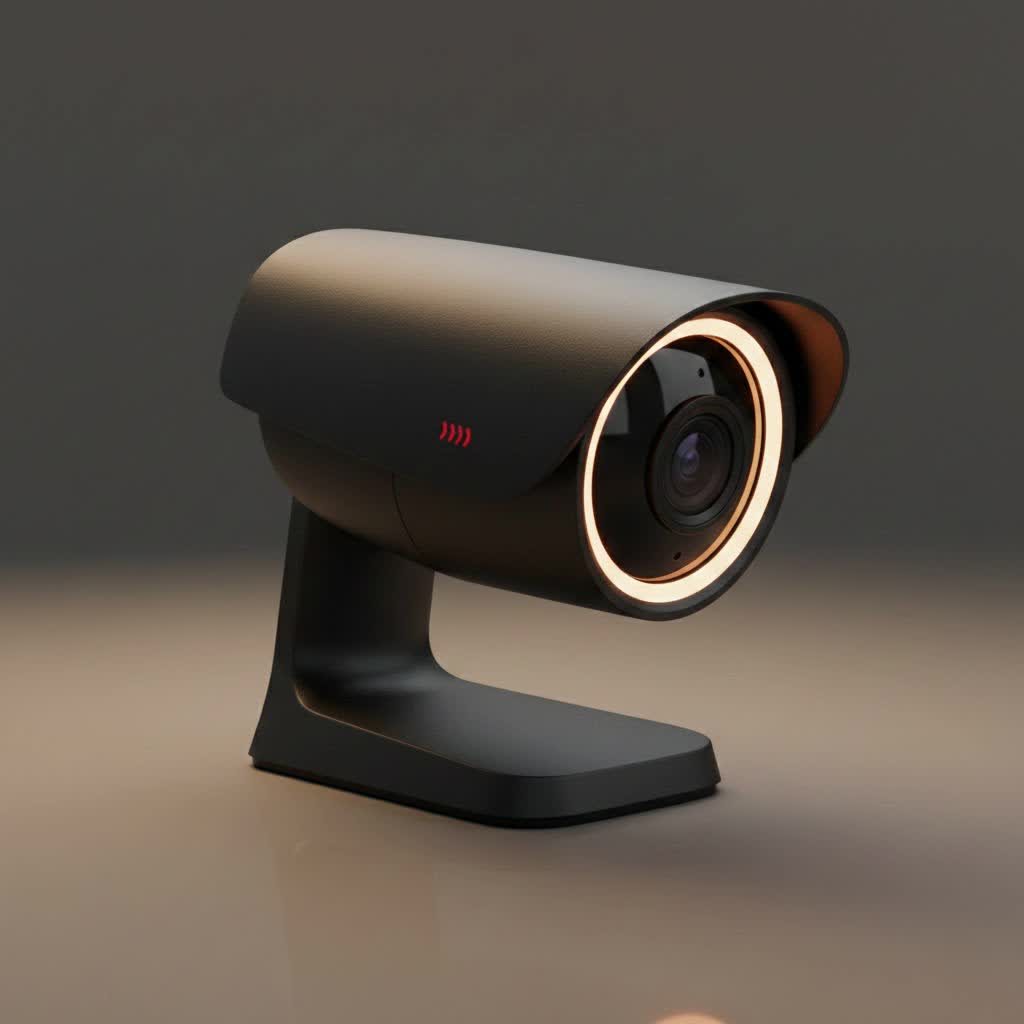
So, how does this discreet security powerhouse work, and is it the right fit for you? As a security professional with over 15 years in the field, I’ve seen countless trends come and go. But the sheer practicality of the light socket camera makes it a standout. It offers a unique blend of convenience, stealth, and functionality that addresses many common barriers to adopting home surveillance. This guide will walk you through everything you need to know, from how they operate to their pros and cons, and what features to look for.
What Exactly Is a Light Socket Security Camera?
At its core, a light socket security camera is a surveillance camera designed to screw directly into a standard light fixture, typically an E26 or E27 base, the same kind most lamps and overhead lights use. The concept is ingeniously simple: it draws continuous power from the socket itself. This immediately eliminates the two biggest installation headaches: running power cables and recharging batteries.
Once installed, the camera connects wirelessly to your home’s Wi-Fi network. This allows you to access a live video feed, receive motion alerts, and manage settings directly from a dedicated app on your smartphone, no matter where you are. It’s a self-contained security system that hides in plain sight, providing both illumination and surveillance in one neat package.
The Good, The Bad, and The Practical: Pros and Cons
Like any technology, these cameras come with a distinct set of advantages and limitations. Understanding them is key to deciding if this solution fits your specific security needs.
The Bright Side: Key Advantages
- Effortless Installation: This is the number one selling point. If you can change a light bulb, you can install a light socket security camera. It literally takes minutes, with no tools, drilling, or technical skills required. This makes it an ideal choice for renters who can’t make permanent modifications to a property.
- Discreet and Covert: Because it looks like a slightly oversized LED bulb, it doesn’t scream “security camera.” This allows it to blend seamlessly into your home’s décor, making it less obvious to potential intruders who might otherwise look for and disable visible cameras.
- Constant, Reliable Power: Since it’s powered by the light socket, you never have to worry about a dead battery compromising your security. As long as the light switch is on, the camera is operational.
- Dual Functionality: You get two devices in one: a security camera and a functional light source. The LED light can often be controlled independently through the app, so you can turn it on or off as needed.
- Cost-Effective: Generally, these cameras are more affordable than traditional multi-camera systems. You also save on professional installation fees and don’t need to buy separate hubs or base stations.
|
Our Picks for the Best Security Camera in 2026
As an Amazon Associate I earn from qualifying purchases.
|
||
| Num | Product | Action |
|---|---|---|
| 1 | Tapo 2K Pan/Tilt Security Camera for Baby Monitor, Dog Camera w/Motion Detection, 2-Way Audio Siren, Night Vision, Cloud&SD Card Storage, Works w/Alexa & Google Assistant, 2-Pack (Tapo C210P2) |

|
| 2 | WYZE Bulb Cam Security Camera, 2K HD Outdoor Light Bulb Camera, Color Night Vision, Dimmable LED Bulb, Motion Detection, Siren Alarm, Works w/Alexa/Google Assistant. Free Expert Support |
|
| 3 | TP-Link Tapo 1080P Indoor Security Camera for Baby Monitor, Dog Camera w/Motion Detection, 2-Way Audio Siren, Night Vision, Cloud & SD Card Storage, Works w/Alexa & Google Home (Tapo C100) |
|
| 4 | WYZE Cam v4 (Latest Model), 2.5K AI Security Camera, Indoor/Outdoor Cameras for Home Security, Baby Monitor & Pet Camera, Vibrant Color Night Vision, No Subscription Required, Free Expert Help |
|
| 5 | WYZE Cam Pan v3 Indoor/Outdoor IP65-Rated 1080p Pan/Tilt/Zoom Wi-Fi Smart Home Security Camera with Color Night Vision, 2-Way Audio, Compatible with Alexa & Google Assistant, White, 2-Pack |
|
| 6 | Tapo TP-Link 2K Pan/Tilt Indoor Security Camera for Baby Monitor, Pet Camera, Motion Detection & Tracking, 2-Way Audio, Cloud & SD Card Storage, Works w/Alexa & Google Home, Black, C211(2-Pack) |
|
| 7 | REOLINK 4K PoE Security Camera System Wired, 8pcs 8MP PoE Cameras, Smart Person/Vehicle Detection, 16CH NVR with 4TB HDD, H.265, 24/7 Recording, High Bitrate & Clear Stream, RLK16-800D8 |
|
| 8 | Kasa Smart Indoor Pan-Tilt Home Security Camera, 1080p HD Dog Camera w/Night Vision, Motion Detection for Baby & Pet Monitor, Cloud & SD Card Storage, Works w/ Alexa & Google Home, 2.4G WiFi (EC71) |
|
| 9 | Security Cameras Wireless Outdoor,2K Indoor WiFi Wireless Cameras,Outside Battery Powered Camera for Home Security,AI Motion Detection,Color Night Vision,Spotlight,Siren Alarm,SD/Cloud Storage,2 Pack |
|
| 10 | Security Cameras Wireless Outdoor-Solar&Battery Powered 2K 2.4G Cameras for Home Security, Instant Alert, AI Human Detection, Color Night Vision, 2-Way Talk, SD Storage, Work with Alexa, Z1 4P |
|
Potential Downsides to Consider
- Limited Placement Options: Your installation points are restricted to where you have existing light sockets. This might not always provide the optimal viewing angle for surveillance. For example, an overhead porch light will give a top-down view, which might not be ideal for capturing faces.
- Dependent on a Power Switch: The camera only has power if the light switch that controls the socket is left in the “on” position. If someone in your household instinctively flips the switch off, your camera goes offline.
- Wi-Fi Dependency: Like most modern smart cameras, a stable Wi-Fi connection is essential for remote viewing and alerts. If your Wi-Fi goes down, the camera’s remote functionality is lost, though some models may continue to record to a local SD card.
- Potential for Blind Spots: A single camera has a fixed field of view. While many models offer 360-degree panoramic or pan-and-tilt features to mitigate this, their effectiveness is still dictated by the initial placement.
Key Features to Look For When Choosing a Bulb Camera
The market is filled with options, but not all light socket cameras are created equal. Here are the critical features to prioritize for the best performance and value.
- Video Resolution: Don’t settle for less than 1080p (Full HD). For clearer detail, especially when zooming in on faces or license plates, consider a model with 2K or even 4K resolution.
- Field of View & Pan/Tilt: A basic fixed lens is limiting. Look for cameras that offer 360-degree panoramic views or remote pan-and-tilt capabilities. This allows you to control the camera’s direction from your phone to eliminate blind spots.
- Night Vision: All security cameras need night vision, but there are different types. Standard infrared (IR) night vision shows black and white footage in the dark. More advanced models offer color night vision, which uses the built-in LED light or ambient light to produce a full-color image, providing much more detail.
- Smart Motion Detection: Basic motion detection can lead to a flood of false alerts from passing cars, swaying trees, or pets. Look for cameras with AI-powered detection that can differentiate between people, vehicles, and animals, so you only get alerts that matter.
- Two-Way Audio: A built-in microphone and speaker are crucial. This allows you to not only hear what’s happening but also speak through the camera. You can greet a visitor, instruct a delivery driver, or warn off an unwanted guest from your phone.
- Storage Options: Decide how you want to store recorded video. Local storage via a microSD card is a one-time purchase with no monthly fees. Cloud storage, on the other hand, securely backs up your footage online for a monthly subscription but ensures your recordings are safe even if the camera is stolen. Many cameras offer both.
How to Install a Light Socket Security Camera in 5 Minutes
The installation is refreshingly simple. Here’s a typical step-by-step process:
- Safety First: Go to the light switch or circuit breaker that controls the light socket you plan to use and turn off the power.
- Screw It In: If there’s an existing bulb, carefully unscrew it. Then, screw the light socket security camera into the empty socket until it’s snug.
- Power It Up: Turn the power back on at the switch or breaker. The camera should power on, often with a light or audible chime to indicate it’s ready.
- Download the Companion App: Find the manufacturer’s app on the Google Play Store or Apple App Store and install it on your smartphone.
- Connect to Wi-Fi: Open the app and follow the on-screen prompts to create an account and connect the camera to your home Wi-Fi network. This usually involves scanning a QR code with the camera.
That’s it! You can now view the live feed and configure settings from your phone.
Are These Cameras the Right Choice for Your Home?
A light socket security camera is an incredibly versatile tool, but it excels in specific scenarios. It’s a perfect solution for renters, individuals who are not tech-savvy, or anyone looking for a quick and easy way to add surveillance to key areas.
“I often recommend light socket cameras as a starting point for home security,” says security consultant Johnathan Reed. “They are fantastic for monitoring covered front porches to watch for packages, keeping an eye on a garage or entryway, or even for indoor use in a living room or hallway. They provide immense value for their simplicity and can be a powerful deterrent.”
They work exceptionally well for adding targeted coverage without committing to a complex, hardwired system. Whether you use one to supplement your existing security setup or as your primary monitor for a small apartment, their convenience is hard to beat.
Frequently Asked Questions (FAQ)
Do light socket cameras need to be plugged in?
No, they don’t require a separate plug or power cord. They draw power directly from the light socket they are screwed into, making for a completely wire-free installation.
Can you use a light socket camera without Wi-Fi?
For most features, including live streaming, receiving alerts, and remote playback, a Wi-Fi connection is necessary. Some models can record locally to an SD card without Wi-Fi, but you won’t be able to access the camera remotely.
Do light bulb cameras record all the time?
This depends on the model and your settings. Most cameras are set to record only when motion is detected to save storage space. However, some offer a continuous recording option, especially if you are using a large SD card or a cloud subscription plan.
Does the light have to be on for the camera to work?
The main power switch for the light fixture must be left on continuously. However, the camera’s LED light itself can almost always be controlled independently through the app. You can set it to turn on with motion, keep it off, or turn it on manually, all while the camera remains active.
Are light socket cameras safe from hacking?
Like any smart device connected to the internet, they are potentially vulnerable. To protect yourself, always choose a reputable brand, create a strong, unique password for your account, enable two-factor authentication (2FA) if available, and keep the camera’s firmware updated.
Your Simplified Path to Peace of Mind
The light socket security camera represents a significant step forward in making home security accessible to everyone. By removing the traditional barriers of complex installation and high costs, it offers a practical and effective way to monitor what matters most.
While it may not replace a comprehensive, professionally installed system for a large property, it serves as an outstanding solution for targeted surveillance. For its ease of use, clever design, and powerful features, it’s an investment that delivers immediate and tangible peace of mind, one screw-in installation at a time.
