In a world where connectivity is king, keeping an eye on your property seems easy—until it isn’t. What happens when you need to monitor a location without a Wi-Fi signal? This is where the Cellular Security Camera steps in, offering a powerful solution for true remote surveillance. Whether you’re securing a construction site, a remote vacation cabin, a farm, or even an RV, these cameras provide the freedom and flexibility that traditional systems simply can’t match. They operate on the same networks as your smartphone, giving you a live feed and instant alerts from virtually anywhere.
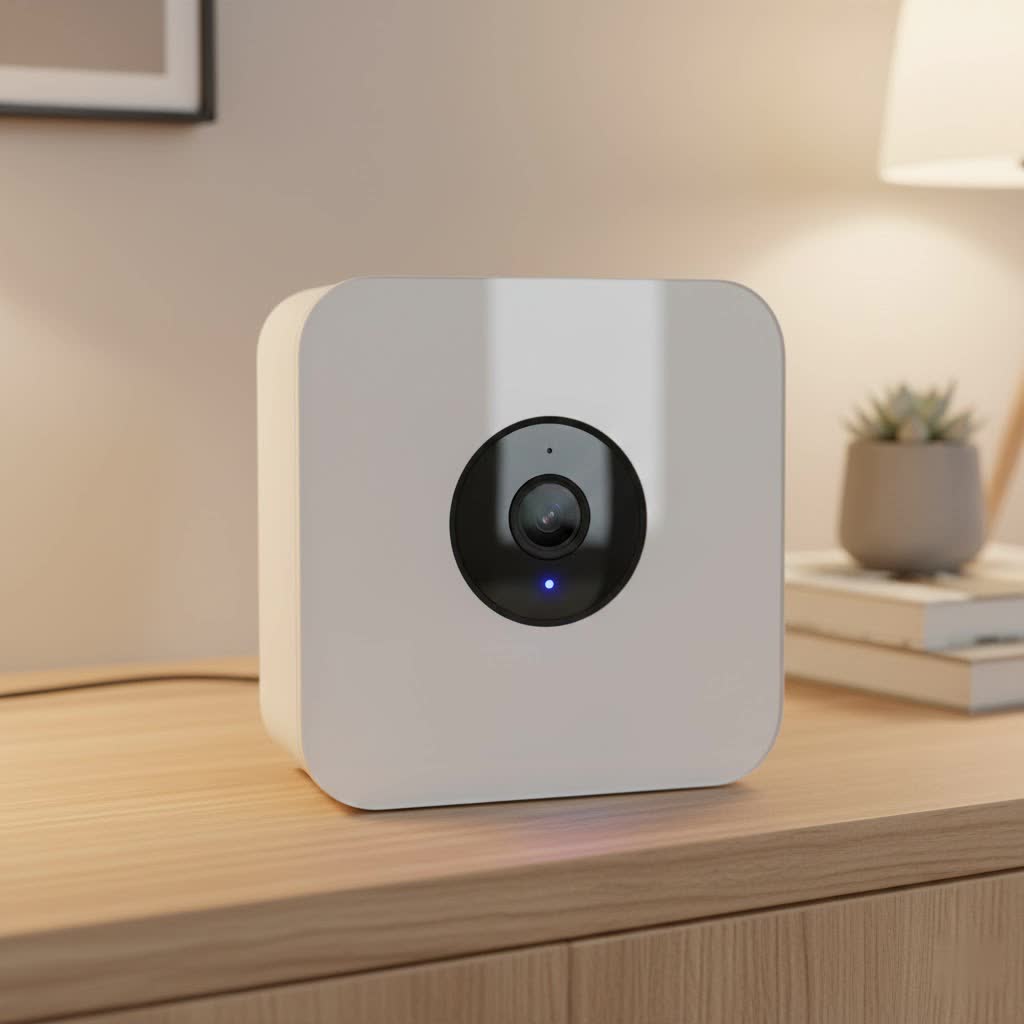
As a security professional with over 15 years in the field, I’ve seen technology evolve, but the fundamental need for reliable surveillance remains. Cellular cameras represent a significant leap forward, untethering security from the constraints of wired internet. Let’s dive into how they work, where they excel, and what you need to know to choose the perfect one for your needs.
What is a Cellular Security Camera and How Does It Work?
A cellular security camera, often called a 4G or LTE security camera, is a self-contained surveillance device that transmits video footage over a mobile network. Unlike traditional security cameras that rely on a Wi-Fi connection to send data to your phone or the cloud, a cellular camera uses a SIM card and a data plan to get online.
Think of it just like your smartphone. It has its own unique connection to a cellular network (like Verizon, AT&T, or T-Mobile), allowing it to function independently.
Here’s the basic breakdown of how it operates:
- Captures Video: The camera’s lens and sensor capture video, just like any other camera.
- Internal Processing: The camera processes the video and, when motion is detected or a live view is requested, prepares to transmit the data.
- Cellular Transmission: Using its built-in 4G/LTE modem and an active SIM card, the camera connects to the nearest cell tower.
- Data Transfer: It sends the video data over the mobile network to the manufacturer’s cloud server.
- Remote Access: You can then instantly access the live feed, receive motion alerts, and view recorded clips through a dedicated app on your smartphone or computer.
This entire process happens in seconds, giving you real-time access without the need for any routers, modems, or physical internet cables at the camera’s location.
When Do You Need a Cellular Security Camera?
While a Wi-Fi camera is perfect for most homes and businesses, a cellular security camera shines in specific scenarios where traditional internet is impractical, unreliable, or completely unavailable.
Key Use Cases
- Construction Sites: Monitor valuable equipment and materials on a job site that lacks permanent internet infrastructure. Its portability allows you to move it as the project evolves.
- Farms and Ranches: Keep an eye on livestock, remote barns, gates, and large agricultural properties where running cables would be impossible.
- Vacation Homes & Cabins: Secure your remote getaway property without needing to pay for a year-round internet subscription that you only use occasionally.
- RVs, Boats, and Campers: Add a layer of security to your mobile assets, whether they are in storage, at a campground, or docked at a marina.
- Warehouses and Storage Units: Monitor inventory and access points in large facilities where Wi-Fi signals may be weak or non-existent in certain areas.
- Wildlife Monitoring: Researchers and nature enthusiasts can observe animal behavior in remote habitats without disturbing the environment.
|
Our Picks for the Best Security Camera in 2026
As an Amazon Associate I earn from qualifying purchases.
|
||
| Num | Product | Action |
|---|---|---|
| 1 | WYZE Cam Pan v3 Indoor/Outdoor IP65-Rated 1080p Pan/Tilt/Zoom Wi-Fi Smart Home Security Camera with Color Night Vision, 2-Way Audio, Compatible with Alexa & Google Assistant, White, 2-Pack |

|
| 2 | TP-Link Tapo 1080P Indoor Security Camera for Baby Monitor, Dog Camera w/Motion Detection, 2-Way Audio Siren, Night Vision, Cloud & SD Card Storage, Works w/Alexa & Google Home (Tapo C100) |
|
| 3 | Kasa Smart Indoor Pan-Tilt Home Security Camera, 1080p HD Dog Camera w/Night Vision, Motion Detection for Baby & Pet Monitor, Cloud & SD Card Storage, Works w/ Alexa & Google Home, 2.4G WiFi (EC71) |
|
| 4 | Security Cameras Wireless Outdoor-Solar&Battery Powered 2K 2.4G Cameras for Home Security, Instant Alert, AI Human Detection, Color Night Vision, 2-Way Talk, SD Storage, Work with Alexa, Z1 4P |
|
| 5 | WYZE Cam v4 (Latest Model), 2.5K AI Security Camera, Indoor/Outdoor Cameras for Home Security, Baby Monitor & Pet Camera, Vibrant Color Night Vision, No Subscription Required, Free Expert Help |
|
| 6 | WYZE Bulb Cam Security Camera, 2K HD Outdoor Light Bulb Camera, Color Night Vision, Dimmable LED Bulb, Motion Detection, Siren Alarm, Works w/Alexa/Google Assistant. Free Expert Support |
|
| 7 | REOLINK 4K PoE Security Camera System Wired, 8pcs 8MP PoE Cameras, Smart Person/Vehicle Detection, 16CH NVR with 4TB HDD, H.265, 24/7 Recording, High Bitrate & Clear Stream, RLK16-800D8 |
|
| 8 | Tapo 2K Pan/Tilt Security Camera for Baby Monitor, Dog Camera w/Motion Detection, 2-Way Audio Siren, Night Vision, Cloud&SD Card Storage, Works w/Alexa & Google Assistant, 2-Pack (Tapo C210P2) |
|
| 9 | Tapo TP-Link 2K Pan/Tilt Indoor Security Camera for Baby Monitor, Pet Camera, Motion Detection & Tracking, 2-Way Audio, Cloud & SD Card Storage, Works w/Alexa & Google Home, Black, C211(2-Pack) |
|
| 10 | Security Cameras Wireless Outdoor,2K Indoor WiFi Wireless Cameras,Outside Battery Powered Camera for Home Security,AI Motion Detection,Color Night Vision,Spotlight,Siren Alarm,SD/Cloud Storage,2 Pack |
|
Expert Take: According to security systems integrator Johnathan Carter, “The single biggest advantage of a cellular security camera is its autonomy. We install them for clients monitoring everything from new home builds to large horse farms. The ability to drop a camera anywhere with a cell signal and have instant eyes on the ground is a game-changer for asset protection.”
Pros and Cons of Cellular Security Cameras
Like any technology, cellular cameras come with a unique set of advantages and disadvantages. Understanding these will help you decide if it’s the right choice for your situation.
Advantages
- Ultimate Flexibility: Install it anywhere with a cellular signal. There are no wires for internet, making it truly portable and versatile.
- Independent Operation: Because it doesn’t rely on your home or business Wi-Fi, it’s immune to local internet outages. If your power and Wi-Fi go down, the cellular camera keeps running on its battery.
- Enhanced Security: It can be harder for intruders to disable. They can’t simply cut your internet cable or jam your Wi-Fi router to take the camera offline.
- Simple Installation: The setup process is often faster and easier than for wired systems. Just activate a SIM card, charge the battery, mount it, and connect via the app.
Disadvantages
- Recurring Costs: The biggest drawback is the need for a mobile data plan. This adds a monthly or annual subscription fee to the cost of the camera.
- Data Consumption: Streaming high-definition video uses a significant amount of data. Continuous recording is generally not feasible; most cameras are designed to record only when motion is detected to conserve data.
- Signal Dependency: Performance is entirely dependent on the strength and reliability of the cellular signal in the camera’s location. A weak signal can lead to laggy video and delayed notifications.
- Battery Life: Most cellular cameras are battery-powered for maximum portability. While many offer solar panel add-ons, you’ll still need to manage power consumption, especially in low-light areas.
Key Features to Look for in a Cellular Security Camera
When you’re ready to buy, the number of options can be overwhelming. Focus on these critical features to ensure you get a camera that meets your security needs.
Video Resolution
Resolution determines the clarity of your video. While 1080p (Full HD) is the standard, many newer models offer 2K (Quad HD) or even 4K (Ultra HD) for sharper, more detailed images where you can zoom in on faces or license plates.
Power Source
- Battery-Powered: These offer the most flexibility for placement. Look for cameras with long-lasting, rechargeable batteries.
- Solar-Powered: Many battery-powered models come with an optional or included solar panel. This is a must-have for long-term, low-maintenance deployment, as the panel continually tops off the battery.
Night Vision
How well can the camera see in the dark?
- Infrared (IR) Night Vision: This is the traditional black-and-white night vision. It’s effective and discreet.
- Color Night Vision: Some cameras use built-in spotlights to record in full color at night. This provides more detail but makes the camera more conspicuous.
Motion Detection
This feature is crucial for saving battery life and data.
- PIR (Passive Infrared): Detects motion from heat sources like people and animals, reducing false alarms from things like blowing leaves.
- AI-Powered Detection: Advanced cameras use artificial intelligence to differentiate between people, vehicles, and animals, giving you more relevant alerts.
Storage Options
- MicroSD Card: Local storage allows you to record video directly to a card in the camera. This is great as a backup and avoids cloud subscription fees, but the data can be lost if the camera is stolen.
- Cloud Storage: Your video clips are uploaded to a secure server. This ensures your footage is safe even if the camera is damaged or stolen, but it usually requires a paid subscription.
Weather Resistance (IP Rating)
If the camera is going outdoors, it must be durable. Look for an IP rating of at least IP65, which certifies that it is dust-tight and protected against water jets, making it suitable for rain and harsh weather.
How to Set Up Your Cellular Security Camera: A Step-by-Step Guide
Setting up a cellular security camera is surprisingly straightforward. Here is a general guide that applies to most models on the market.
- Choose Your Location: Before anything else, use your smartphone to check the cellular signal strength at your desired mounting location. You’ll need at least two or three bars for reliable performance.
- Activate the SIM Card: Your camera will either come with a pre-installed SIM card that you activate through the manufacturer’s app or require you to purchase one from a compatible carrier. Follow the instructions to activate the data plan.
- Charge the Battery: Fully charge the camera’s battery before installation. If you have a solar panel, connect it to the camera.
- Insert SIM and SD Cards: Power off the camera and insert the activated SIM card and an optional microSD card for local storage.
- Download the App and Sync: Download the companion app on your smartphone. Create an account and follow the in-app prompts to add and sync your new camera, usually by scanning a QR code on the device.
- Mount the Camera: Securely mount the camera, preferably 7-10 feet off the ground and angled slightly downwards for the best motion detection coverage. If using a solar panel, ensure it’s positioned to receive several hours of direct sunlight daily.
- Configure Settings: Use the app to customize motion sensitivity, set up alert zones, and configure your notification preferences.
Frequently Asked Questions (FAQ)
Do cellular security cameras need Wi-Fi?
No, they do not need Wi-Fi. They operate independently using a 4G/LTE cellular connection, which is their primary advantage.
How much data does a cellular security camera use?
Data usage varies greatly depending on video quality, how often you live stream, and how many motion events are recorded. As a rough estimate, a camera might use between 1GB and 10GB per month with typical motion-triggered usage. It’s best to start with a modest plan and adjust as needed.
Can you use any SIM card with a cellular security camera?
It depends on the camera. Some cameras are locked to a specific carrier or a proprietary network, while others are unlocked and can be used with a SIM card from any compatible provider like T-Mobile or AT&T. Always check the manufacturer’s specifications.
Are cellular security cameras more secure than Wi-Fi cameras?
In some ways, yes. They are not vulnerable to attacks on your local Wi-Fi network. Since they operate on a separate cellular network, a hacker would need to intercept the cellular data transmission, which is significantly more difficult than hacking a residential Wi-Fi password.
Is a Cellular Security Camera Right for You?
A cellular security camera is an incredibly powerful tool for a specific set of needs. If you need to monitor a location without internet access, protect a mobile asset, or set up temporary surveillance, there is no better solution. The freedom from wires and Wi-Fi opens up a world of possibilities for security and peace of mind.
While the recurring cost of a data plan is a factor to consider, it’s often a small price to pay for protecting valuable assets in remote locations. By weighing the pros and cons and choosing a model with the right features—like a solar panel, smart motion detection, and reliable cloud storage—you can build a robust, off-grid surveillance system that keeps you connected, no matter where you are.
