Choosing the Best Wifi Security Camera for your home or business can feel overwhelming with all the options on the market. From resolution to night vision and cloud storage, the technical jargon alone is enough to make anyone’s head spin. As a security professional with over 15 years in the trenches, I’m here to cut through the noise. My goal is to give you the clear, practical advice you need to find a camera that not only fits your budget but also gives you genuine peace of mind.
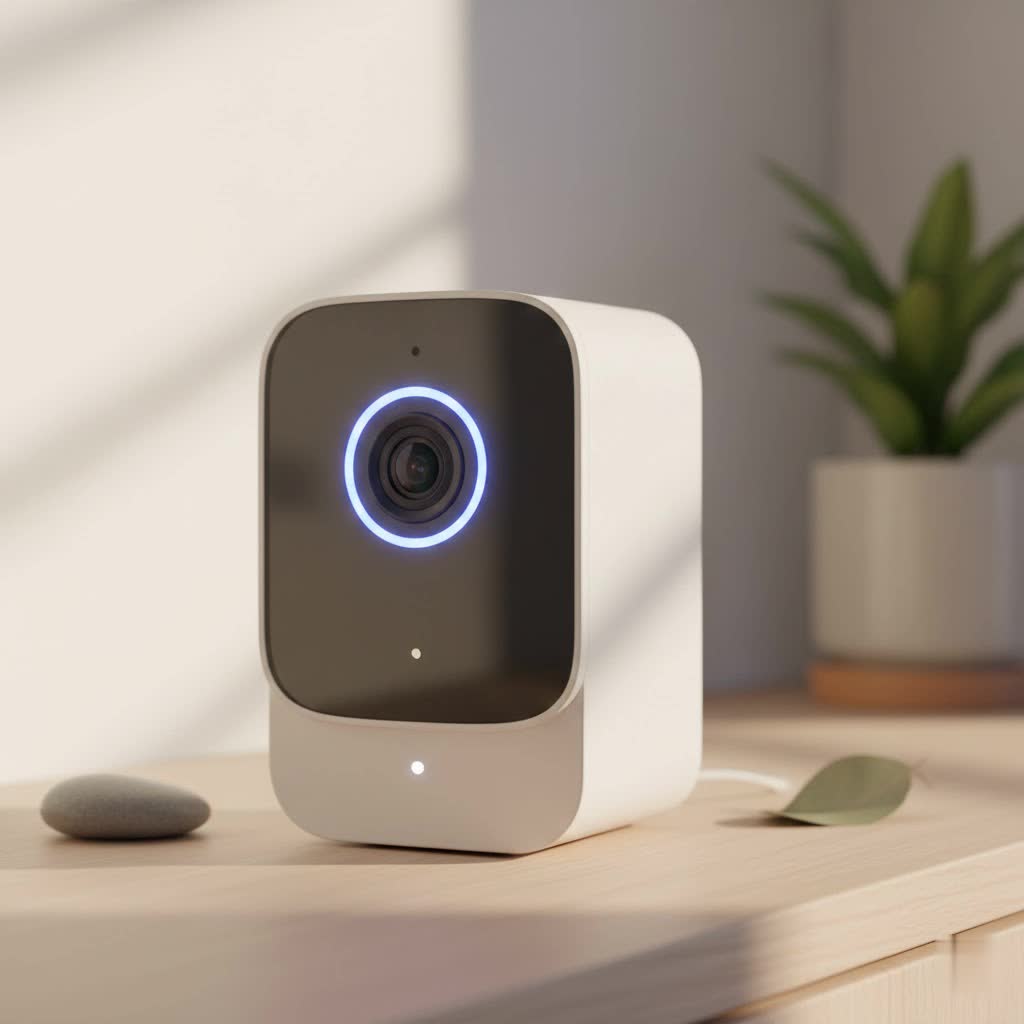
WiFi security cameras have revolutionized how we protect our properties. They offer unparalleled flexibility, easy installation, and the ability to check in on your space from anywhere in the world. But not all wireless cameras are created equal. Let’s break down exactly what you need to look for to make a confident and informed decision.
Why Choose a WiFi Security Camera?
The primary advantage of a WiFi security camera is its convenience. Unlike traditional CCTV systems that require complex wiring, these cameras connect to your existing home network, streaming video directly to your smartphone, tablet, or computer. This makes them perfect for renters, homeowners who don’t want to drill holes, or anyone looking for a straightforward setup.
Here are the key benefits:
- Easy Installation: Most WiFi cameras are plug-and-play. You simply mount the camera, connect it to power, and follow the app’s instructions to link it to your WiFi network.
- Remote Access: Keep an eye on your home, pets, or business from anywhere with an internet connection. This is invaluable for frequent travelers or business owners managing multiple locations.
- Smart Features: Modern cameras come packed with features like two-way audio, motion alerts sent directly to your phone, and integration with smart home assistants like Amazon Alexa and Google Assistant.
- Scalability: You can easily start with one camera and add more to your system over time without needing a new hub or extensive rewiring.
Key Features in the Best WiFi Security Camera
To find the right camera, you need to understand the features that matter most. It’s not about finding a camera with every possible bell and whistle; it’s about finding one with the right features for your specific needs.
Video Resolution: How Clear is the Picture?
Video resolution determines the clarity of your footage. Higher resolution means you can zoom in on details like faces or license plates without the image becoming a pixelated mess.
- 1080p (Full HD): This is the industry standard and offers a good balance between quality and bandwidth usage. For most general-purpose monitoring, 1080p is sufficient.
- 2K (1440p): A significant step up from 1080p, providing much sharper and more detailed images.
- 4K (2160p): This offers the highest level of detail available but requires a very strong WiFi connection and uses more storage space.
|
Our Picks for the Best Security Camera in 2026
As an Amazon Associate I earn from qualifying purchases.
|
||
| Num | Product | Action |
|---|---|---|
| 1 | TP-Link Tapo 1080P Indoor Security Camera for Baby Monitor, Dog Camera w/Motion Detection, 2-Way Audio Siren, Night Vision, Cloud & SD Card Storage, Works w/Alexa & Google Home (Tapo C100) |

|
| 2 | WYZE Cam Pan v3 Indoor/Outdoor IP65-Rated 1080p Pan/Tilt/Zoom Wi-Fi Smart Home Security Camera with Color Night Vision, 2-Way Audio, Compatible with Alexa & Google Assistant, White, 2-Pack |
|
| 3 | REOLINK 4K PoE Security Camera System Wired, 8pcs 8MP PoE Cameras, Smart Person/Vehicle Detection, 16CH NVR with 4TB HDD, H.265, 24/7 Recording, High Bitrate & Clear Stream, RLK16-800D8 |
|
| 4 | Kasa Smart Indoor Pan-Tilt Home Security Camera, 1080p HD Dog Camera w/Night Vision, Motion Detection for Baby & Pet Monitor, Cloud & SD Card Storage, Works w/ Alexa & Google Home, 2.4G WiFi (EC71) |
|
| 5 | WYZE Cam v4 (Latest Model), 2.5K AI Security Camera, Indoor/Outdoor Cameras for Home Security, Baby Monitor & Pet Camera, Vibrant Color Night Vision, No Subscription Required, Free Expert Help |
|
| 6 | WYZE Bulb Cam Security Camera, 2K HD Outdoor Light Bulb Camera, Color Night Vision, Dimmable LED Bulb, Motion Detection, Siren Alarm, Works w/Alexa/Google Assistant. Free Expert Support |
|
| 7 | Security Cameras Wireless Outdoor-Solar&Battery Powered 2K 2.4G Cameras for Home Security, Instant Alert, AI Human Detection, Color Night Vision, 2-Way Talk, SD Storage, Work with Alexa, Z1 4P |
|
| 8 | Tapo 2K Pan/Tilt Security Camera for Baby Monitor, Dog Camera w/Motion Detection, 2-Way Audio Siren, Night Vision, Cloud&SD Card Storage, Works w/Alexa & Google Assistant, 2-Pack (Tapo C210P2) |
|
| 9 | Tapo TP-Link 2K Pan/Tilt Indoor Security Camera for Baby Monitor, Pet Camera, Motion Detection & Tracking, 2-Way Audio, Cloud & SD Card Storage, Works w/Alexa & Google Home, Black, C211(2-Pack) |
|
| 10 | Security Cameras Wireless Outdoor,2K Indoor WiFi Wireless Cameras,Outside Battery Powered Camera for Home Security,AI Motion Detection,Color Night Vision,Spotlight,Siren Alarm,SD/Cloud Storage,2 Pack |
|
As our lead technician, Johnathan Miles, often says, “Clarity is king. A security camera is useless if you can’t make out the critical details in the footage when you need it most. Always opt for at least 1080p resolution.”
Field of View and Control
The field of view (FoV) dictates how much of an area the camera can see at once, measured in degrees. A wider FoV means you need fewer cameras to cover a large space. For monitoring a large backyard or an open-plan office, look for a camera with at least a 130-degree FoV.
Some cameras also offer Pan, Tilt, and Zoom (PTZ) capabilities. This allows you to remotely control the camera’s lens to look around the room or zoom in on specific objects, providing comprehensive coverage from a single device.
Night Vision: Seeing in the Dark
A security incident is just as likely to happen at night, so effective night vision is non-negotiable.
- Infrared (IR) Night Vision: This is the most common type. It uses IR LEDs to illuminate the area, producing a black-and-white image. It’s reliable and effective for most situations.
- Color Night Vision: More advanced cameras use ambient light sensors or small, built-in spotlights to record in full color at night. This can be crucial for identifying details like the color of clothing or a vehicle.
Power Source: Battery vs. Wired
How you power your camera affects where you can place it.
- Wired Cameras: These plug into a standard wall outlet. They provide continuous power, so you never have to worry about a dead battery. The downside is that your placement is limited by the proximity of an outlet.
- Battery-Powered Cameras: These offer maximum flexibility, allowing you to place them anywhere within your WiFi range. However, you’ll need to recharge or replace the batteries periodically, with battery life ranging from a few weeks to several months depending on usage.
Storage: Where Does Your Footage Go?
You need a place to store your video recordings so you can review them later.
- Local Storage: Many cameras have a microSD card slot. This is a one-time purchase, and you have physical control over your footage. The downside is that if a thief steals the camera, they take the evidence with them.
- Cloud Storage: This option uploads your footage to a secure server. You can access it from anywhere, and it’s safe from theft. Most brands offer this as a paid monthly subscription, which often includes access to advanced features like AI-powered person and package detection.
How to Install Your New WiFi Security Camera
Setting up your camera is usually a straightforward process. Here’s a general guide:
- Choose the Right Spot: Identify the key areas you want to monitor, such as front doors, backyards, or main living areas. For outdoor cameras, mount them high enough to be out of easy reach (around 8-10 feet).
- Test Your WiFi Signal: Before mounting, take your camera to the chosen location and use the app to check the WiFi signal strength. A weak signal will result in poor video quality and connection drops.
- Mount the Camera: Securely fasten the mounting bracket to the wall or ceiling using the included hardware.
- Connect to Power: Plug in the camera or ensure the battery is fully charged and inserted.
- Pair with the App: Download the manufacturer’s app on your smartphone and follow the on-screen prompts to create an account and connect the camera to your WiFi network.
- Configure Settings: Adjust motion detection sensitivity, set up notification preferences, and customize any other settings to fit your needs.
Frequently Asked Questions (FAQ)
How much internet data does a WiFi camera use?
This varies greatly based on resolution, frame rate, and how often it records. A camera recording in 1080p might use anywhere from 60 GB to 200 GB of data per month if recording continuously. Cameras that only record on motion will use significantly less.
Can WiFi security cameras be hacked?
Yes, like any internet-connected device, they can be vulnerable. To protect yourself, always change the default password, enable two-factor authentication (2FA), use a strong and unique password for your WiFi network, and keep your camera’s firmware updated.
Do I need a subscription for my camera?
Not always. Many cameras offer basic functionality like live streaming and motion alerts for free. However, a subscription is typically required for cloud video storage and advanced features like AI detection or setting up custom activity zones.
How far can a WiFi security camera see?
The viewing distance depends on the lens and resolution. Most cameras can provide a clear general view up to 40-50 feet. For identifying a person’s face, you’ll want them to be within 15-20 feet. Night vision range is often specified separately and typically ranges from 30 to 100 feet.
Can a WiFi camera work without an internet connection?
Most WiFi cameras require an internet connection to stream video to your phone and send alerts. However, models with local microSD card storage can often continue recording footage even if the internet goes down. You just won’t be able to view it remotely until the connection is restored.
The Final Word on Your Security
Choosing the best WiFi security camera is a crucial step in protecting what matters most. By focusing on the core features—resolution, night vision, storage, and power source—you can filter through the marketing and find a device that truly meets your security needs. Remember that a camera is just one part of a comprehensive security strategy. Use it to stay informed, deter potential intruders, and bring a new level of awareness and safety to your home or business.
