Choosing the right Wireless Home Security Camera System can feel like a daunting task, especially with so many options flooding the market. As someone who has spent over 15 years in the trenches of the security industry, I’ve seen it all, from clunky, unreliable systems to the sleek, smart technology we have today. The goal is simple: to protect your home and loved ones. The right wireless system makes this more accessible and effective than ever before, offering flexibility and advanced features without the headache of running cables through your walls. This guide will cut through the noise, giving you the practical, expert advice you need to select, install, and maintain a system that gives you true peace of mind.
How Does a Wireless Security Camera System Actually Work?
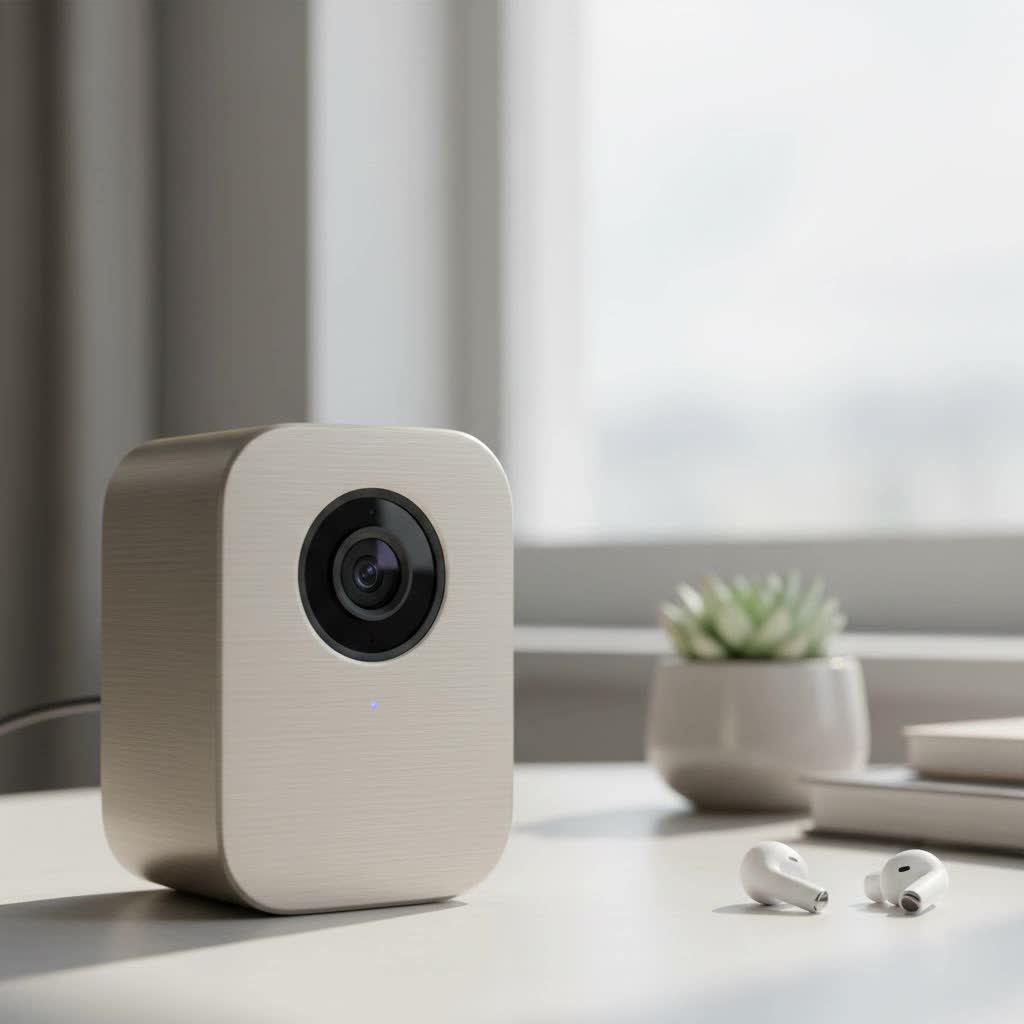
Let’s demystify the term “wireless.” When we talk about a wireless home security camera system, we’re primarily referring to how the camera transmits video footage. Instead of using a physical data cable, these cameras use your home’s Wi-Fi network to send video to a recorder or the cloud.
However, “wireless” doesn’t always mean “wire-free.” There are two main categories to understand:
- Plug-In Wireless Cameras: These cameras transmit video wirelessly over Wi-Fi but still require a power cord plugged into an electrical outlet. They are great for areas where you have a nearby power source and don’t want to worry about changing batteries.
- Wire-Free Cameras: These are truly wireless. They transmit video over Wi-Fi and are powered by rechargeable batteries. This gives you ultimate flexibility in placement, as you aren’t tethered to an outlet. Many models now offer solar panel accessories to keep the batteries charged continuously.
“The biggest point of confusion for my clients is the power source,” notes security consultant John Miller. “Understanding the difference between a camera that needs to be plugged in and one that runs on batteries is the first step to choosing a system that won’t frustrate you later.”
Key Features to Look for in Your System
Not all cameras are created equal. The best wireless home security camera system for you depends on your specific needs. Here are the critical features to consider before you make a purchase.
Video Resolution: Seeing is Believing
Video resolution determines the clarity of your footage. While older cameras offered 720p, the industry standard today is 1080p (Full HD). For even greater detail, consider 2K or 4K Ultra HD cameras.
- 1080p (Full HD): Provides clear, sharp images suitable for most homeowners. You can easily identify faces and license plates at a reasonable distance.
- 2K/4K (Super HD/Ultra HD): Offers superior clarity, allowing you to zoom in on distant objects without significant pixelation. This is ideal for monitoring large properties or areas where you need to capture fine details.
|
Our Picks for the Best Security Camera in 2026
As an Amazon Associate I earn from qualifying purchases.
|
||
| Num | Product | Action |
|---|---|---|
| 1 | Security Cameras Wireless Outdoor-Solar&Battery Powered 2K 2.4G Cameras for Home Security, Instant Alert, AI Human Detection, Color Night Vision, 2-Way Talk, SD Storage, Work with Alexa, Z1 4P |

|
| 2 | WYZE Cam v4 (Latest Model), 2.5K AI Security Camera, Indoor/Outdoor Cameras for Home Security, Baby Monitor & Pet Camera, Vibrant Color Night Vision, No Subscription Required, Free Expert Help |
|
| 3 | Security Cameras Wireless Outdoor,2K Indoor WiFi Wireless Cameras,Outside Battery Powered Camera for Home Security,AI Motion Detection,Color Night Vision,Spotlight,Siren Alarm,SD/Cloud Storage,2 Pack |
|
| 4 | WYZE Bulb Cam Security Camera, 2K HD Outdoor Light Bulb Camera, Color Night Vision, Dimmable LED Bulb, Motion Detection, Siren Alarm, Works w/Alexa/Google Assistant. Free Expert Support |
|
| 5 | TP-Link Tapo 1080P Indoor Security Camera for Baby Monitor, Dog Camera w/Motion Detection, 2-Way Audio Siren, Night Vision, Cloud & SD Card Storage, Works w/Alexa & Google Home (Tapo C100) |
|
| 6 | WYZE Cam Pan v3 Indoor/Outdoor IP65-Rated 1080p Pan/Tilt/Zoom Wi-Fi Smart Home Security Camera with Color Night Vision, 2-Way Audio, Compatible with Alexa & Google Assistant, White, 2-Pack |
|
| 7 | Tapo TP-Link 2K Pan/Tilt Indoor Security Camera for Baby Monitor, Pet Camera, Motion Detection & Tracking, 2-Way Audio, Cloud & SD Card Storage, Works w/Alexa & Google Home, Black, C211(2-Pack) |
|
| 8 | Tapo 2K Pan/Tilt Security Camera for Baby Monitor, Dog Camera w/Motion Detection, 2-Way Audio Siren, Night Vision, Cloud&SD Card Storage, Works w/Alexa & Google Assistant, 2-Pack (Tapo C210P2) |
|
| 9 | REOLINK 4K PoE Security Camera System Wired, 8pcs 8MP PoE Cameras, Smart Person/Vehicle Detection, 16CH NVR with 4TB HDD, H.265, 24/7 Recording, High Bitrate & Clear Stream, RLK16-800D8 |
|
| 10 | Kasa Smart Indoor Pan-Tilt Home Security Camera, 1080p HD Dog Camera w/Night Vision, Motion Detection for Baby & Pet Monitor, Cloud & SD Card Storage, Works w/ Alexa & Google Home, 2.4G WiFi (EC71) |
|
Pro Tip: Higher resolution requires more Wi-Fi bandwidth and storage space. Ensure your network can handle the load before investing in a 4K system.
Night Vision: Your Eyes in the Dark
Security threats don’t stop when the sun goes down. Modern night vision technology is incredibly effective and comes in two primary forms:
- Infrared (IR) Night Vision: This is the classic black-and-white night vision. It uses IR LEDs to illuminate the area, which is invisible to the human eye but allows the camera to see clearly in complete darkness.
- Color Night Vision: A more advanced feature that uses ambient light and powerful sensors to produce full-color video at night. Some models use a small, built-in spotlight that activates with motion to provide light for color recording.
Field of View
The field of view, measured in degrees, dictates how wide of an area a single camera can cover. A wider field of view means you need fewer cameras to monitor a large space like a backyard or an open-plan living area. Most high-quality cameras offer a field of view between 110 and 160 degrees.
Motion Detection and Alerts
This is where your camera system becomes a proactive security tool. Instead of you having to watch a live feed 24/7, the camera’s sensors detect movement and send an alert directly to your smartphone. Look for systems with advanced features like:
- Customizable Motion Zones: You can select specific areas within the camera’s view to monitor for motion, preventing false alarms from things like trees swaying in the wind or cars driving by on the street.
- AI Detection: Smart systems can differentiate between people, animals, vehicles, and even packages. This drastically reduces unwanted notifications.
Video Storage: Cloud vs. Local
You need a place to store your video footage. Your two main options are cloud storage and local storage.
| Feature | Cloud Storage | Local Storage (SD Card/NVR) |
|---|---|---|
| Accessibility | Access footage from anywhere with an internet connection. | Requires physical access to the storage device. |
| Security | Footage is safe even if the camera is stolen or damaged. | A thief could potentially steal the camera and the footage. |
| Cost | Typically requires a monthly subscription fee. | Usually a one-time cost for the storage media. |
| Convenience | Easy to share clips and manage footage via an app. | Can be more cumbersome to review and export footage. |
Many systems offer both options, giving you the best of both worlds—a local backup with the convenience of cloud access.
How to Install Your Wireless Security Camera System
One of the biggest advantages of a wireless home security camera system is the ease of DIY installation. Here’s a simple step-by-step guide:
- Plan Your Camera Placement: Walk around your property and identify key entry points and vulnerable areas. Common locations include the front door, back door, garage, and first-floor windows.
- Charge Your Cameras: If you have a wire-free system, fully charge the batteries before you begin the installation.
- Set Up the App: Download the manufacturer’s app on your smartphone and create an account. Follow the in-app instructions to connect the cameras to your Wi-Fi network. Do this inside your home, close to your router, before mounting them.
- Test the Wi-Fi Signal: Take the camera to its intended mounting location and check the live feed in the app. Ensure you have a strong, stable Wi-Fi signal. If the signal is weak, you may need a Wi-Fi extender.
- Mount the Cameras: Use the included mounting hardware to securely install the cameras. Aim for a high vantage point, about 8-10 feet off the ground, to get a good overview and protect the camera from tampering.
- Adjust and Configure: Once mounted, use the live view in the app to adjust the camera angle. Then, configure your motion detection zones, notification preferences, and recording schedules.
Frequently Asked Questions (FAQ)
How long do the batteries last on wire-free security cameras?
Battery life varies significantly based on usage, settings, and weather. On average, you can expect batteries to last anywhere from 2 to 6 months on a single charge. High-traffic areas and frequent live streaming will drain the battery faster.
Can a wireless home security camera system work without the internet?
While the cameras can still detect motion and record to local storage (like an SD card) without an internet connection, you will lose key functionality. You won’t be able to view the live feed remotely, receive motion alerts on your phone, or back up footage to the cloud.
Can wireless security cameras be hacked?
Any device connected to the internet carries a risk of being hacked. To protect your system, use a strong, unique password for your account, enable two-factor authentication (2FA), keep your camera’s firmware updated, and ensure your home Wi-Fi network is secured with WPA2 or WPA3 encryption.
Do I need a subscription for my wireless camera system?
It depends on the brand. Some systems offer free basic features, such as live streaming and motion alerts, but require a subscription for premium features like cloud storage, advanced AI detection, and extended video history.
What is the main difference between wireless and wire-free cameras?
A “wireless” camera transmits its video signal over Wi-Fi but still needs to be plugged into a power outlet. A “wire-free” camera is 100% free of cables—it transmits video wirelessly and runs on rechargeable batteries.
Taking the Next Step in Home Security
Investing in a wireless home security camera system is one of the most effective steps you can take to protect your property and gain invaluable peace of mind. By focusing on essential features like video resolution, night vision, and smart motion detection, you can build a system tailored to your home’s unique needs. Whether you choose a simple one-camera setup or a comprehensive multi-camera system, the flexibility and power of modern wireless technology put you in complete control of your home’s security. Now it’s time to take that knowledge and find the perfect system to watch over what matters most.
