The heart of any effective surveillance system isn’t just the cameras themselves; it’s the device that diligently records, stores, and manages all that video footage. A Security Camera Recorder is the central brain of your setup, and choosing the right one is crucial for reliability, quality, and ease of use. Without a capable recorder, your high-resolution cameras are merely live-streaming devices with no memory.
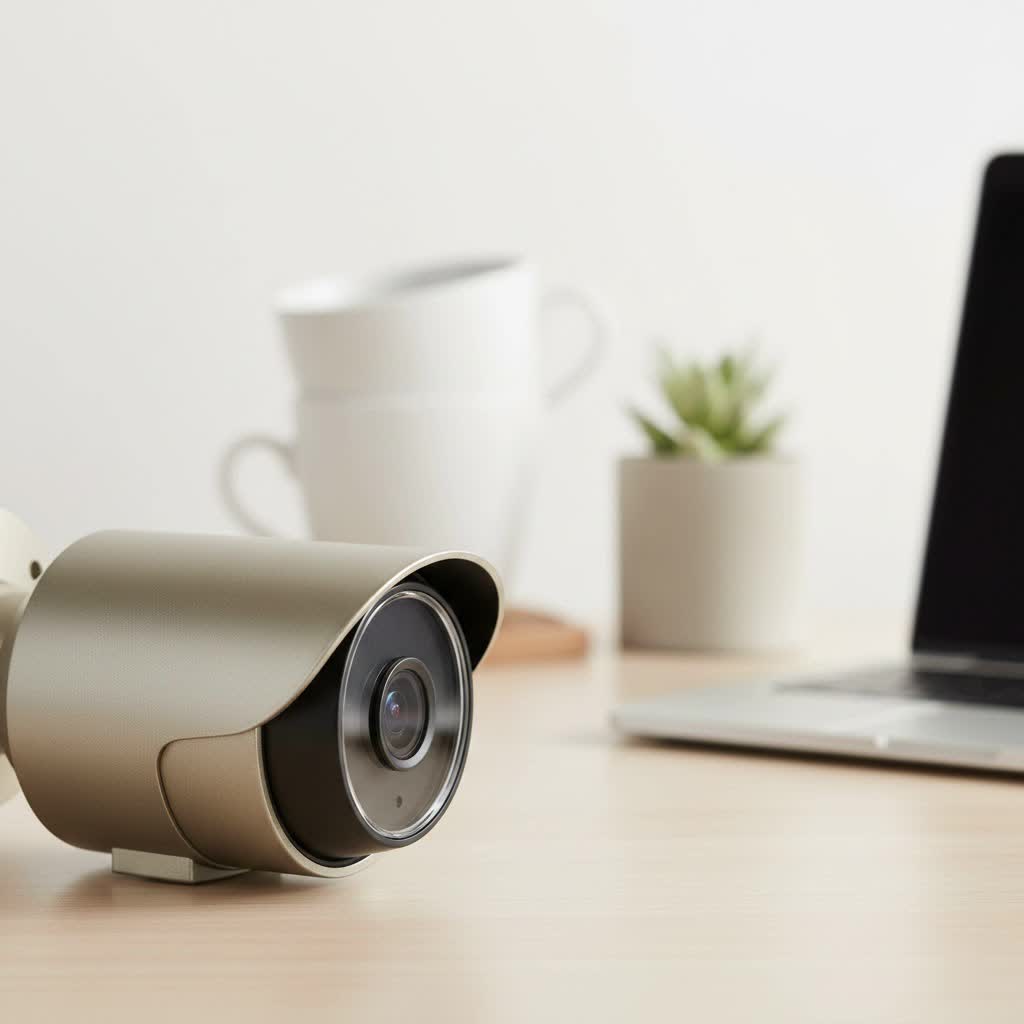
As a security professional with over 15 years in the field, I’ve seen firsthand how the right recorder can make or break a system. This guide will walk you through everything you need to know, from the fundamental types to the critical features that matter most, ensuring you make an informed decision for your home or business.
What Exactly is a Security Camera Recorder?
A security camera recorder is a device that captures video from your surveillance cameras and saves it onto a hard drive. It allows you to view live footage, play back recordings, and manage your cameras from a single interface. Think of it as the DVR for your television, but built specifically for the demanding, 24/7 nature of security surveillance. Its primary jobs are to consolidate video feeds, store them for a set period, and provide an interface for you to access them, either locally on a monitor or remotely via the internet.
The Main Types: NVR vs. DVR
The first major decision you’ll face is choosing between a Network Video Recorder (NVR) and a Digital Video Recorder (DVR). Your choice primarily depends on the type of cameras you plan to use.
What is a DVR (Digital Video Recorder)?
A DVR system is the more traditional of the two. It’s designed to work with analog cameras, which transmit video signals over a coaxial cable (the same type used for older cable TV). The DVR receives this analog signal, processes it, and then compresses it for storage on a hard drive.
- How it Works: Each analog camera is connected directly to the DVR unit via a BNC coaxial cable. The DVR handles all the video encoding and recording.
- Pros:
- Cost-Effective: DVRs and analog cameras are generally less expensive, making them a popular choice for budget-conscious buyers.
- Simple Setup: The plug-and-play nature of coaxial cables can be straightforward for basic installations.
- Cons:
- Lower Resolution: Analog camera technology has resolution limitations compared to modern IP cameras.
- Cabling: Coaxial cables are thicker and less flexible than Ethernet cables. Each camera also requires a separate power cable, leading to more wiring.
|
Our Picks for the Best Security Camera in 2026
As an Amazon Associate I earn from qualifying purchases.
|
||
| Num | Product | Action |
|---|---|---|
| 1 | TP-Link Tapo 1080P Indoor Security Camera for Baby Monitor, Dog Camera w/Motion Detection, 2-Way Audio Siren, Night Vision, Cloud & SD Card Storage, Works w/Alexa & Google Home (Tapo C100) |

|
| 2 | Tapo TP-Link 2K Pan/Tilt Indoor Security Camera for Baby Monitor, Pet Camera, Motion Detection & Tracking, 2-Way Audio, Cloud & SD Card Storage, Works w/Alexa & Google Home, Black, C211(2-Pack) |
|
| 3 | Kasa Smart Indoor Pan-Tilt Home Security Camera, 1080p HD Dog Camera w/Night Vision, Motion Detection for Baby & Pet Monitor, Cloud & SD Card Storage, Works w/ Alexa & Google Home, 2.4G WiFi (EC71) |
|
| 4 | Security Cameras Wireless Outdoor-Solar&Battery Powered 2K 2.4G Cameras for Home Security, Instant Alert, AI Human Detection, Color Night Vision, 2-Way Talk, SD Storage, Work with Alexa, Z1 4P |
|
| 5 | WYZE Cam Pan v3 Indoor/Outdoor IP65-Rated 1080p Pan/Tilt/Zoom Wi-Fi Smart Home Security Camera with Color Night Vision, 2-Way Audio, Compatible with Alexa & Google Assistant, White, 2-Pack |
|
| 6 | Security Cameras Wireless Outdoor,2K Indoor WiFi Wireless Cameras,Outside Battery Powered Camera for Home Security,AI Motion Detection,Color Night Vision,Spotlight,Siren Alarm,SD/Cloud Storage,2 Pack |
|
| 7 | WYZE Cam v4 (Latest Model), 2.5K AI Security Camera, Indoor/Outdoor Cameras for Home Security, Baby Monitor & Pet Camera, Vibrant Color Night Vision, No Subscription Required, Free Expert Help |
|
| 8 | Tapo 2K Pan/Tilt Security Camera for Baby Monitor, Dog Camera w/Motion Detection, 2-Way Audio Siren, Night Vision, Cloud&SD Card Storage, Works w/Alexa & Google Assistant, 2-Pack (Tapo C210P2) |
|
| 9 | WYZE Bulb Cam Security Camera, 2K HD Outdoor Light Bulb Camera, Color Night Vision, Dimmable LED Bulb, Motion Detection, Siren Alarm, Works w/Alexa/Google Assistant. Free Expert Support |
|
| 10 | REOLINK 4K PoE Security Camera System Wired, 8pcs 8MP PoE Cameras, Smart Person/Vehicle Detection, 16CH NVR with 4TB HDD, H.265, 24/7 Recording, High Bitrate & Clear Stream, RLK16-800D8 |
|
What is an NVR (Network Video Recorder)?
An NVR system works with modern IP (Internet Protocol) cameras. These cameras are essentially mini-computers that capture, encode, and process video right on the device itself. The video is then transmitted over a network to the NVR for storage and remote viewing.
- How it Works: IP cameras connect to the same network as the NVR, typically using Ethernet cables. The NVR simply receives the already-encoded digital video stream and records it.
- Pros:
- Superior Image Quality: NVRs support high-resolution IP cameras, offering much sharper and more detailed video.
- Flexible Installation: Cameras don’t need to be physically connected to the recorder. As long as they are on the same network, the NVR can record them.
- PoE (Power over Ethernet): Many NVRs feature PoE ports, which allow a single Ethernet cable to transmit both data and power to the camera, dramatically simplifying wiring.
- Cons:
- Higher Cost: NVR systems and IP cameras typically have a higher upfront cost.
- Network Dependent: Performance can be affected by the quality and traffic on your local network.
“I often tell my clients to think about the cabling first,” advises security systems integrator James Ashford. “If you’re upgrading an old system with existing coaxial wires, a DVR might be a practical choice. But for any new installation, the superior quality and flexibility of an NVR with IP cameras is almost always the better long-term investment.”
DVR vs. NVR: A Quick Comparison
| Feature | DVR (Digital Video Recorder) | NVR (Network Video Recorder) |
|---|---|---|
| Camera Type | Analog Cameras | IP (Network) Cameras |
| Cabling | Coaxial Cable + Power Cable | Ethernet Cable (often with PoE) |
| Resolution | Lower (Standard to 1080p) | Higher (1080p, 4K, and above) |
| Installation | Cameras must connect directly to DVR | Cameras connect anywhere on the network |
| Flexibility | Limited | High |
| Cost | Generally Lower | Generally Higher |
How to Choose the Right Security Camera Recorder
Once you’ve decided between an NVR and a DVR, it’s time to dig into the specs. Here are the key factors to consider.
1. Camera Compatibility and Type
This is the most critical step. If you choose an NVR, you must use IP cameras. If you choose a DVR, you must use analog cameras. Some “Hybrid” DVRs (HVRs or XVRs) can accept both analog and a limited number of IP cameras, offering a potential upgrade path. Always check the recorder’s specifications to ensure it supports the cameras you intend to use.
2. Number of Channels
A channel corresponds to a single camera. A 4-channel recorder can support up to four cameras, an 8-channel recorder supports eight, and so on. It’s wise to choose a recorder with more channels than you currently need. This allows for future expansion without having to replace the entire unit. A 16-channel NVR is a common and versatile choice for many homes and small businesses.
3. Storage Capacity (HDD)
The recorder stores footage on an internal hard disk drive (HDD). The amount of storage you need depends on:
- The number of cameras
- The resolution of the cameras
- The frame rate (frames per second, or fps)
- Whether you are recording continuously or only on motion detection
Most recorders come with a pre-installed surveillance-grade HDD, typically ranging from 1TB to 8TB or more. Surveillance drives are built for 24/7 writing operations, making them more reliable than standard desktop PC drives. Look for recorders that allow you to add or upgrade the hard drive yourself.
4. Resolution and Frame Rate Support
Your security camera recorder must be able to handle the resolution and frame rate your cameras produce. It’s pointless to buy 4K cameras if your recorder can only handle 1080p. Check the recorder’s maximum supported resolution (e.g., 8MP for 4K) and ensure it can record at a smooth frame rate (15-30 fps) at your desired resolution across all channels.
5. Compression Technology (H.264, H.265)
Video compression shrinks video file sizes to save storage space. H.265 (also known as HEVC) is the modern standard, offering about 50% more efficiency than its predecessor, H.264. This means you can store twice as much footage on the same hard drive. Always opt for a recorder that supports H.265 compression to maximize your storage.
6. Remote Access and Mobile Apps
One of the greatest benefits of modern surveillance is the ability to check in on your property from anywhere. Nearly all recorders offer remote access via a smartphone app, web browser, or desktop software. Before buying, research the quality of the manufacturer’s app. Is it user-friendly? Is it reliable? Does it support push notifications for motion alerts? A clunky, unreliable app can ruin the user experience.
7. Advanced Features: AI and Smart Detection
Modern NVRs are increasingly equipped with AI-powered analytics. Instead of basic motion detection that can be triggered by falling leaves or shadows, smart detection can differentiate between people, vehicles, and other objects. This results in far more accurate and meaningful alerts. If you want to avoid false alarms, investing in a recorder with AI capabilities is highly recommended.
Frequently Asked Questions (FAQ)
How much storage do I need for my security camera recorder?
This varies greatly, but a general rule of thumb for a system with four 1080p cameras recording 24/7 is that a 1TB hard drive will store approximately one to two weeks of footage. Using motion-only recording and H.265 compression will significantly extend this.
What is PoE on an NVR?
PoE stands for Power over Ethernet. It is a feature on NVRs that allows a single Ethernet cable to provide both the network connection and electrical power to an IP camera. This eliminates the need for a separate power outlet near the camera, simplifying installation significantly.
Do security camera recorders need an internet connection?
No, a recorder and its connected cameras can operate as a closed circuit without any internet connection. You will be able to record and view footage on a locally connected monitor. However, an internet connection is required for remote viewing on your phone or computer and for receiving firmware updates.
How long do security camera recorders last?
A quality security camera recorder should last for 5 to 10 years. The component most likely to fail is the hard drive, as it is constantly in use. Using a surveillance-grade hard drive is crucial for longevity, and it should be considered a replaceable component after 3-5 years of continuous use.
The Final Word
Choosing the right security camera recorder is a foundational step in building a reliable surveillance system. By understanding the difference between an NVR and a DVR and carefully evaluating key features like channels, storage, resolution support, and remote access, you can select a unit that not only meets your current needs but also provides room to grow. This central device is a long-term investment in your peace of mind, so take the time to choose wisely.
