In a world filled with smart devices, wireless technology is king. We’ve all grown accustomed to the convenience of Wi-Fi for everything from our laptops to our doorbells. But when it comes to home security, a different wireless player has entered the field: the Bluetooth Security Camera. While not as common as its Wi-Fi counterpart, this technology offers a unique set of features perfect for specific situations. If you’ve ever wondered how they work and if one might be right for you, you’ve come to the right place.
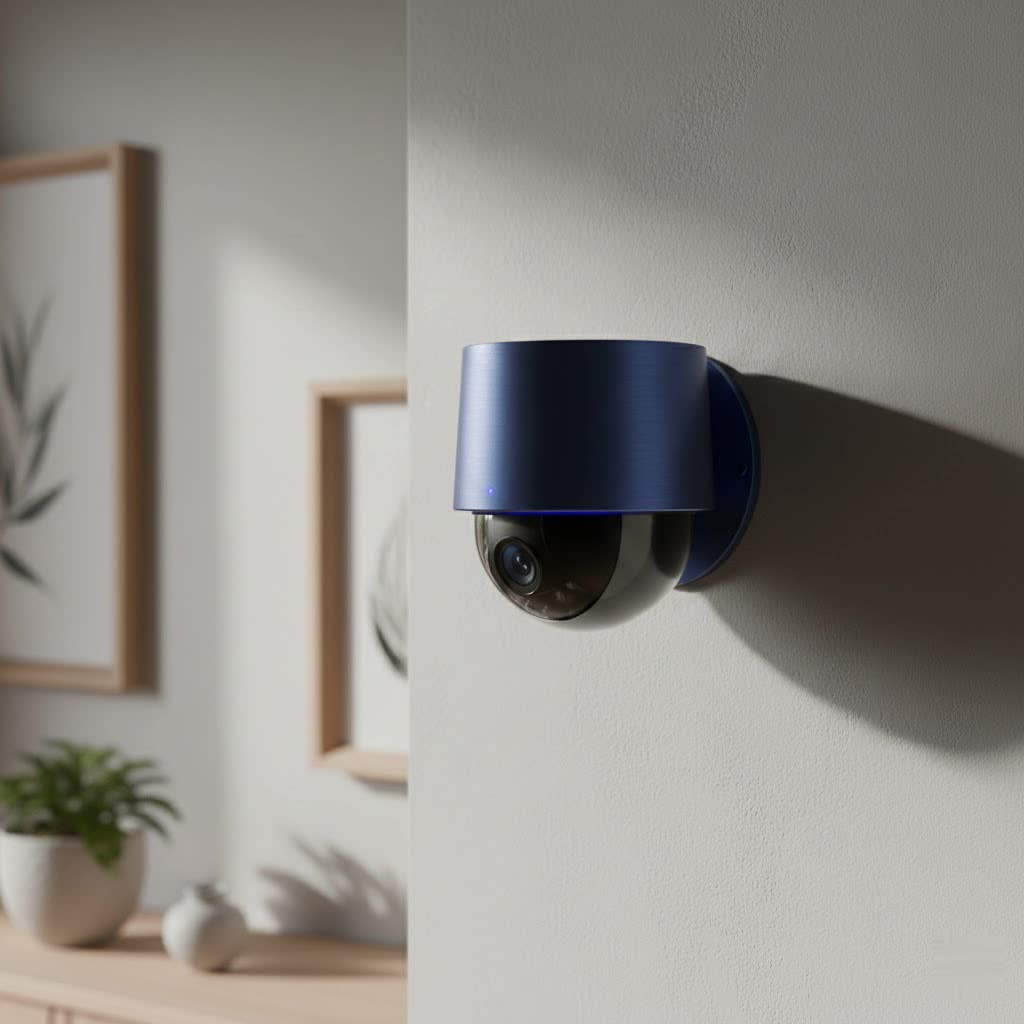
As a security professional with over 15 years of hands-on experience, I’ve seen technologies come and go. Bluetooth cameras have carved out a fascinating niche by solving problems that other cameras can’t. Let’s dive into what makes them tick, where they excel, and—just as importantly—where they fall short.
How Do Bluetooth Security Cameras Actually Work?
The first thing to understand is that a bluetooth security camera operates differently from a standard Wi-Fi camera. Instead of connecting to your home’s router to access the internet, it creates a direct, one-to-one connection with another Bluetooth-enabled device, usually your smartphone.
Think of it like this:
- Wi-Fi is like the internet: It connects your camera to a massive network, allowing you to access it from anywhere in the world.
- Bluetooth is like a direct phone call: It creates a secure, short-range link just between the camera and your phone.
This connection typically uses Bluetooth Low Energy (BLE) for the initial setup and pairing process to conserve power. When you want to view the live feed or access recordings, it switches to a more standard Bluetooth connection to handle the larger data stream. The key takeaway is that its operation is confined to a limited physical area around the camera itself.
Key Differences: Bluetooth vs. Wi-Fi Security Cameras
Choosing between Bluetooth and Wi-Fi isn’t about which is “better” overall, but which is better for a specific job. Their core differences lie in range, power, and connectivity.
| Feature | Bluetooth Security Camera | Wi-Fi Security Camera |
|---|---|---|
| Range | Short (typically 30-300 feet) | Long (as far as your Wi-Fi signal reaches) |
| Connectivity | Direct device-to-device | Connects to router for internet access |
| Remote Access | Not possible without a Wi-Fi bridge or hub | Standard feature; view from anywhere |
| Power Consumption | Very low, ideal for battery power | Higher, though many are still battery-powered |
| Setup | Extremely simple, direct pairing | Simple, but requires Wi-Fi network credentials |
| Bandwidth | Lower, can limit video resolution/framerate | Higher, supports 4K streaming |
“Many consumers are surprised to learn that most ‘Bluetooth’ cameras primarily use Bluetooth for setup, not for constant streaming,” notes security systems analyst Johnathan Carter. “It’s a brilliant way to make installation user-friendly, but for remote viewing, Wi-Fi is almost always involved in the background via a hub.”
When Should You Choose a Bluetooth Security Camera?
Given their limitations, why would anyone choose a bluetooth security camera? The answer lies in their unique advantages for specific use cases.
For Completely Off-Grid and Wi-Fi-Free Zones
|
Our Picks for the Best Security Camera in 2026
As an Amazon Associate I earn from qualifying purchases.
|
||
| Num | Product | Action |
|---|---|---|
| 1 | WYZE Cam Pan v3 Indoor/Outdoor IP65-Rated 1080p Pan/Tilt/Zoom Wi-Fi Smart Home Security Camera with Color Night Vision, 2-Way Audio, Compatible with Alexa & Google Assistant, White, 2-Pack |

|
| 2 | Security Cameras Wireless Outdoor,2K Indoor WiFi Wireless Cameras,Outside Battery Powered Camera for Home Security,AI Motion Detection,Color Night Vision,Spotlight,Siren Alarm,SD/Cloud Storage,2 Pack |
|
| 3 | REOLINK 4K PoE Security Camera System Wired, 8pcs 8MP PoE Cameras, Smart Person/Vehicle Detection, 16CH NVR with 4TB HDD, H.265, 24/7 Recording, High Bitrate & Clear Stream, RLK16-800D8 |
|
| 4 | Tapo TP-Link 2K Pan/Tilt Indoor Security Camera for Baby Monitor, Pet Camera, Motion Detection & Tracking, 2-Way Audio, Cloud & SD Card Storage, Works w/Alexa & Google Home, Black, C211(2-Pack) |
|
| 5 | Kasa Smart Indoor Pan-Tilt Home Security Camera, 1080p HD Dog Camera w/Night Vision, Motion Detection for Baby & Pet Monitor, Cloud & SD Card Storage, Works w/ Alexa & Google Home, 2.4G WiFi (EC71) |
|
| 6 | WYZE Cam v4 (Latest Model), 2.5K AI Security Camera, Indoor/Outdoor Cameras for Home Security, Baby Monitor & Pet Camera, Vibrant Color Night Vision, No Subscription Required, Free Expert Help |
|
| 7 | WYZE Bulb Cam Security Camera, 2K HD Outdoor Light Bulb Camera, Color Night Vision, Dimmable LED Bulb, Motion Detection, Siren Alarm, Works w/Alexa/Google Assistant. Free Expert Support |
|
| 8 | Security Cameras Wireless Outdoor-Solar&Battery Powered 2K 2.4G Cameras for Home Security, Instant Alert, AI Human Detection, Color Night Vision, 2-Way Talk, SD Storage, Work with Alexa, Z1 4P |
|
| 9 | Tapo 2K Pan/Tilt Security Camera for Baby Monitor, Dog Camera w/Motion Detection, 2-Way Audio Siren, Night Vision, Cloud&SD Card Storage, Works w/Alexa & Google Assistant, 2-Pack (Tapo C210P2) |
|
| 10 | TP-Link Tapo 1080P Indoor Security Camera for Baby Monitor, Dog Camera w/Motion Detection, 2-Way Audio Siren, Night Vision, Cloud & SD Card Storage, Works w/Alexa & Google Home (Tapo C100) |
|
This is where Bluetooth cameras truly shine. If you need to monitor a shed, a detached garage, or a campsite where there is no Wi-Fi signal, a Bluetooth camera is a perfect solution. You can check in on things as long as you are within Bluetooth range.
As a Temporary or Travel Security Solution
Renting a vacation home or staying in a hotel? A small, battery-powered Bluetooth camera can be set up in minutes to watch over your valuables or your front door without needing to connect to an unfamiliar network.
For Ultimate Power Efficiency
Because they don’t have to constantly maintain a Wi-Fi connection, Bluetooth cameras are incredibly power-efficient. This makes them ideal for long-term, low-traffic monitoring on a single battery charge, such as watching a rarely used gate or a storage unit.
For Ultra-Simple, Non-Technical Setups
The direct pairing process is often simpler than entering Wi-Fi passwords. This makes it a great choice for users who want a straightforward, no-fuss camera for short-range monitoring, like keeping an eye on a pet in the next room.
What to Look for When Buying
If you’ve decided a bluetooth security camera fits your needs, here are the key features to evaluate before making a purchase.
1. Effective Range
This is the most critical factor. Manufacturers will list a maximum range, but this is always in ideal, open-air conditions. Walls, doors, and other electronic devices will reduce this significantly. Look for real-world reviews to get an honest assessment of a camera’s usable range.
2. Battery Life
Since most Bluetooth cameras are battery-powered, longevity is crucial. Look for models that specify battery life in months, not days. Also, check if the batteries are rechargeable or need to be replaced.
3. Hybrid Functionality (Bluetooth + Wi-Fi)
Many modern “Bluetooth” cameras are actually hybrid devices. They use Bluetooth for easy setup but connect to a Wi-Fi bridge or hub for remote access. This gives you the best of both worlds: simple installation and the ability to check your camera from anywhere.
4. Video Quality and Storage
While you may not get 4K streaming over Bluetooth, aim for at least 1080p HD resolution for a clear image. Also, consider storage. Most Bluetooth cameras rely on a local microSD card to store footage, which is more secure and avoids cloud subscription fees.
The Limitations You MUST Know About
To avoid frustration, it’s essential to understand the inherent drawbacks of relying solely on Bluetooth.
- No Remote Viewing: A pure Bluetooth camera cannot be accessed over the internet. If you are at work, you cannot check your camera at home unless it’s a hybrid model connected to a Wi-Fi hub.
- Limited Range: The signal is easily blocked by walls and is not designed for whole-home coverage. It’s for single-room or close-proximity monitoring only.
- Slower Data Transfer: Streaming high-quality video can be a challenge for Bluetooth, which may result in a laggy or lower-resolution feed compared to Wi-Fi.
Frequently Asked Questions (FAQ)
Can I view my Bluetooth camera from anywhere?
No, not with a pure Bluetooth camera. You must be within the physical Bluetooth range (e.g., inside or near your house) to connect. For anywhere-access, you need a hybrid camera that uses a Wi-Fi bridge.
Do Bluetooth cameras need Wi-Fi to work?
A true bluetooth security camera does not need Wi-Fi to function for local, short-range viewing. However, many models require a Wi-Fi connection for initial app setup or for enabling remote viewing features through a hub.
Are Bluetooth security cameras secure?
Generally, yes. The direct, short-range connection can be more secure than a Wi-Fi network because it isn’t broadcast widely and is not connected to the internet, which is the primary avenue for hacking attempts.
How far can a Bluetooth camera transmit a signal?
The official range for the latest Bluetooth versions can be up to a few hundred feet in perfect conditions. Realistically, in a home with walls and other interference, you should expect a reliable range of 30 to 60 feet.
Is a Bluetooth Security Camera the Right Choice for You?
A bluetooth security camera is a specialized tool, not a one-size-fits-all solution. It excels in simplicity, power efficiency, and off-grid functionality. It’s the perfect choice for temporary setups, monitoring areas without Wi-Fi, or for anyone who wants a simple, localized camera without the complexity of network configurations.
However, if your primary goal is to monitor your home remotely while you’re away, a traditional Wi-Fi security camera remains the superior choice. By understanding the unique strengths and weaknesses of Bluetooth technology, you can make an informed decision and choose the perfect camera to secure your space effectively.
